Build planning
The desktop compatibility check before you buy
Build an evidence trail for the exact CPU, motherboard, memory, storage and case on your list. A practical US buying worksheet, with clearly labeled examples.
Read the guideBuild an evidence trail for the exact CPU, motherboard, memory, storage and case on your list. A practical US buying worksheet, with clearly labeled examples.
Read the guide
Compare an exact prebuilt configuration, not just its family name. A Dell EBT2250 documentation example and a practical worksheet for US desktop buyers.
Read the guide
Set a complete US desktop budget, calculate checkout headroom and compare an assembled system with a component list without inventing retail prices.
Read the guide
Understand the three separate platform checks, document a supported BIOS path and avoid buying a CPU based on socket name alone.
Read the guide
Find the correct support table, interpret the minimum BIOS entry and retain evidence for an exact desktop CPU purchase.
Read the guide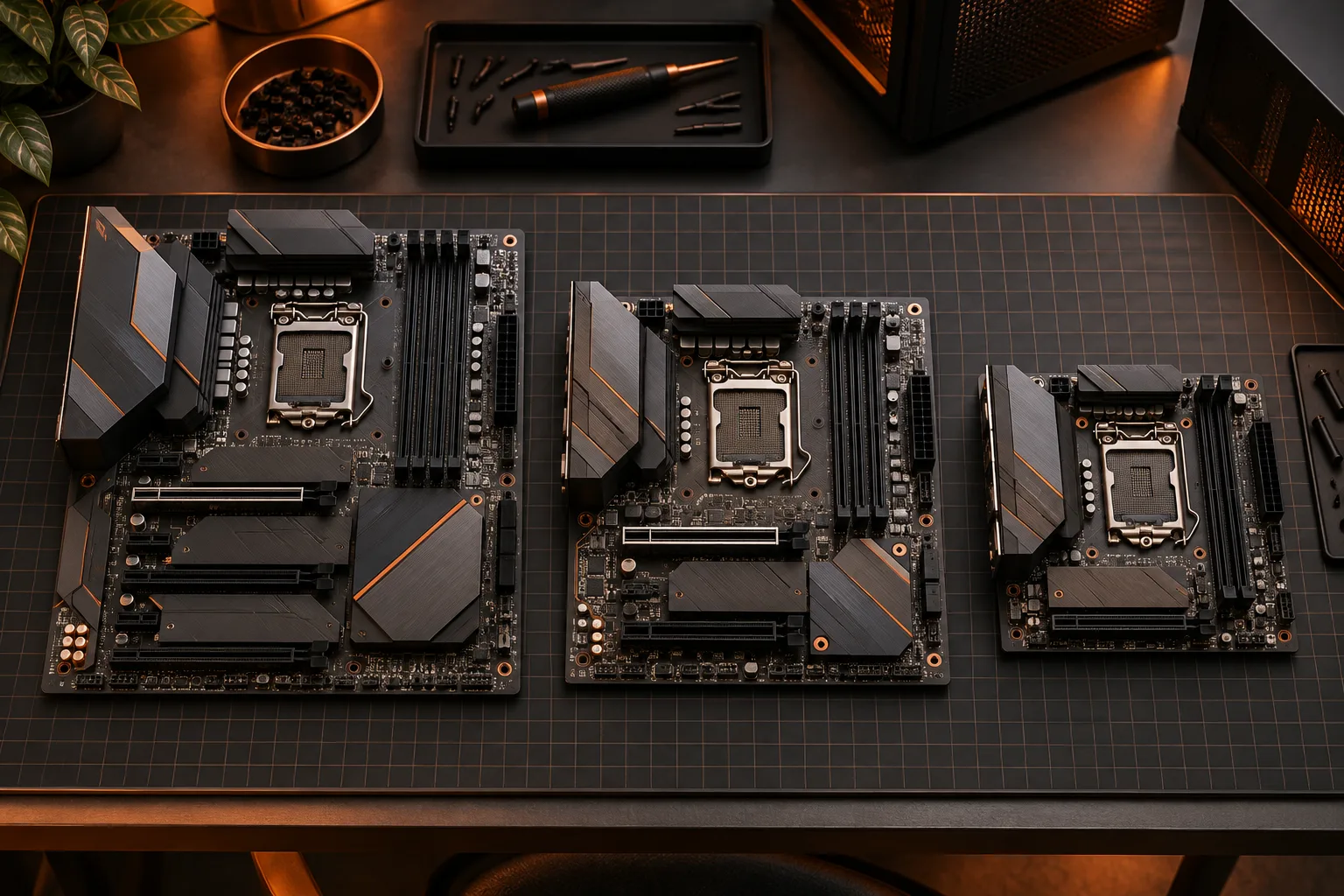
Check motherboard format, mounting, expansion-card overlap and connector access before choosing a desktop case.
Read the guide
Choose the memory generation supported by the exact motherboard, and compare a platform change without treating DDR4 and DDR5 as interchangeable.
Read the guide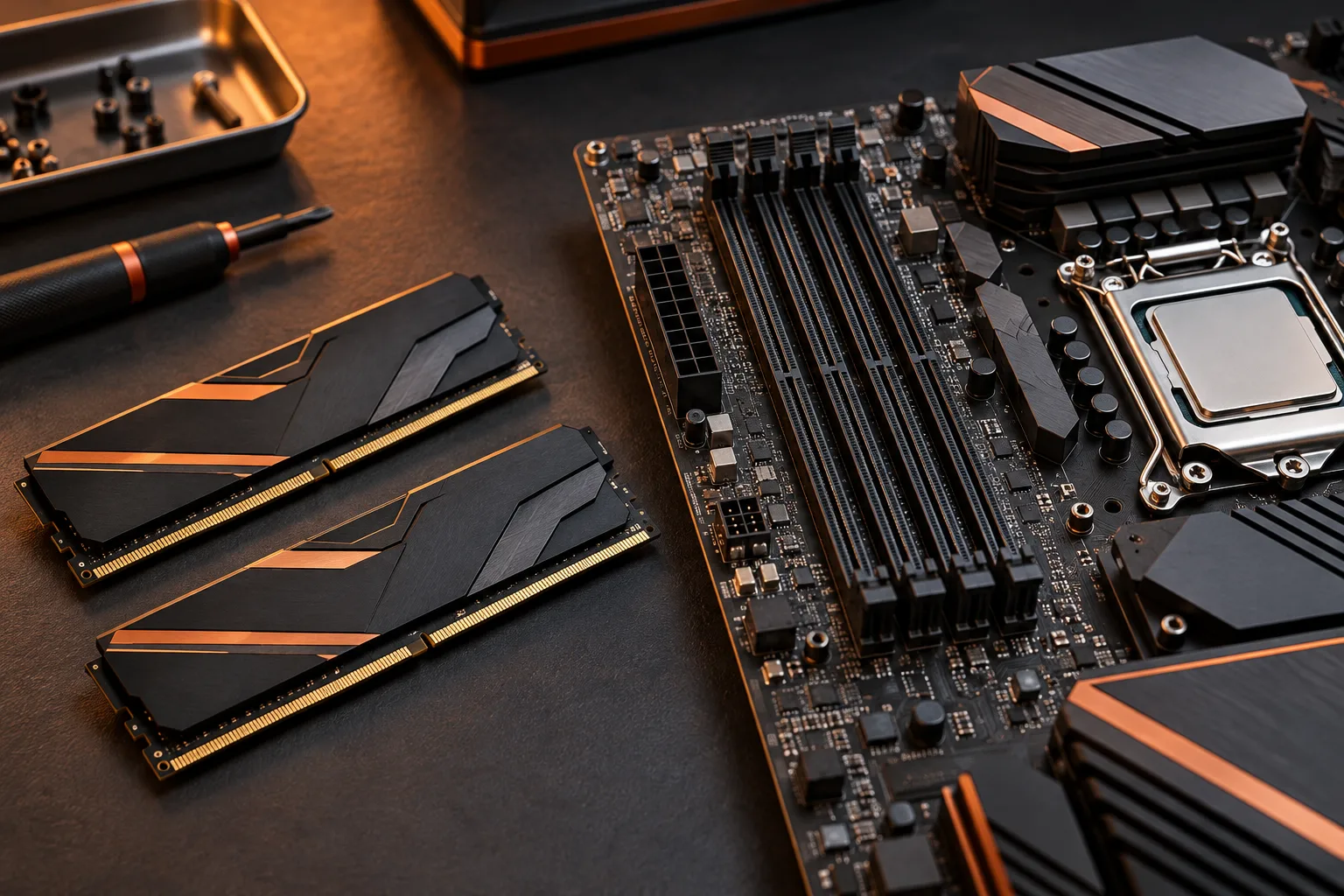
Calculate total memory and occupied slots, distinguish module types and plan a complete validated kit without assuming that spare slots guarantee an upgrade.
Read the guide
Read a memory qualified-vendor list against the full kit code, installed-module count and platform conditions without mistaking a near match for validation.
Read the guide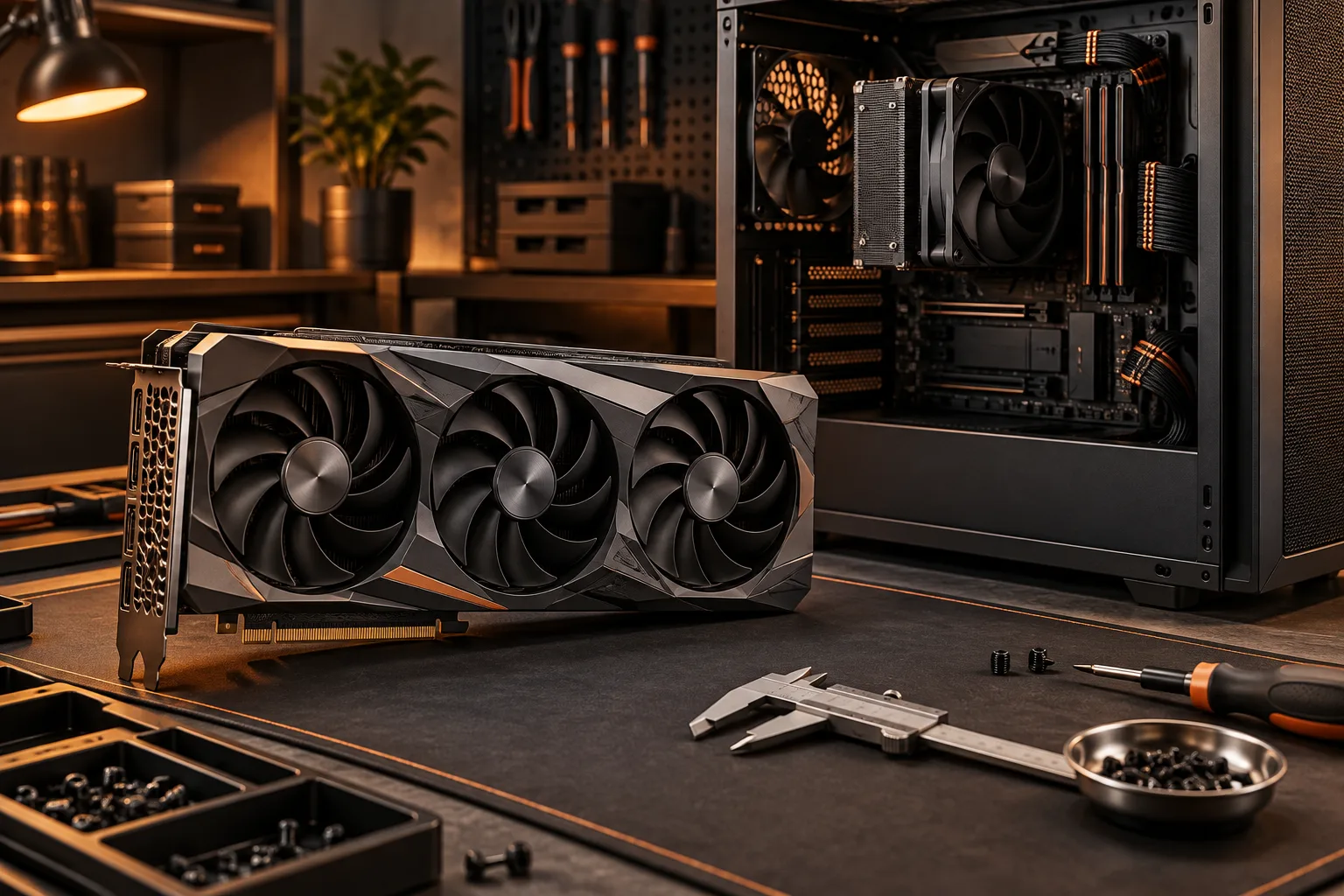
Compare exact card dimensions with the configured case, including radiator space, occupied slots and cable access. Includes a real MSI dimension example.
Read the guide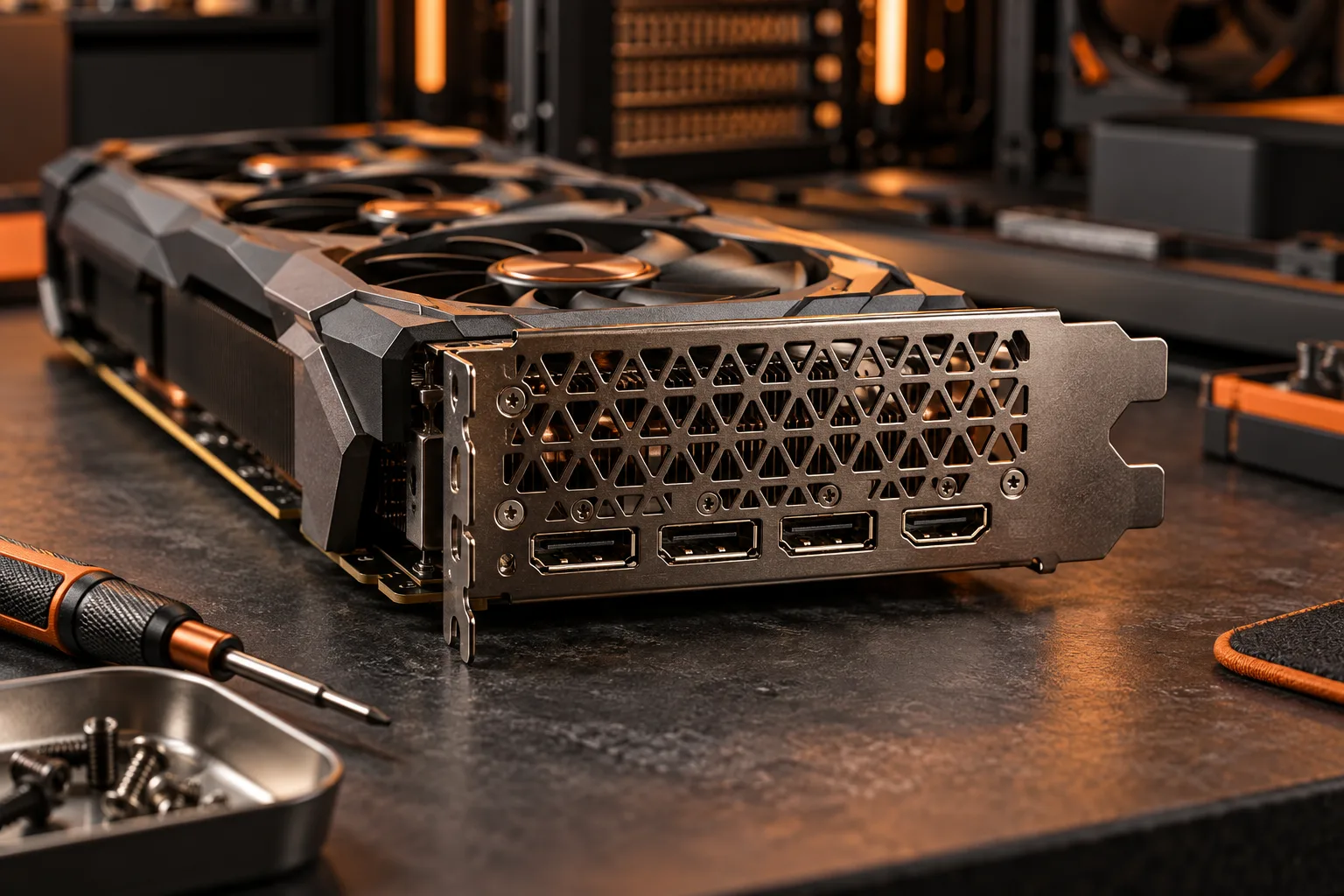
Match each monitor with a documented graphics output, cable and display mode. Count connectors separately from the maximum simultaneous displays.
Read the guide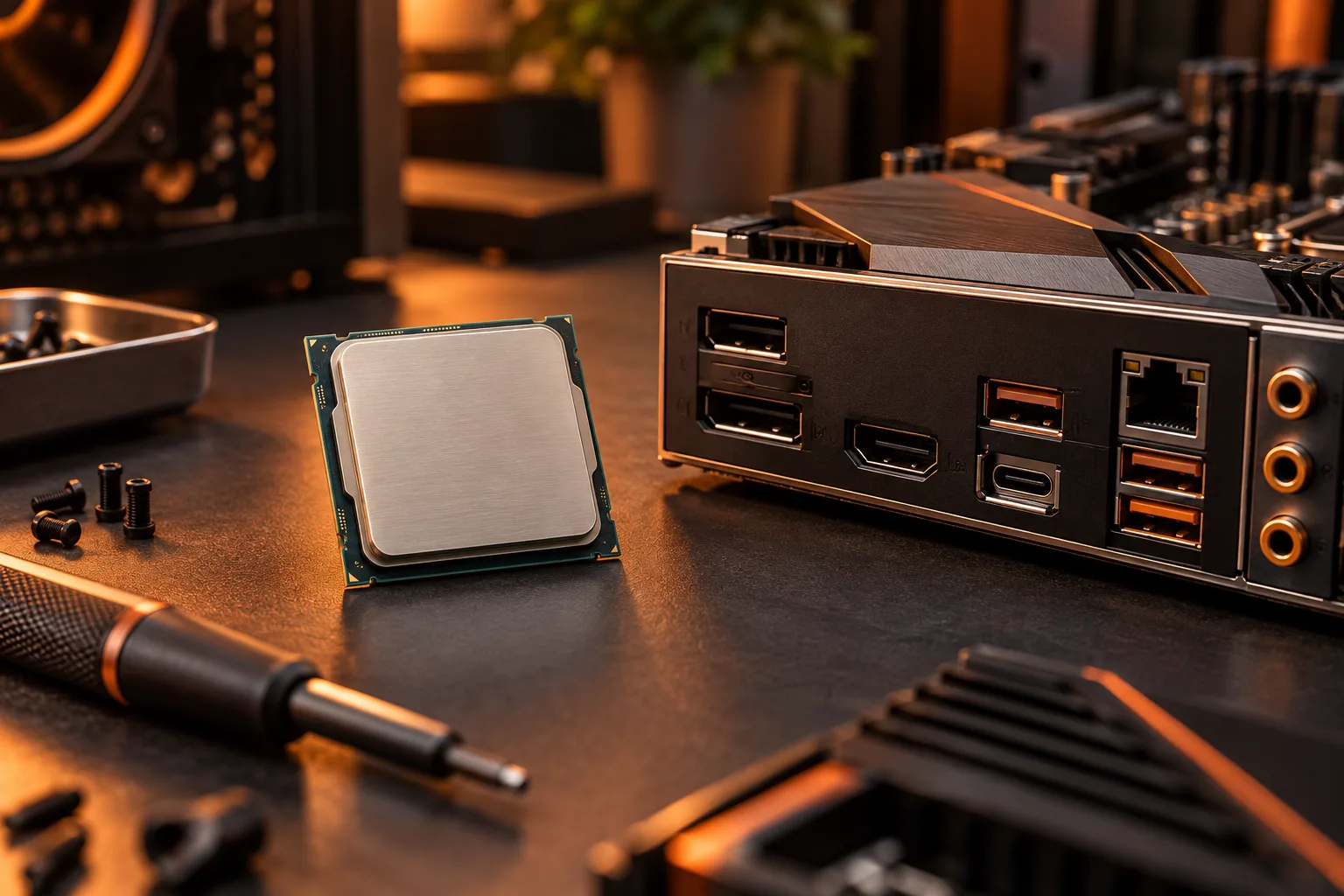
Check the exact processor graphics specification before relying on motherboard display outputs. Includes the i5-12400 and i5-12400F distinction.
Read the guide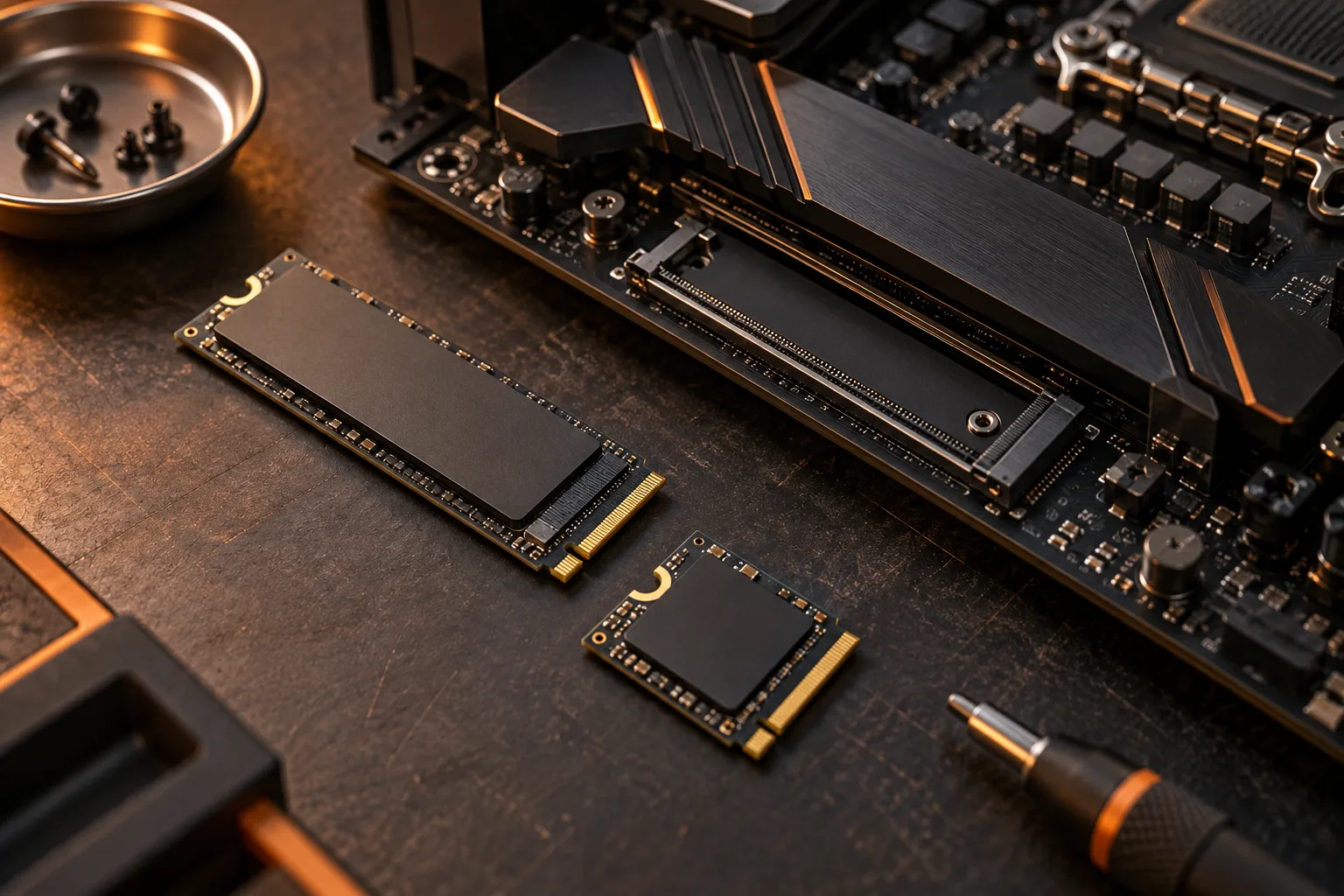
Read M.2 length codes, distinguish mSATA from M.2 and match the drive interface to the specific motherboard socket.
Read the guide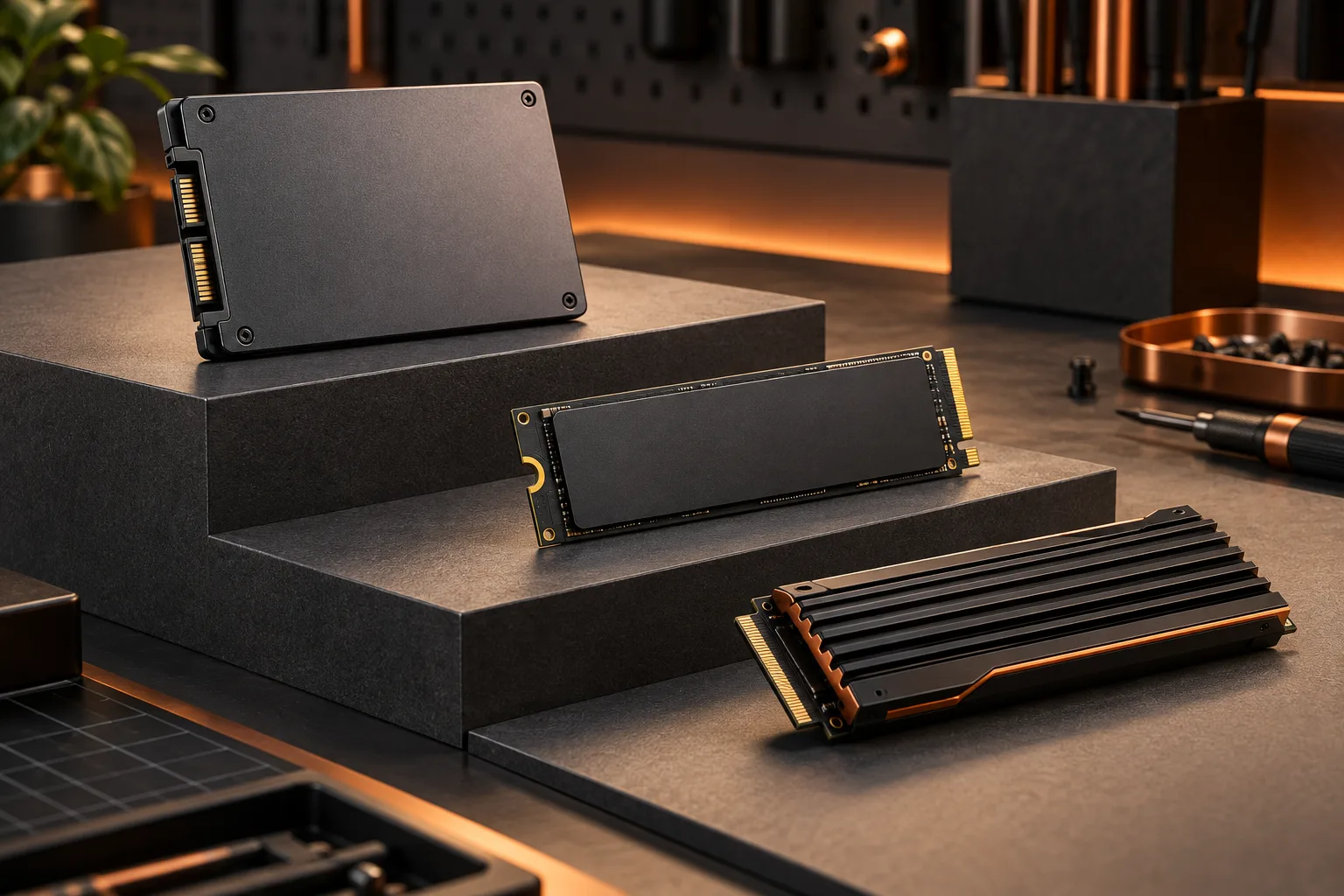
Build a storage budget from your own files, working space and growth assumptions, with consistent capacity units.
Read the guide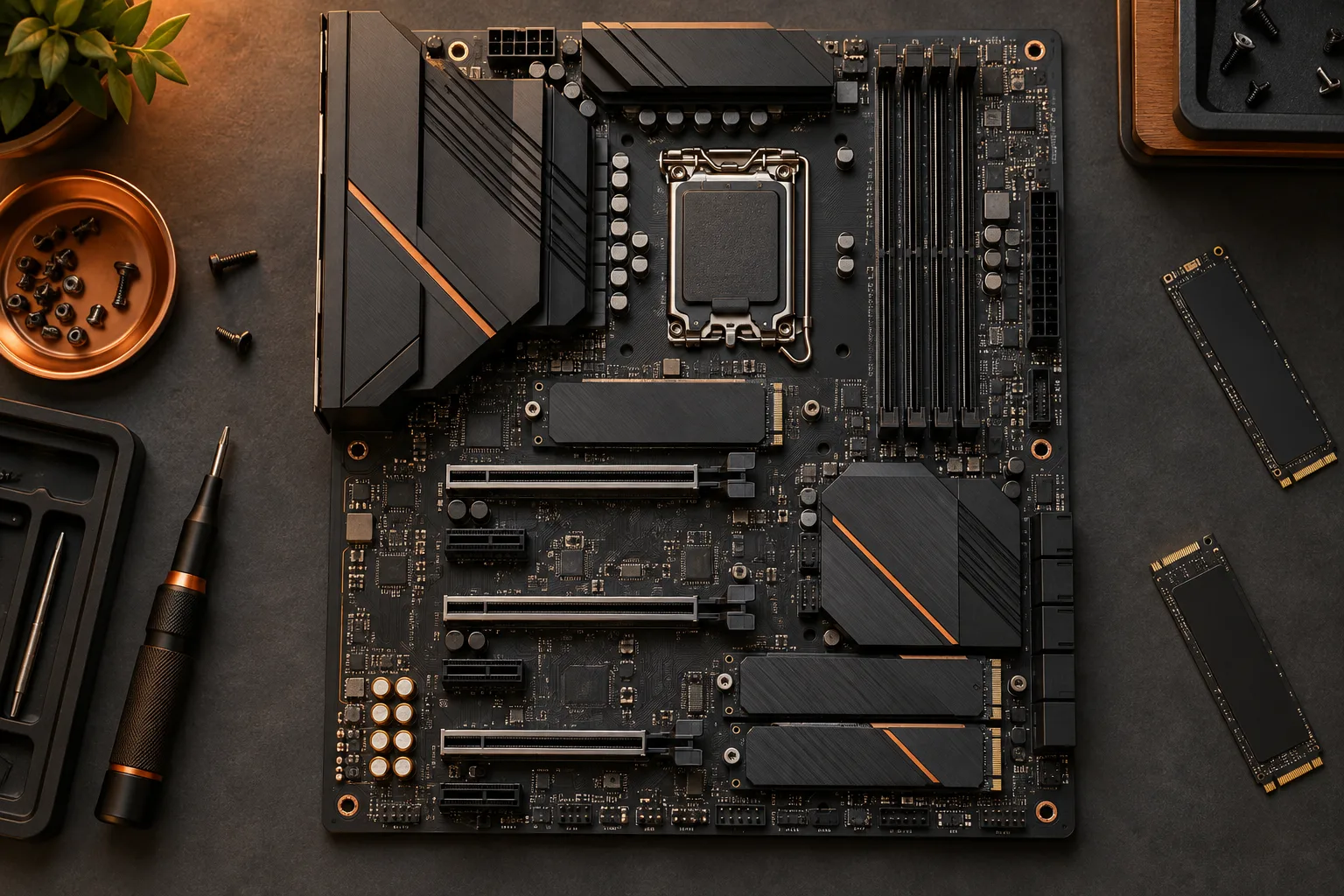
Map each planned drive to a documented socket and check the sharing conditions before committing to an expansion plan.
Read the guide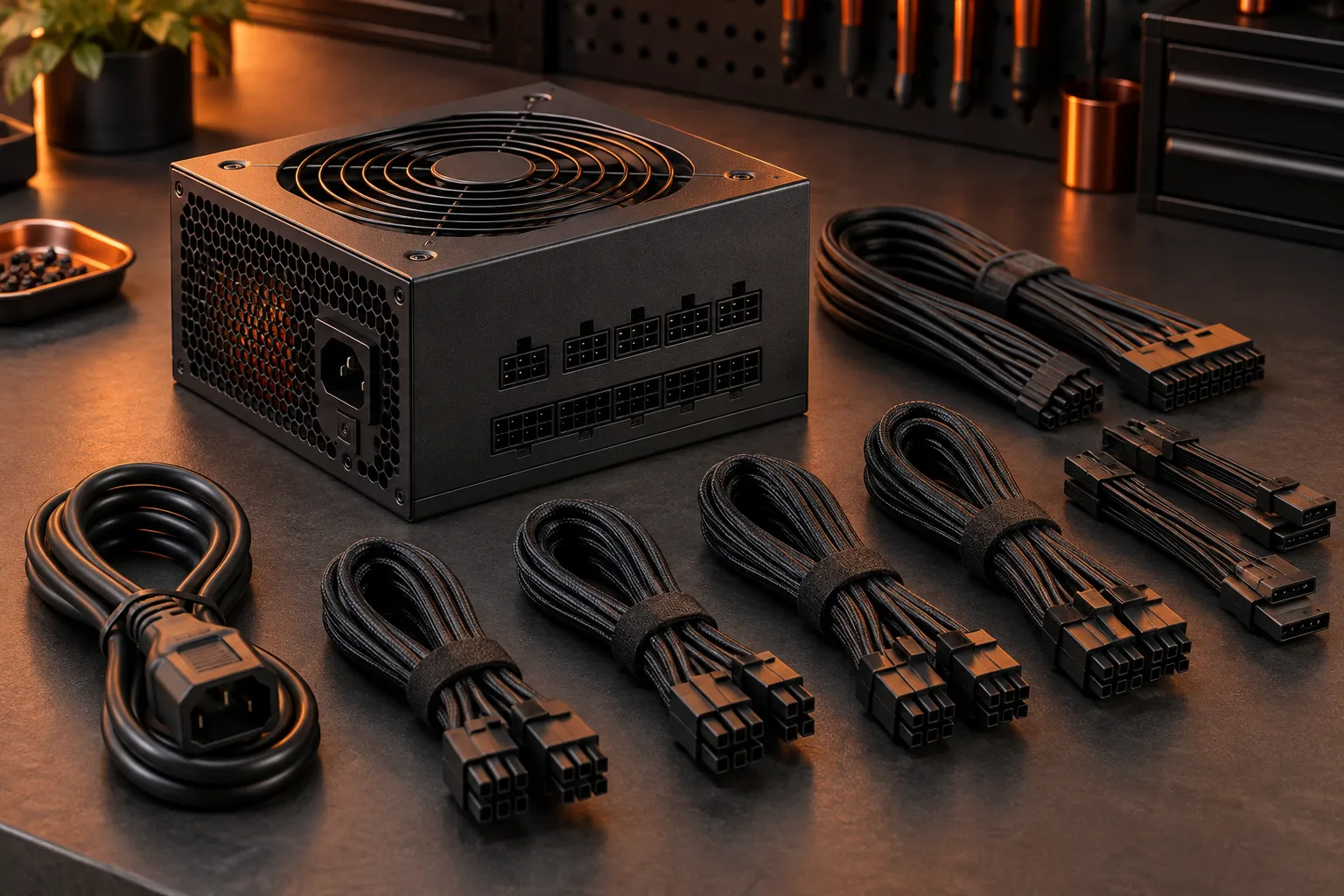
Check the exact PSU model, component requirements and compatible cables instead of selecting a power supply by wattage alone.
Read the guide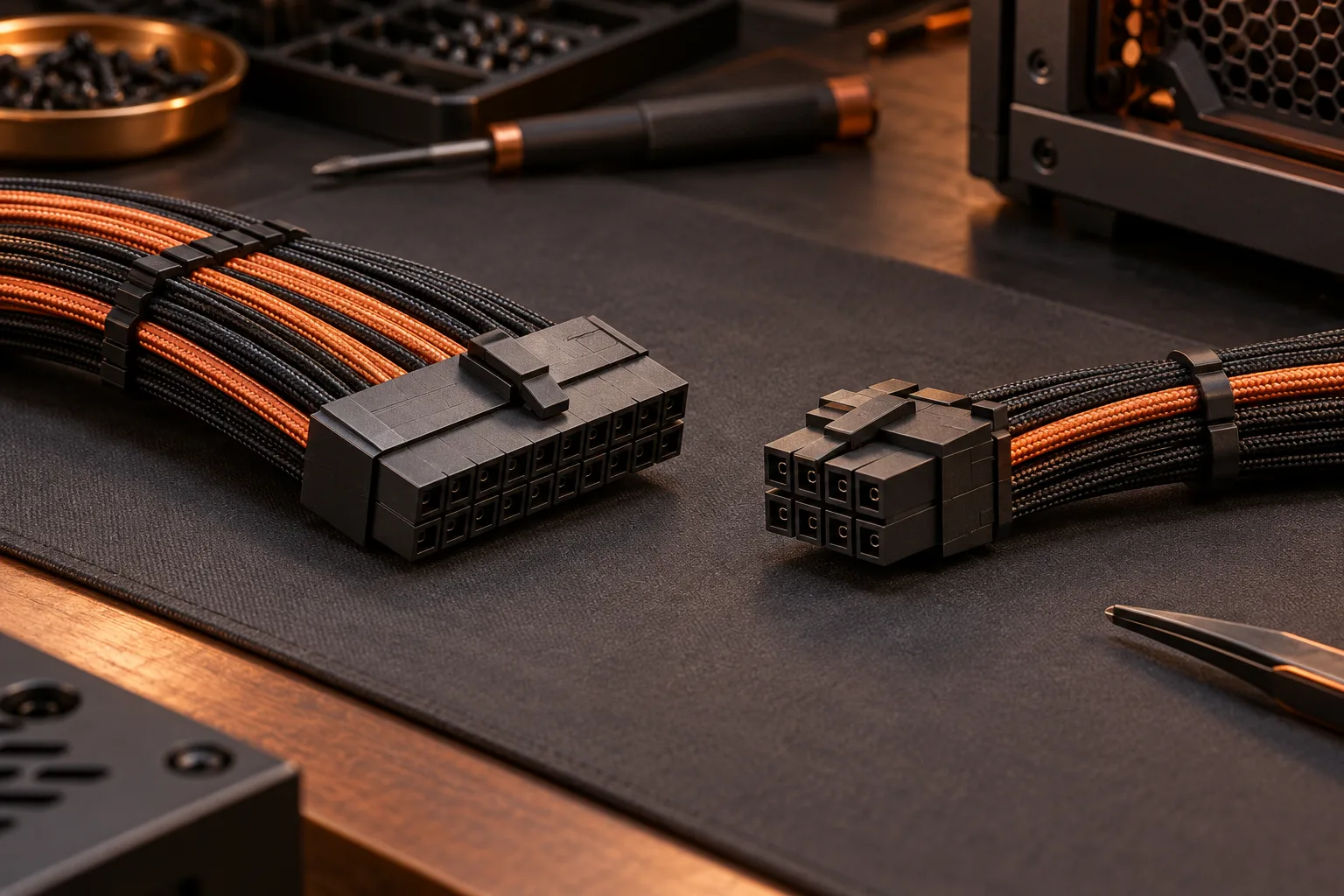
Resolve the exact PSU-to-cable pairing before reusing a modular cable or purchasing a replacement set.
Read the guide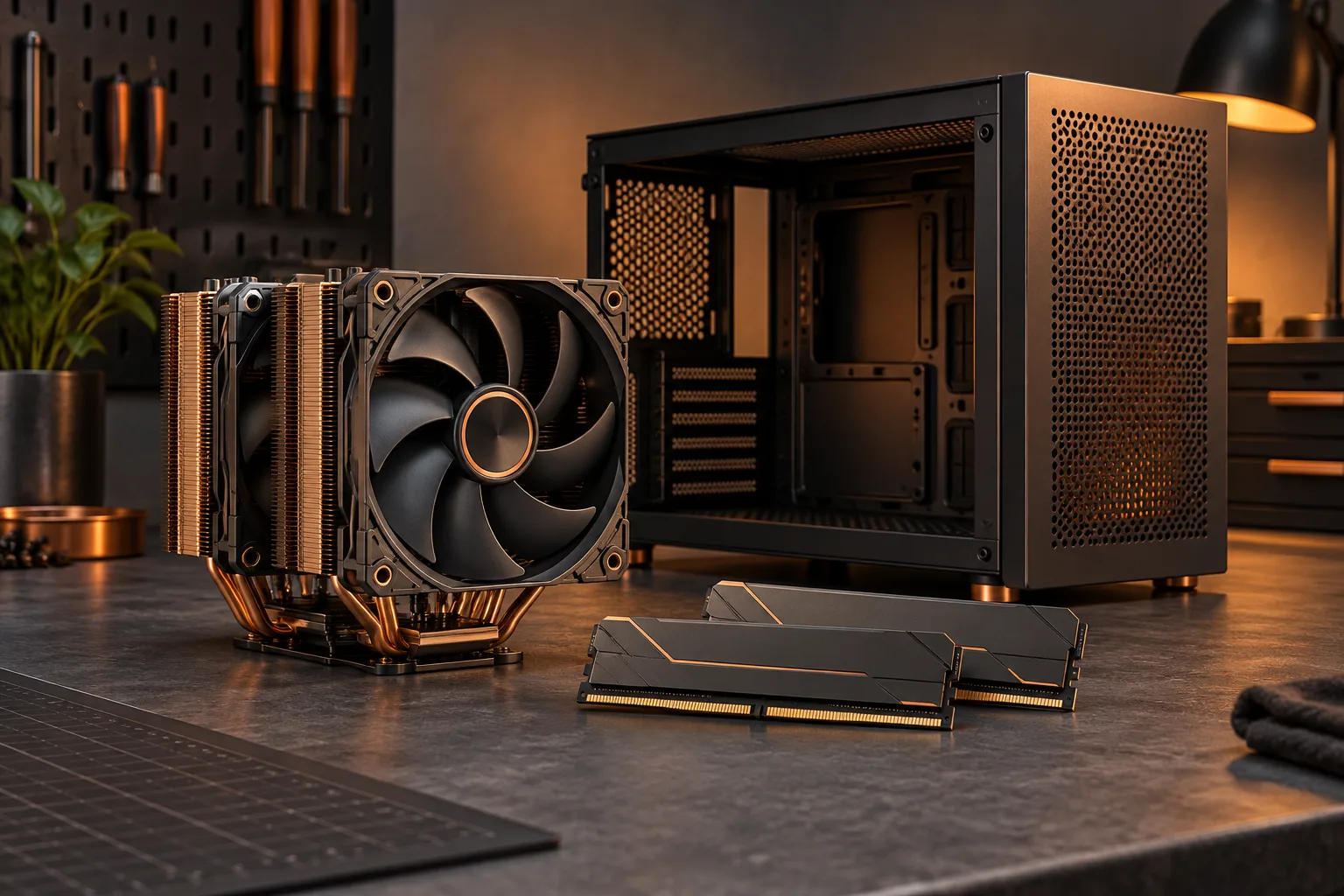
Check socket mounting, memory height and the final fan position together before approving a tower cooler.
Read the guide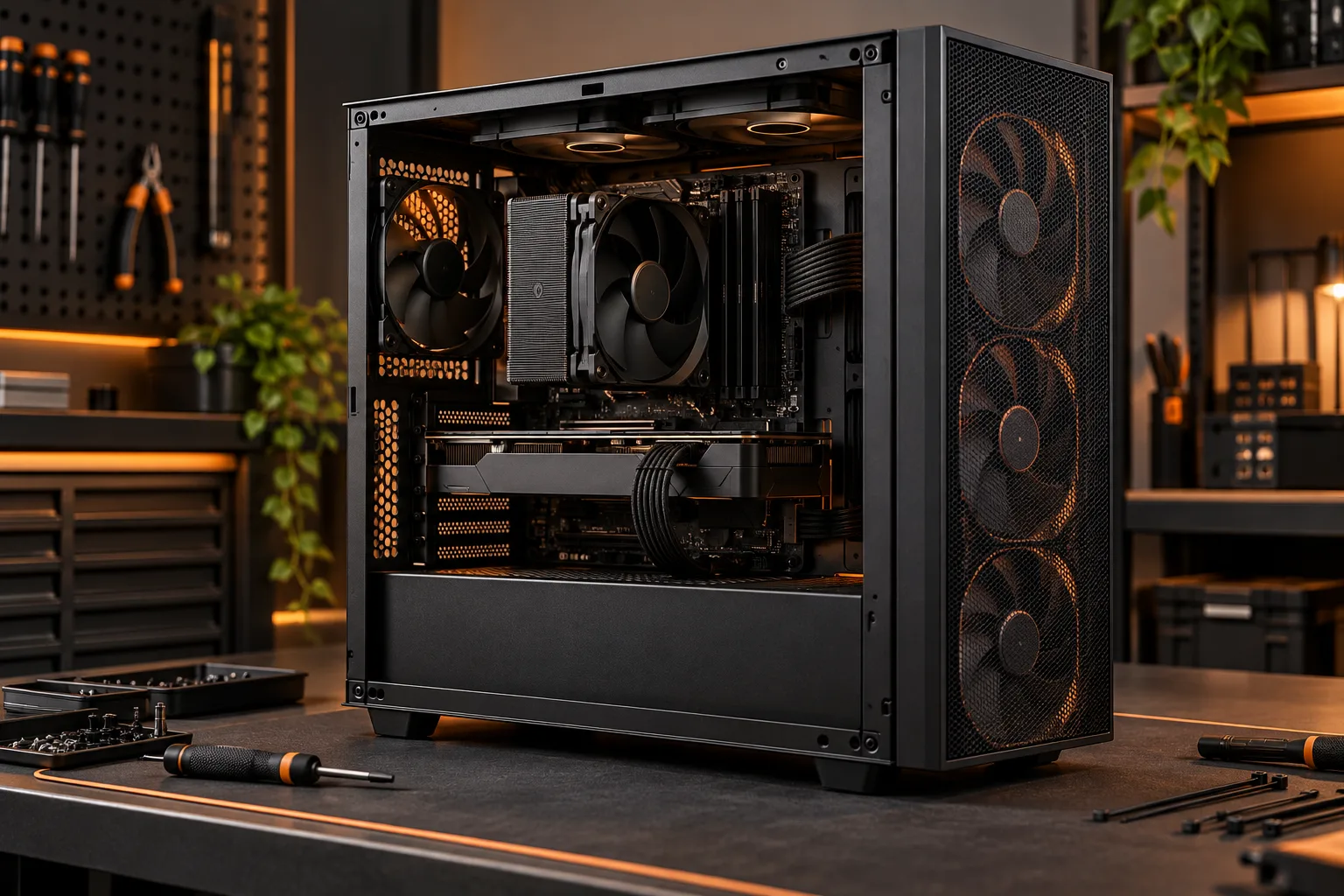
Draw the intended intake and exhaust path, check obstructions and fan direction, then evaluate changes with comparable observations.
Read the guide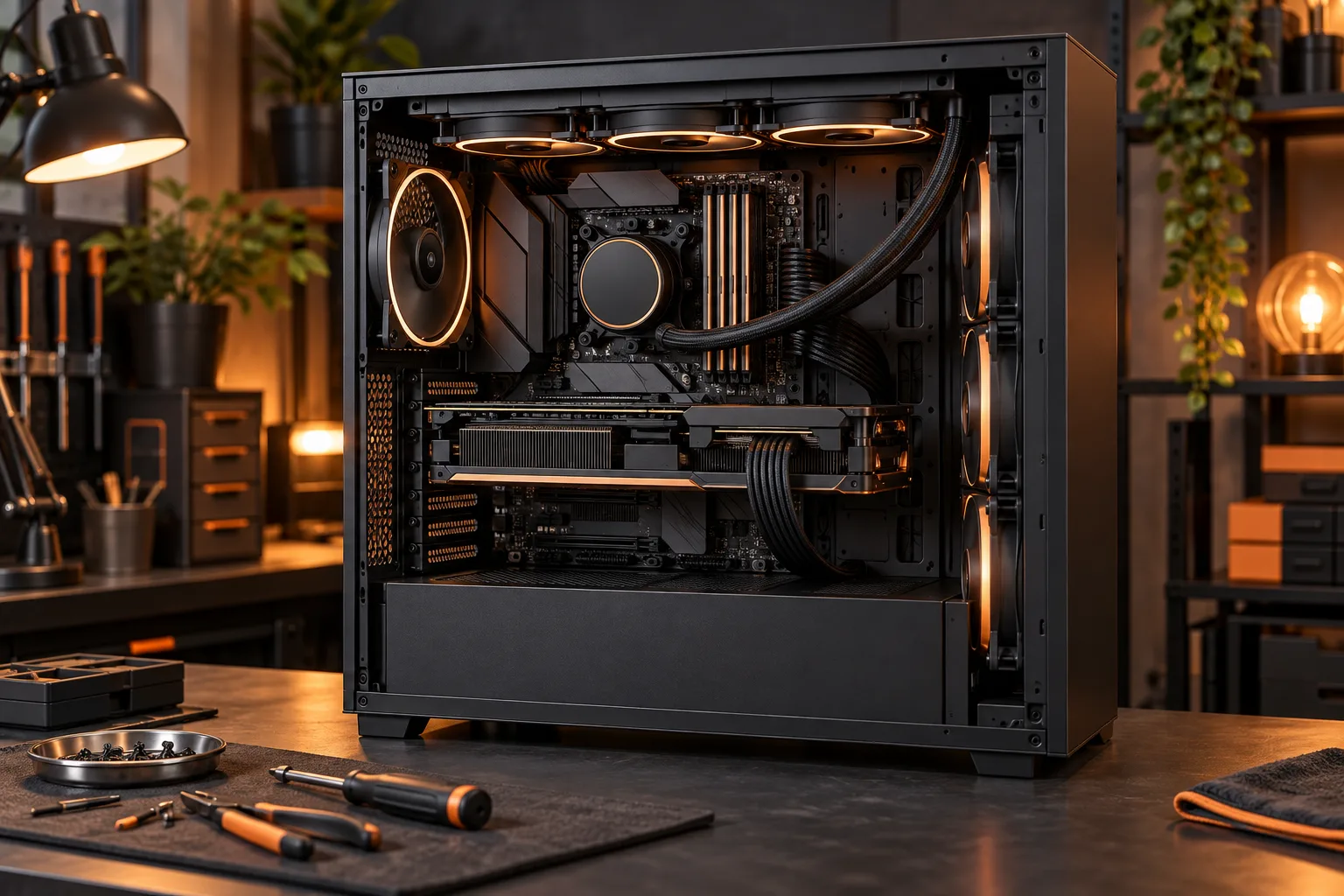
Check the specific memory, storage and physical expansion path before paying for a prebuilt desktop that you intend to upgrade.
Read the guide