How to read a motherboard CPU support list
Find the correct support table, interpret the minimum BIOS entry and retain evidence for an exact desktop CPU purchase.
Updated:

The useful result is an exact row, not a search snippet
To read a CPU support list, first establish the exact motherboard model and revision, then find the complete processor name in that board’s manufacturer support table. Record the required BIOS information from the same row. A search result mentioning both brands is not an equivalent result. This article focuses on extracting and recording the table entry; the broader socket and chipset checks belong in the platform guide.
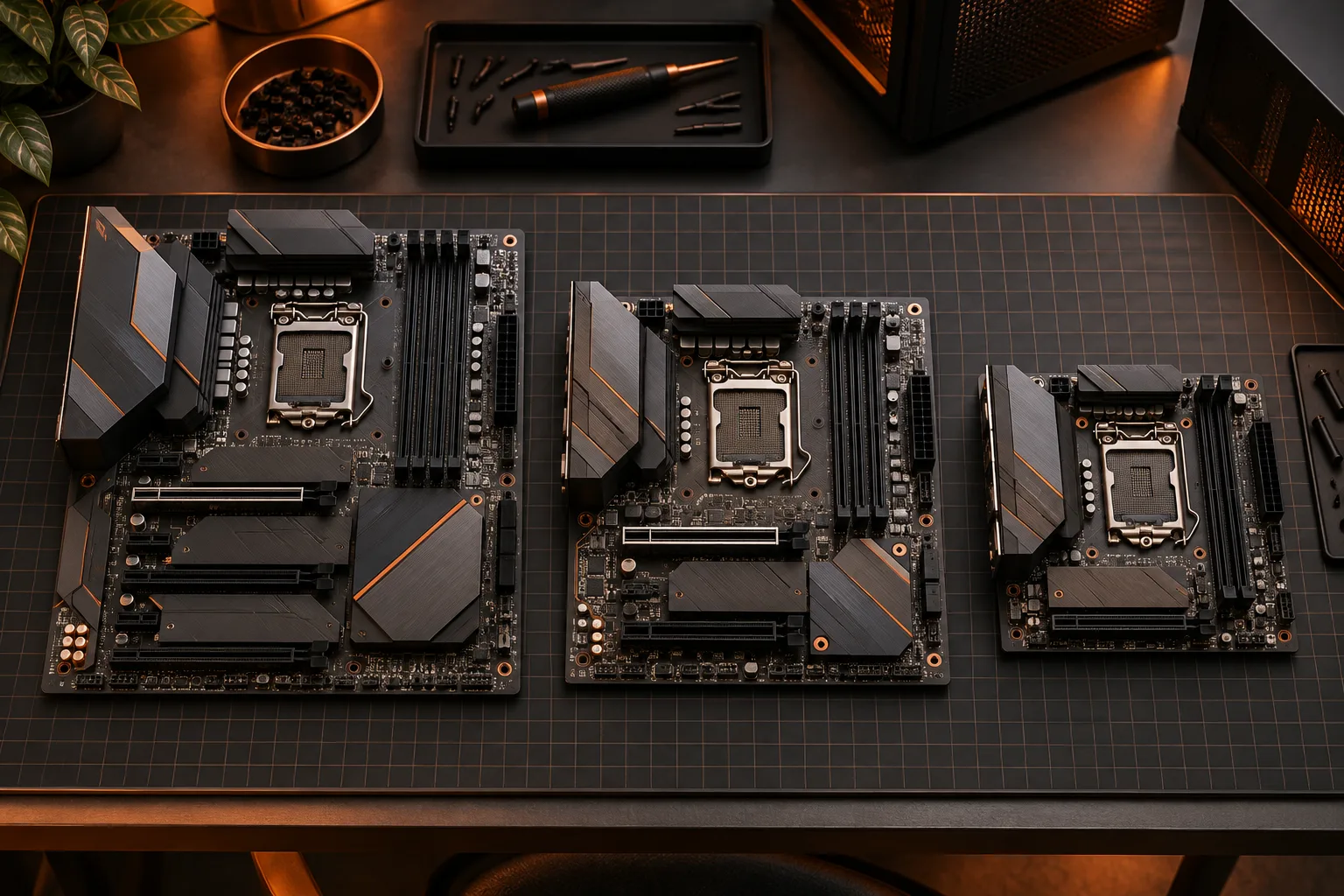
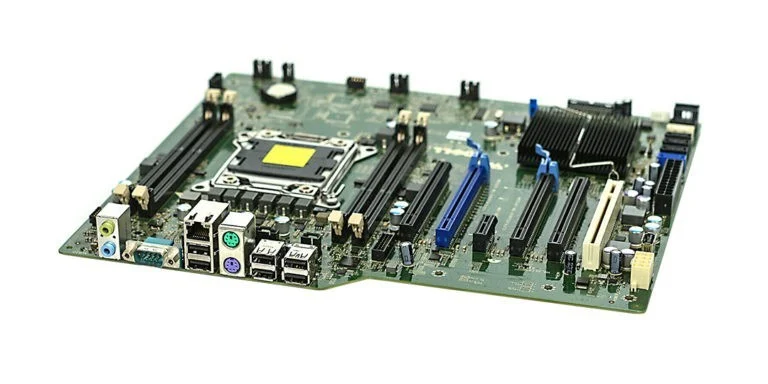
Use the manufacturer website navigation if an old product link redirects to a series page. A series page can contain many boards and is not evidence that your CPU is supported by one of them. Compare the heading, model suffix and revision with the product you actually own or intend to order. The archival board photograph shows why a printed board identity matters more than its general appearance.
MSI USA: checking CPU specifications and the minimum BIOS result ?
Read the CPU name and BIOS field together
MSI’s US support explanation identifies its Result column as the minimum BIOS version required for a listed CPU. Record that value with the processor entry, rather than treating the column as an overall performance score. This is an explanation of MSI’s documented table; other manufacturers can use different headings or layouts. Follow the legend and notes shown on the actual page you are reading.
Do not discard suffixes when copying a processor name. Use a separate field for the complete identifier so that a spreadsheet’s abbreviated display does not conceal a mismatch. Similarly, preserve a BIOS identifier as text. Numeric sorting can misorder release labels, and a suffix may be meaningful. The manufacturer release history is the place to establish the order and any intermediate-update conditions.
MSI USA: checking CPU specifications and the minimum BIOS result ?

Keep CPU evidence separate from memory evidence
A supported processor row does not validate every memory kit. Keep the CPU table result and the memory support result in separate worksheet cells. The photographed memory module has a model label, capacity marking and keyed edge: those are different identifying details from a processor name. It is an older DDR3 example, so its photograph should not be used as evidence for a DDR4 or DDR5 purchase.
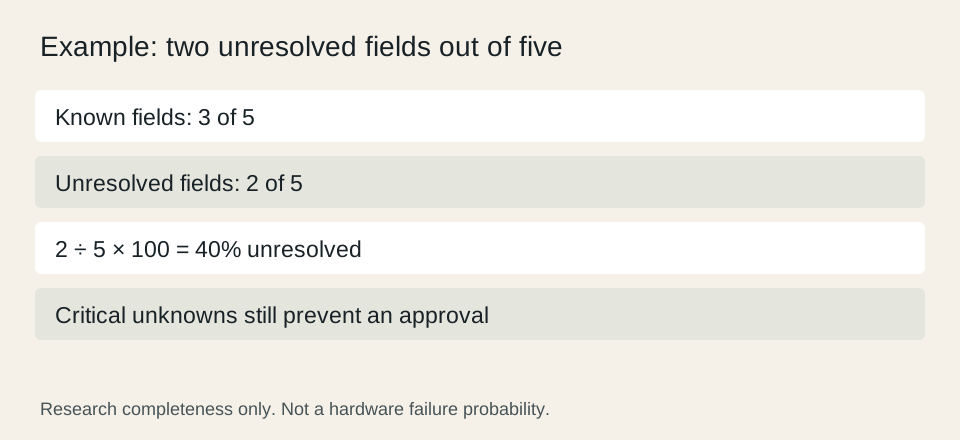
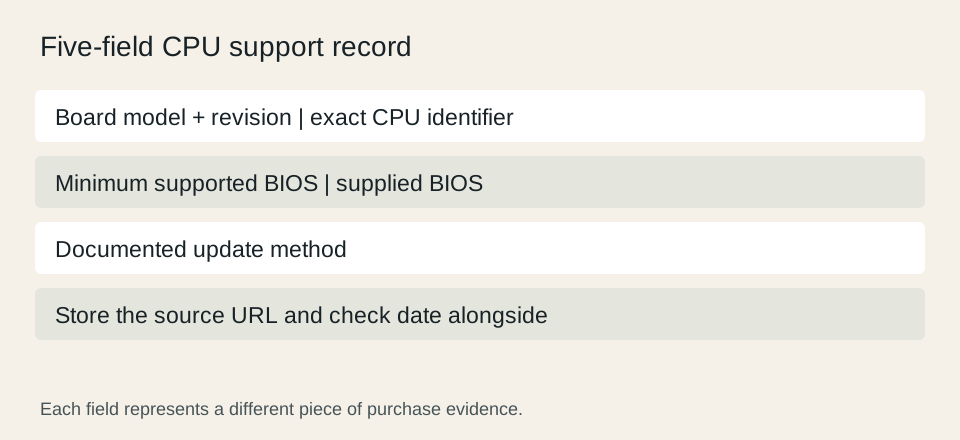
For a practical record, keep the board identity, processor identity, minimum BIOS, supplied BIOS and update method. That is five fields. If only the first three are known, two remain unresolved: 2 divided by 5 is 40% of the record. This percentage describes missing research fields, not a probability of incompatibility. A nearly complete worksheet still needs its critical missing information.
Do not read graphics promises into a CPU support row
The table answers whether the board supports the processor under its documented conditions. It is not a benchmark and does not promise that a display attached to any visible connector will work. Keep the proposed display connection in the system plan and use the processor’s graphics specification plus the board or graphics-card output documentation to resolve it.
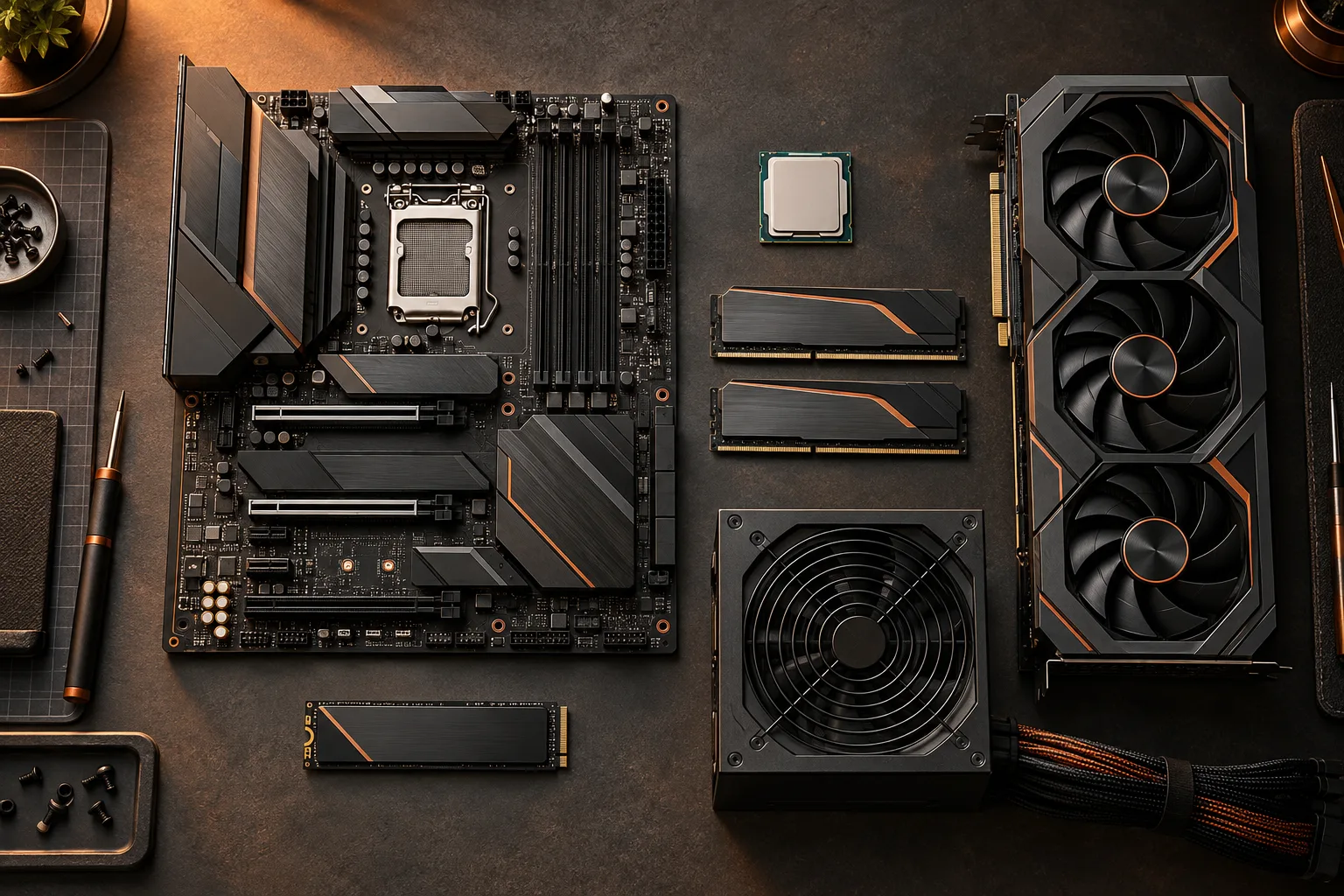
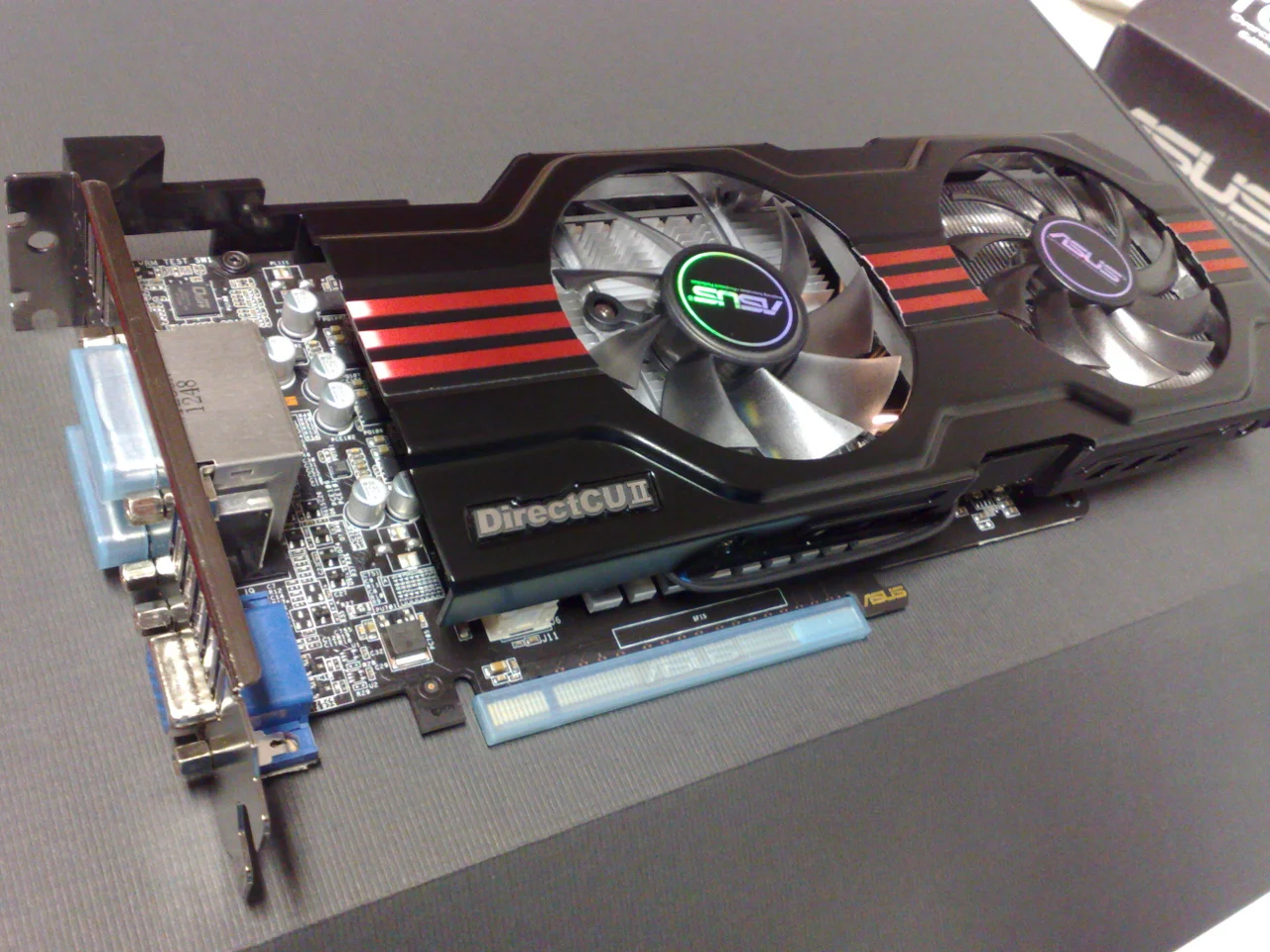
The archival graphics-card photograph makes the distinction tangible: a separate expansion card has its own bracket and connectors. A CPU support table cannot establish that this pictured card fits your case, has the outputs you need or meets your application requirements. Treat each of those as its own evidence-backed question instead of using one supported label as approval for an entire system.
Save an evidence packet that survives a changed listing
Save the support-page URL, date, relevant row and the exact product identity. Keep a note of the seller’s statement about supplied firmware, clearly labeled as a seller statement rather than a manufacturer test result. If the page changes, this record explains what your purchase decision was based on and what needs to be checked again.
Use explicit outcomes: listed with conditions satisfied, listed but a condition unresolved, or not established from the available evidence. A failed search is not automatically proof of incompatibility; the wrong revision, filtered table or incomplete page can hide a result. Conversely, do not mark an unlisted combination compatible simply because it looks plausible. Resolve the specific missing field through official support before committing to a dependent purchase.
MSI USA: checking CPU specifications and the minimum BIOS result ?