Does the processor actually provide integrated graphics?
Check the exact processor graphics specification before relying on motherboard display outputs. Includes the i5-12400 and i5-12400F distinction.
Updated:
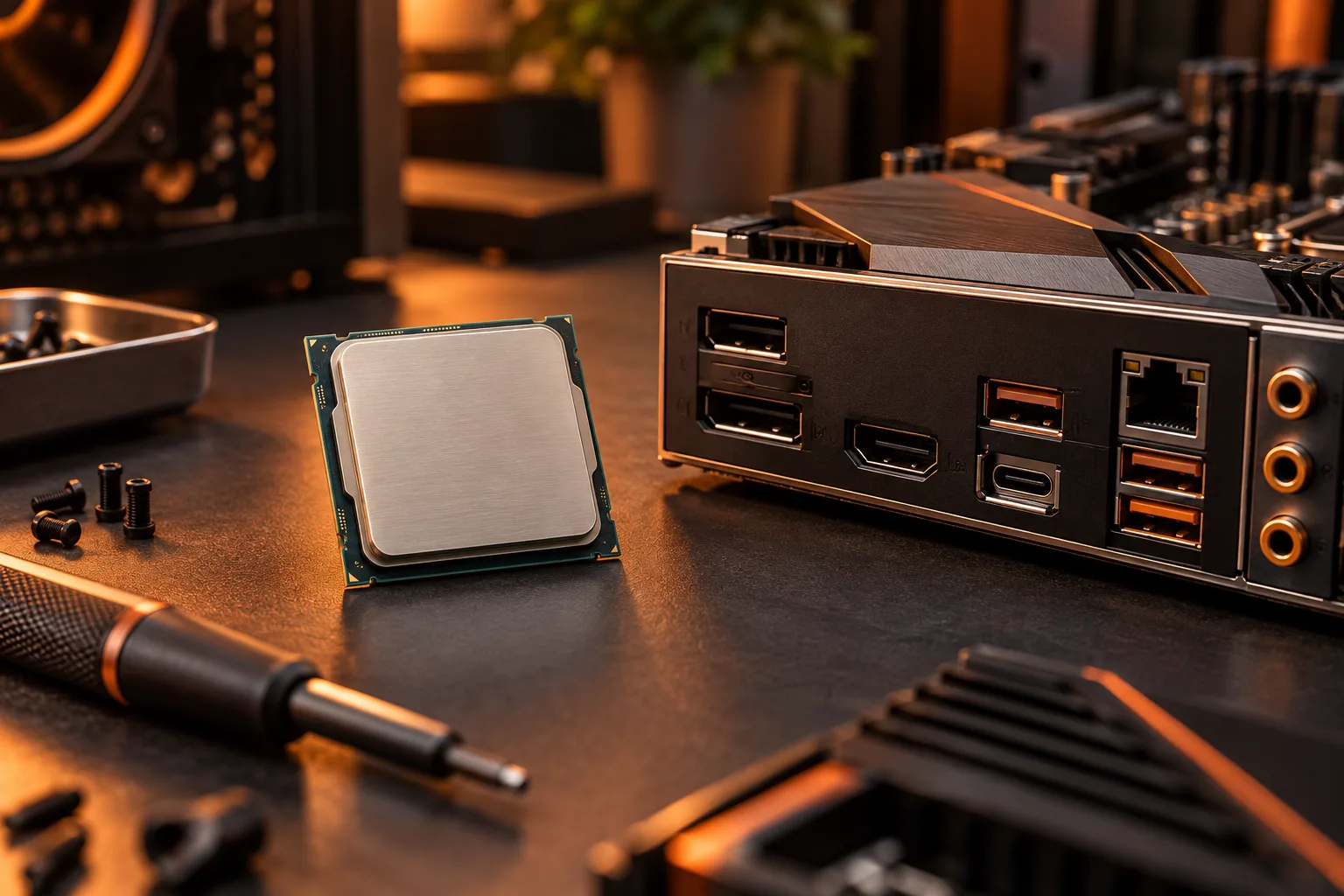
Read the graphics field for the complete processor model
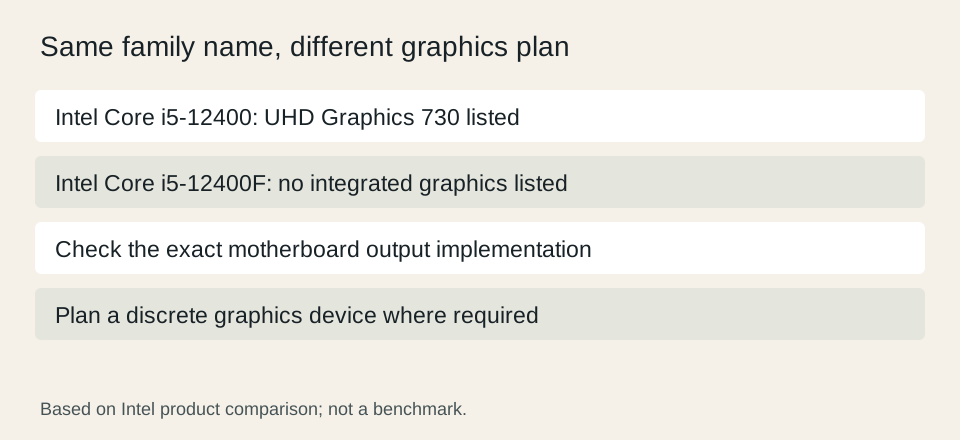
A processor provides integrated graphics only when its exact specification says so. Do not infer the answer from a family name or the presence of HDMI on the motherboard. In Intel’s official comparison, the Core i5-12400 lists Intel UHD Graphics 730 while the i5-12400F has no corresponding integrated-graphics entry. The suffix changes the graphics plan even though much of the processor naming looks the same.
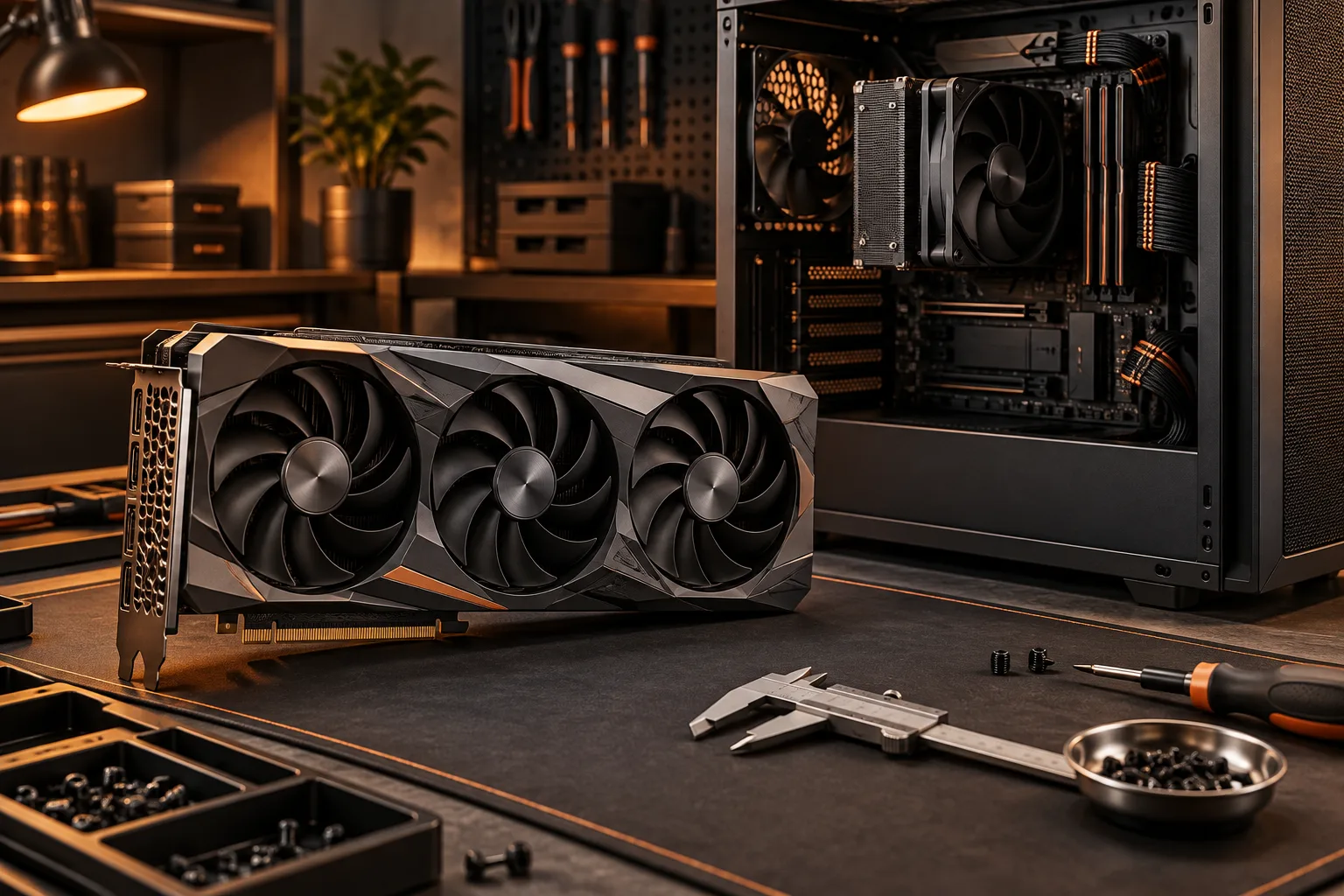
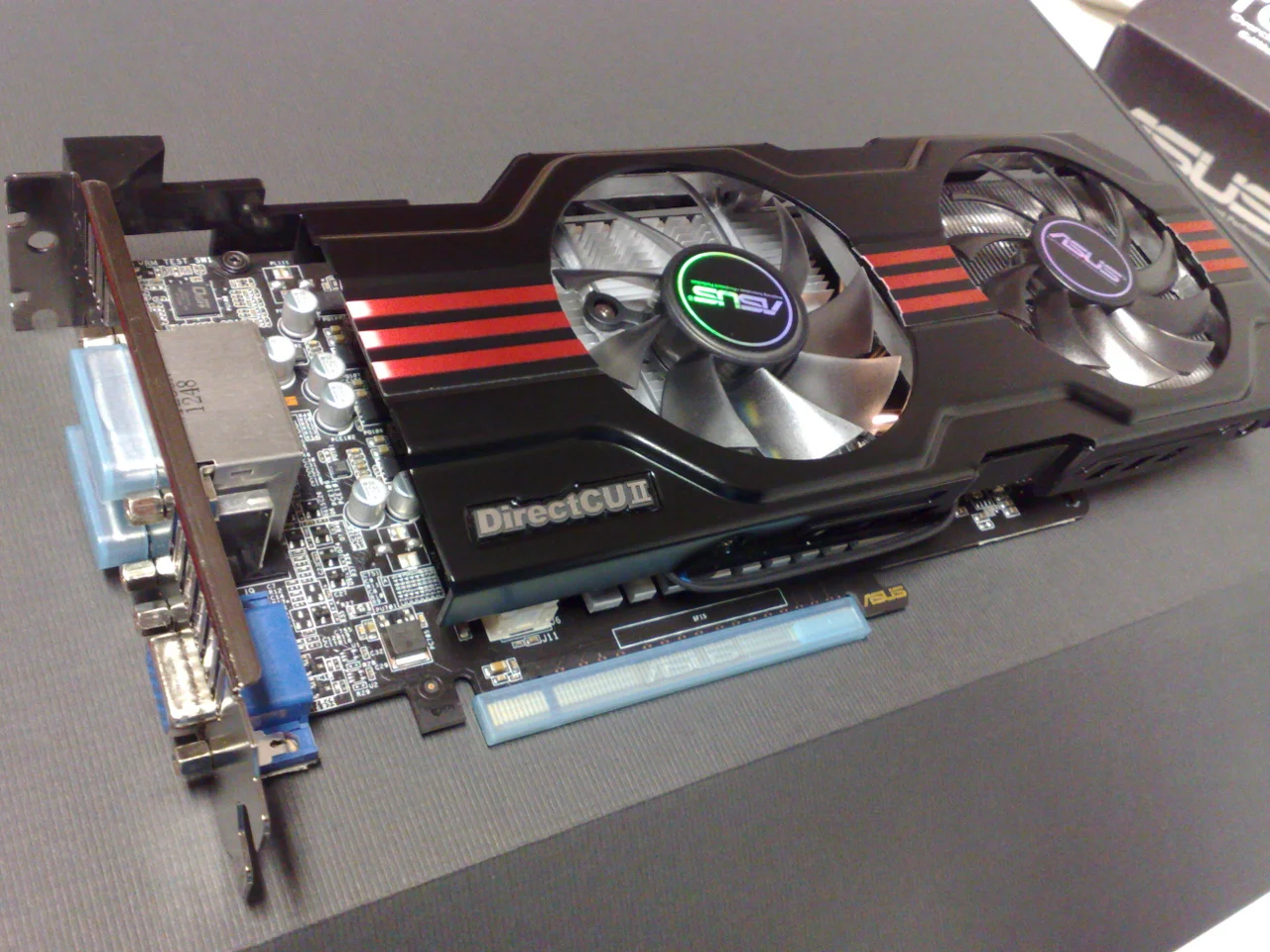
The archival graphics-card photograph illustrates a discrete alternative: it is a separate expansion device rather than a feature automatically present in every CPU. It is not a performance recommendation or a photograph of the graphics hardware inside either Intel processor. This article is a specification-reading guide, not a test of either processor in a completed computer.
Intel: i5-12400 and i5-12400F official specification comparison ?
Connect processor capability to the motherboard outputs
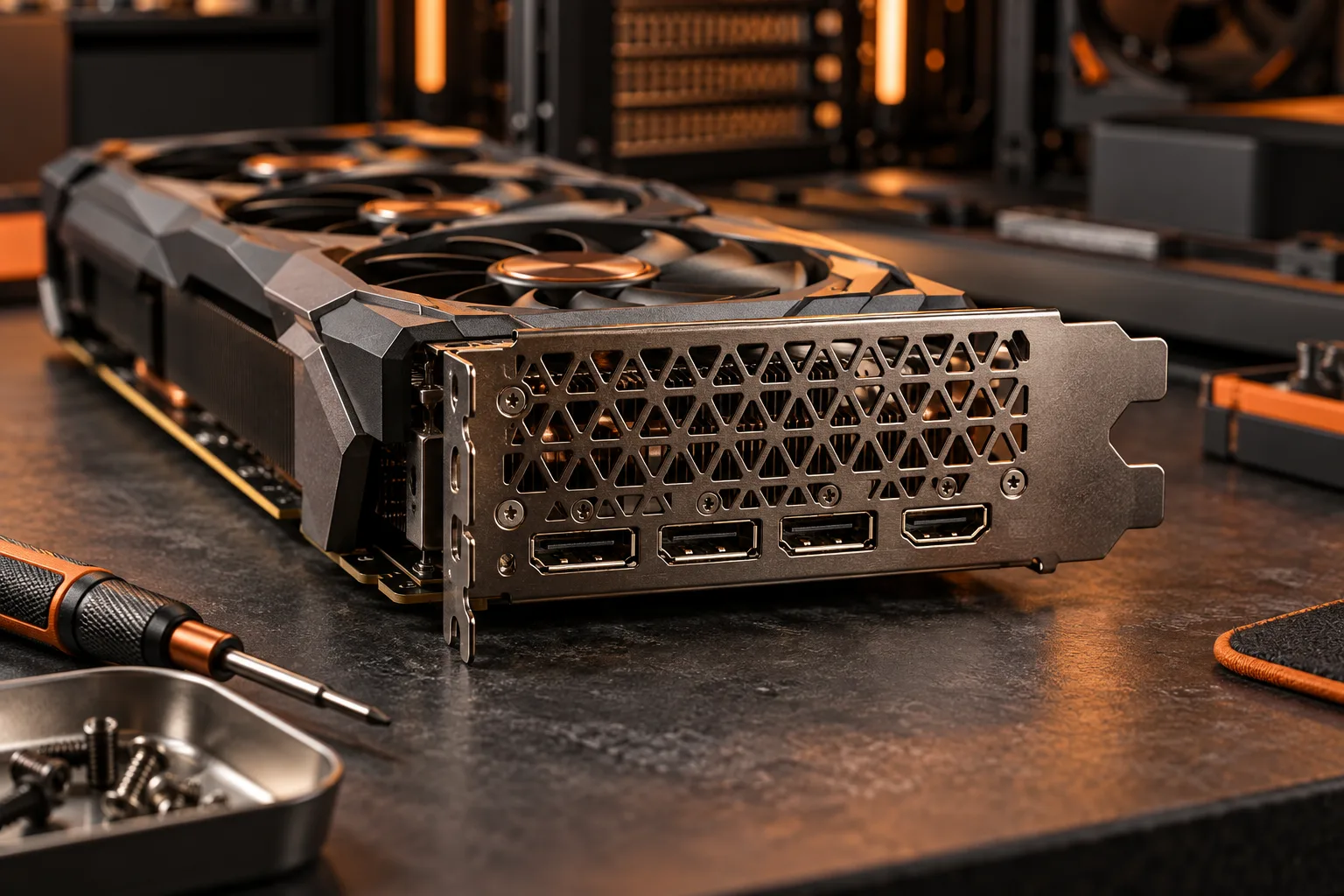
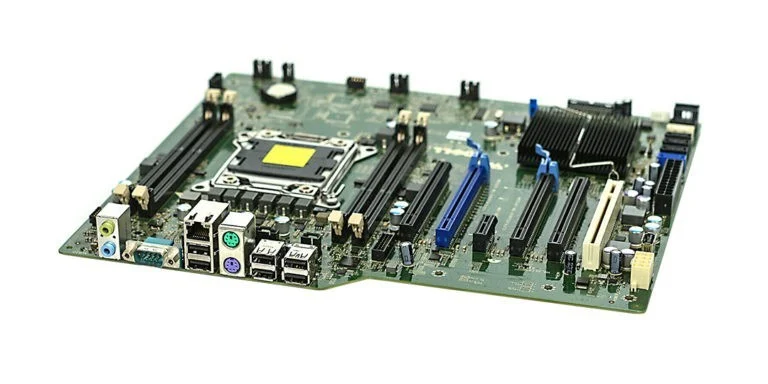
Once integrated graphics is established, check the motherboard’s actual video outputs and their documented capabilities with that processor. A CPU specification describes capability at the processor level; a board may expose a different selection of connectors. The motherboard photograph makes the distinction between internal sockets and rear-panel connections visible, but it does not establish the outputs on your chosen board.
Intel’s i5-12400 specification lists maximum HDMI resolution of 4096 × 2160 at 60 Hz and DisplayPort resolution of 7680 × 4320 at 60 Hz. Those are processor specification entries with their own conditions. They are not a promise that every board containing this CPU exposes those modes. Keep the board, cable and monitor checks in the display plan.
Intel: i5-12400 and i5-12400F official specification comparison ?
Use the model label without generalizing across families
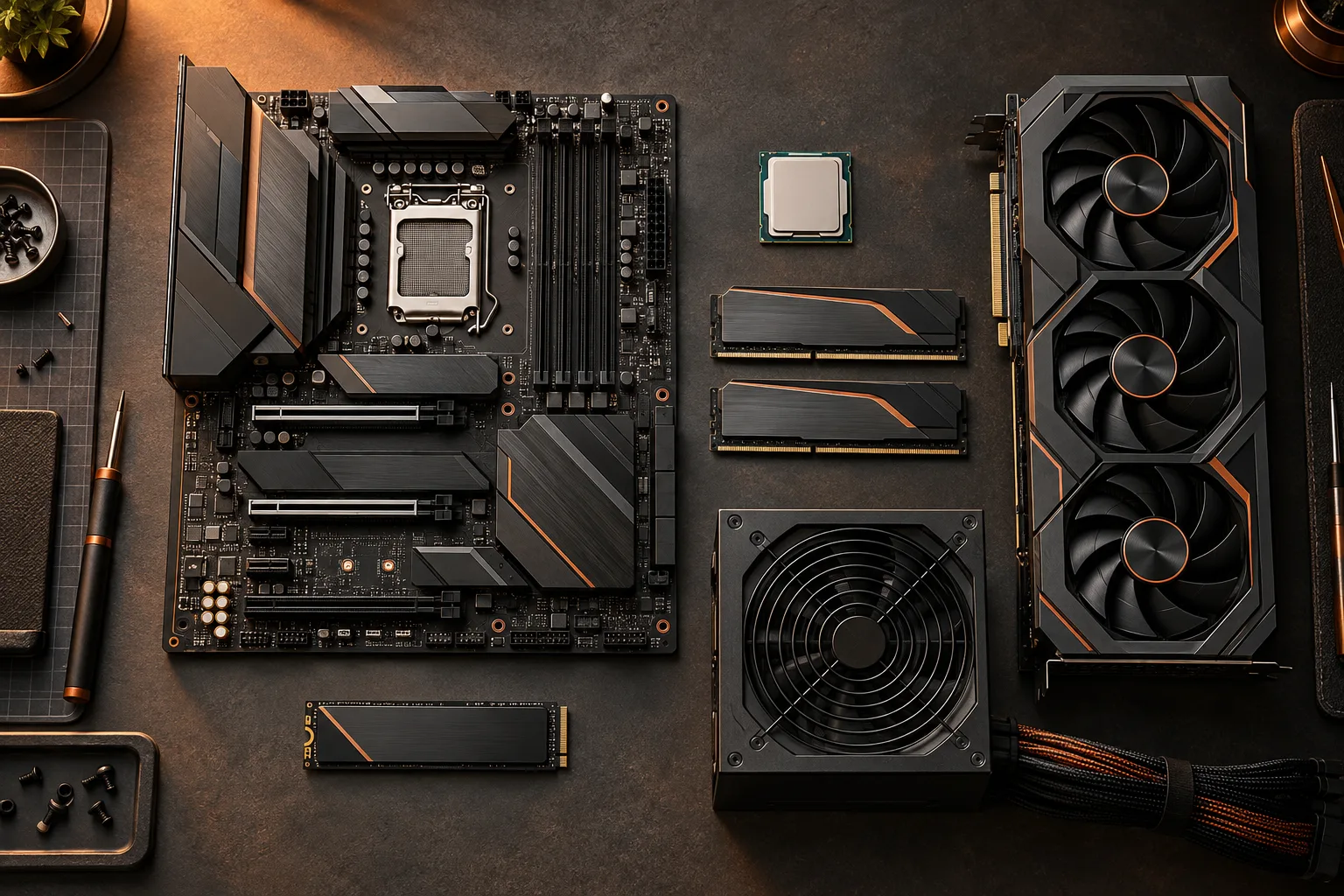
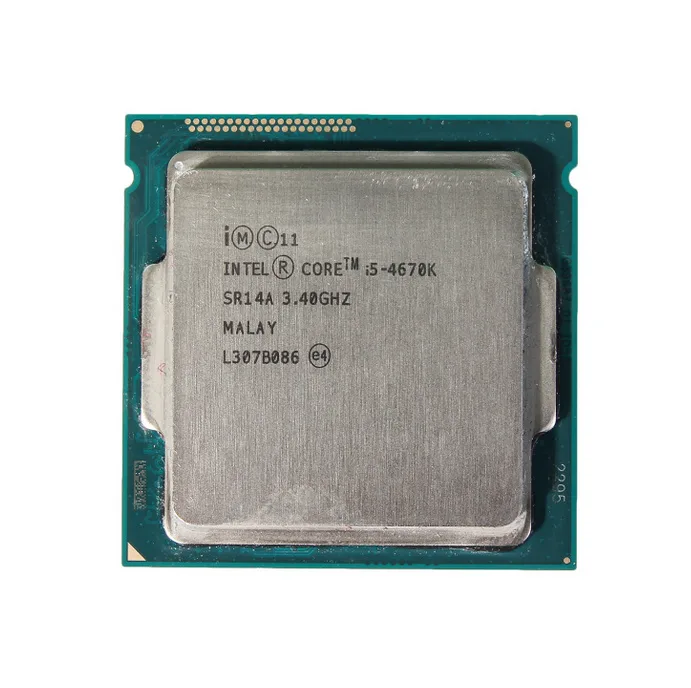
The processor photograph shows an older i5-4670K with the full name etched on its lid. Its purpose is to show how a model can be identified, not to extend the i5-12400 comparison to another generation. When buying, use the exact listing and manufacturer specification; for an existing system, use a trustworthy system inventory or purchase record rather than removing installed components merely to read a label.
Do not turn a naming pattern into a universal rule across unrelated product families. If the exact specification is unavailable or unclear, mark the graphics capability unresolved. An uncertain answer is materially different from a confirmed processor with no integrated graphics, and both need different purchase decisions. Save the source URL and the date with the specific identifier.
Separate a working display from application performance
Providing a desktop image and meeting an application’s performance needs are different questions. Match the application requirements and intended workload before deciding that integrated graphics is sufficient. This guide does not assign a gaming frame rate, render time or professional certification to the Intel example. No hands-on performance measurements were collected for this article.
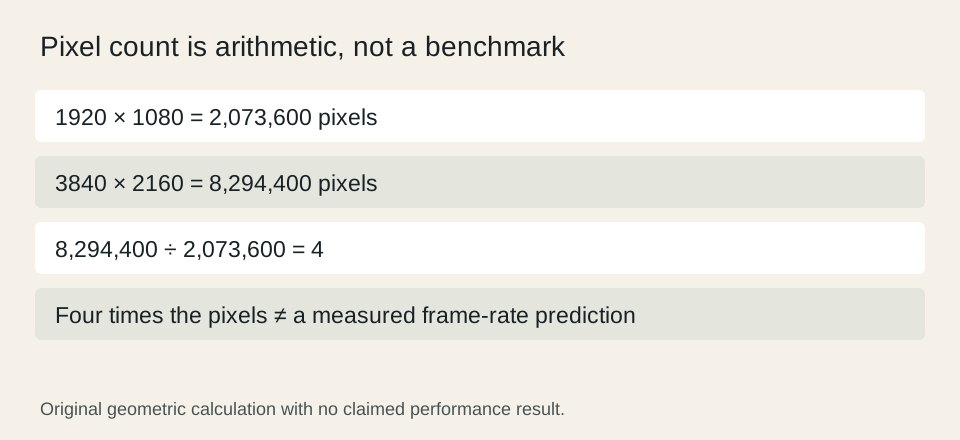
For a purely mathematical display comparison, 1920 × 1080 contains 2,073,600 pixels and 3840 × 2160 contains 8,294,400 pixels. The second image has four times the pixel count. That arithmetic does not predict four times the processing time or a particular frame rate; software settings and the complete system also matter. Use relevant measured evidence when performance is the reason for a purchase.
Finish with a complete graphics path and budget
If the selected processor has no integrated graphics, plan the required discrete graphics device and its outputs as part of the system rather than treating it as an optional later accessory. Include its case fit, power connections and total cost in the compatibility worksheet. A motherboard video connector should not be counted as a substitute without the necessary processor and platform support.
If integrated graphics meets the documented requirements, record the exact CPU, board output, cable and monitor mode that you intend to use. Keep performance expectations separate from verified specification fields. Before checkout, reconcile those identities with the cart so that a last-minute suffix change does not invalidate the display plan. The goal is a coherent configuration with evidence for every link in the display chain.
Intel: i5-12400 and i5-12400F official specification comparison ?