A PSU wattage label is only one part of the check
Check the exact PSU model, component requirements and compatible cables instead of selecting a power supply by wattage alone.
Updated:
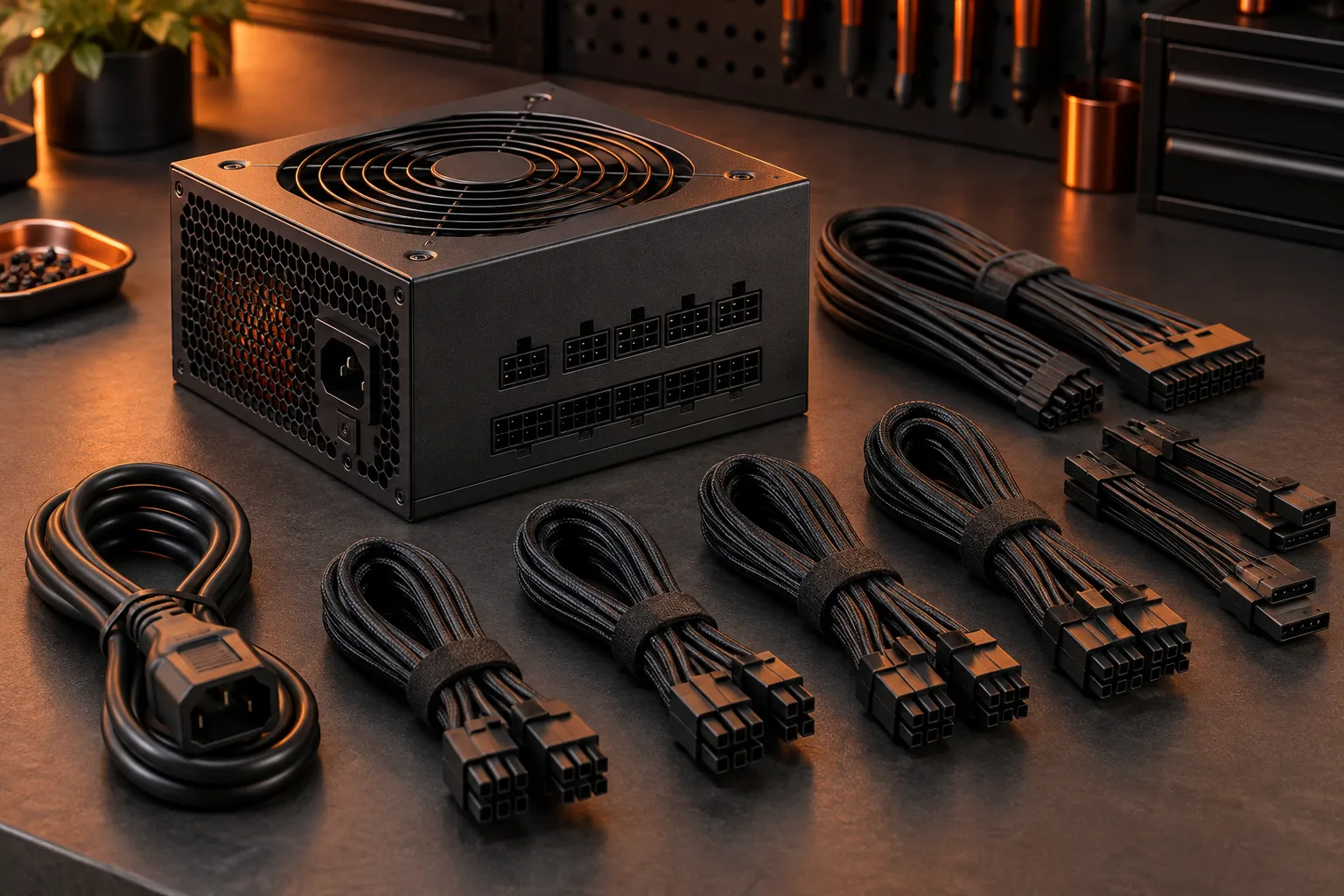
Identify the power supply before comparing the headline number
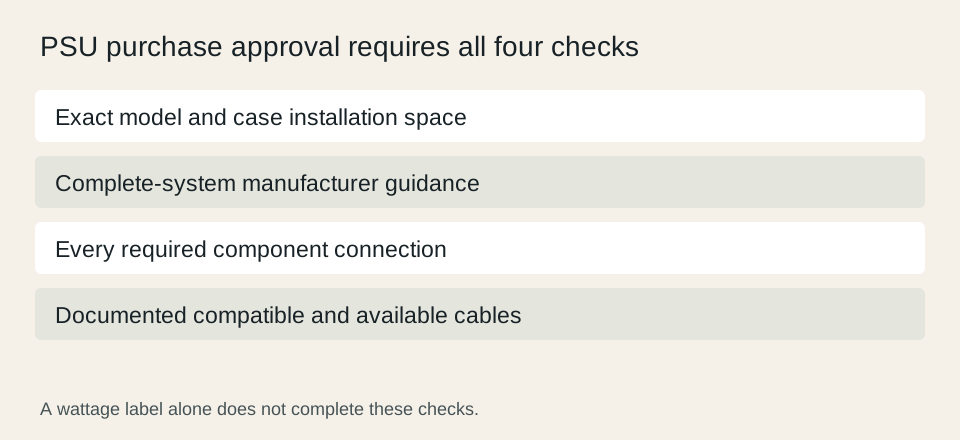
A PSU purchase needs more than a wattage match. Identify the exact model, physical format, supported component connections and the cable set documented for it. Then compare those details with the complete intended computer. A large number on a retailer title does not establish that the supply fits the case or includes the connections required by your particular components.
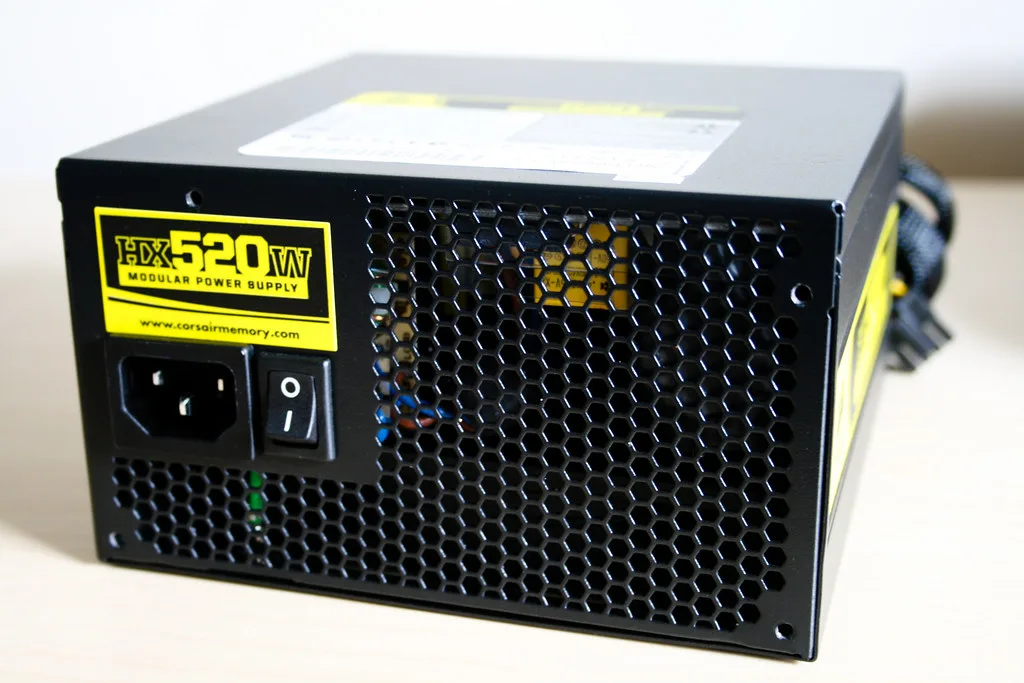
The closed Corsair HX520 photograph demonstrates where a visible model label can help identify an existing supply. It is an archival example, not a current recommendation. The photograph shows the rear AC connection and housing, not the modular panel. Read the product documentation to establish the connections; keep the housing closed and do not infer its internal design from this image.
Keep motherboard and graphics power requirements separate
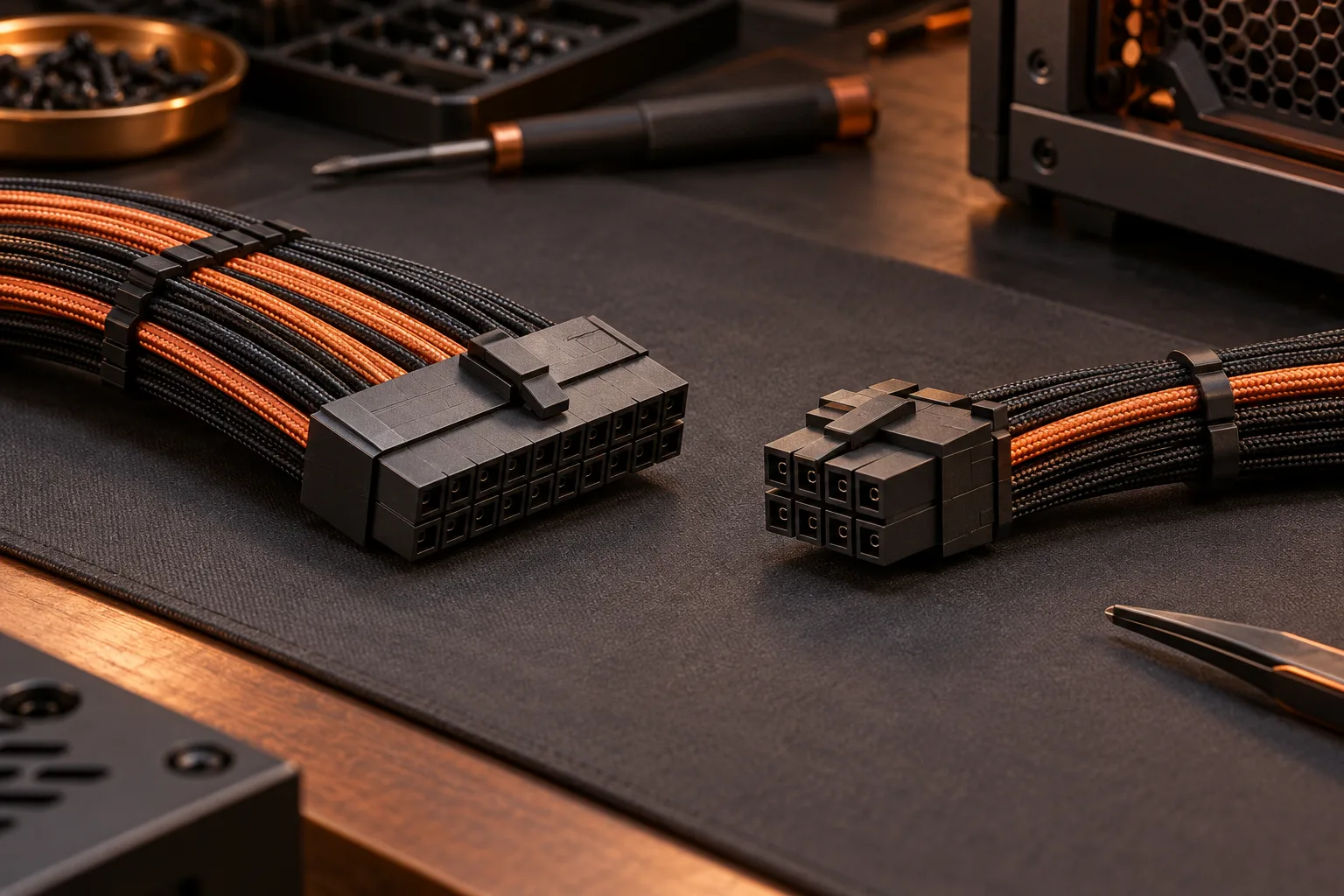
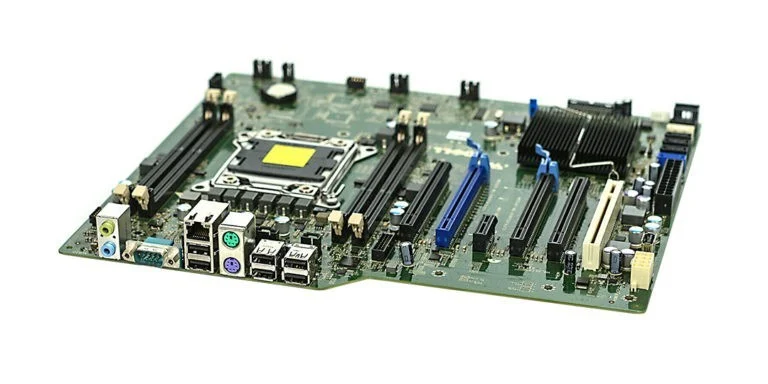
The motherboard photograph illustrates why the board needs its own documented power connection check. Use the exact board manual to identify the main and processor-power requirements. Record the manufacturer naming as well as connector count. A cable that looks similar to another cable does not become interchangeable merely because both descriptions mention a familiar pin count.
Create a separate row for graphics power, rather than assuming the motherboard row covers the card. Include the connectors required by the specific card model and the approved cable arrangement from the power supply documentation. This worksheet is a purchase check, not an instruction to improvise adapters or connect a cable solely by apparent physical fit.
Corsair PSU cable compatibility ?
Read three different graphics-card power fields correctly
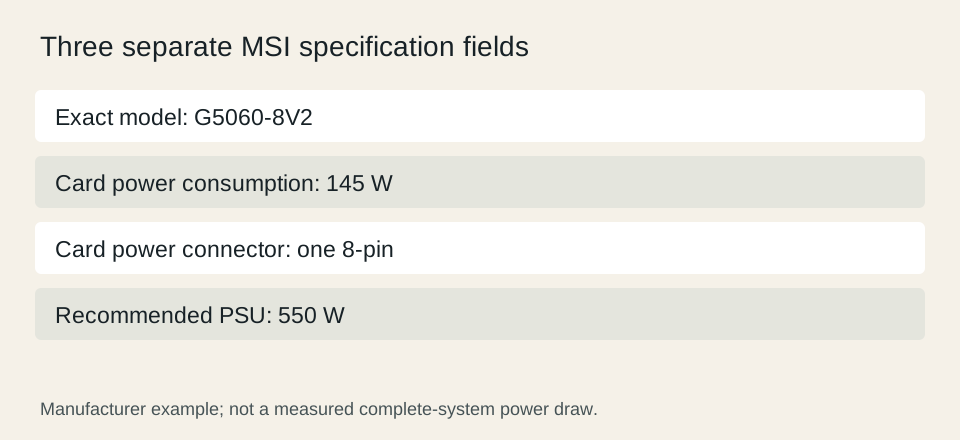
For a concrete example, MSI lists the GeForce RTX 5060 8G VENTUS 2X, model G5060-8V2, with 145 W power consumption, one 8-pin power connector and a recommended 550 W PSU. These are different fields. The 145 W entry describes the card specification; it is not a measured total for your complete computer. The PSU recommendation also does not replace the connector and compatibility checks.
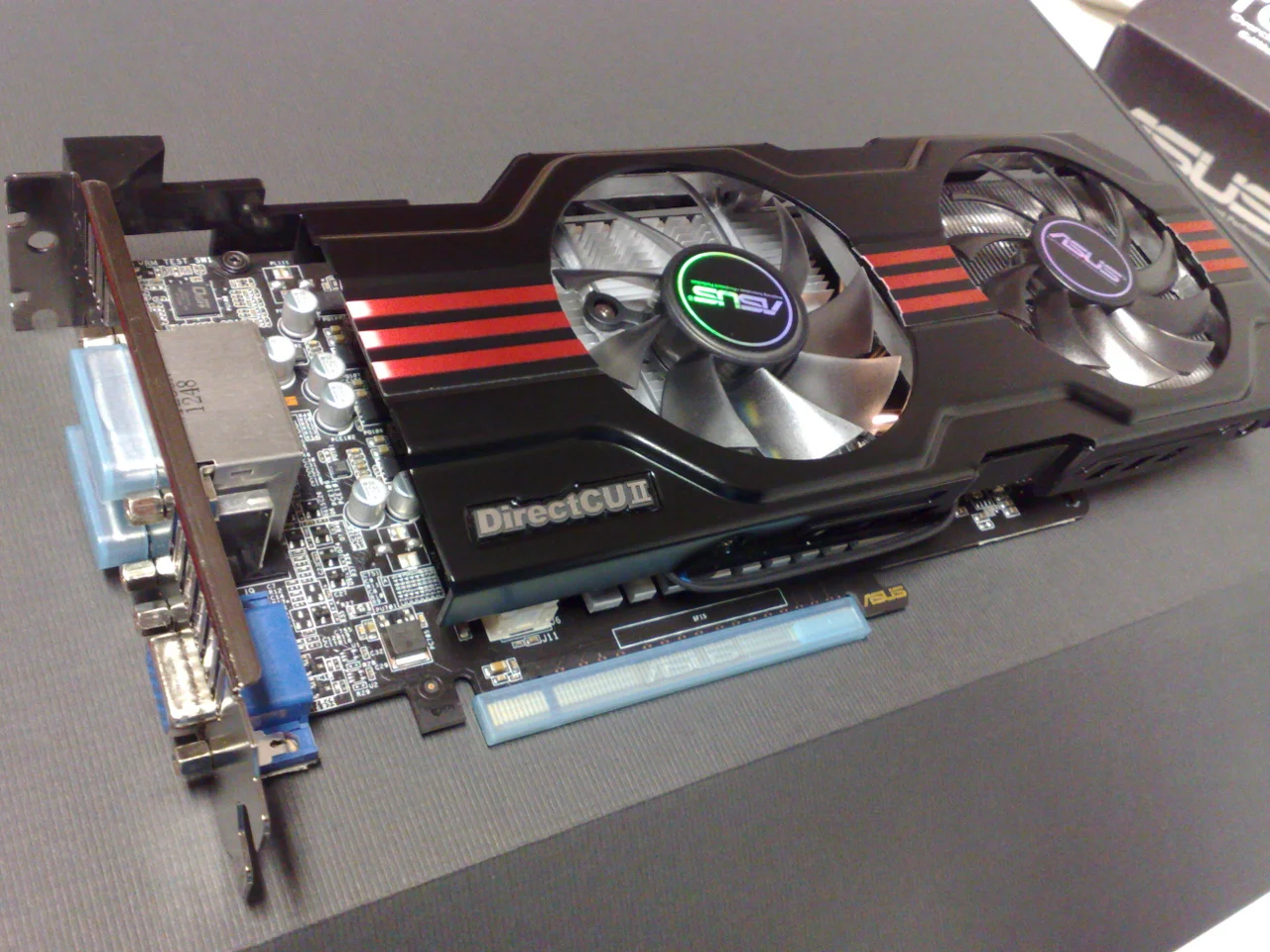
The archival graphics-card photograph shows a different ASUS GTX 650 Ti model. Use it to understand the physical card as a separate installed component, not to infer the MSI card specifications or connector location. Read the full model name before carrying any figure from a specification table into the purchase record.
MSI GeForce RTX 5060 8G VENTUS 2X specifications ?
Check the cable set and the available installation space
Record which cables are actually supplied with the chosen PSU and which additional connections your system requires. For a modular supply, compatibility applies to the supply-side pinout as well as the component-side connection. Corsair provides a model-dependent compatibility chart; that is a reason to check an exact pairing, not permission to mix any cables bearing the same brand.
Also check the PSU dimensions, its mounting arrangement and the space needed to route the approved cables in the intended case. A nominal case format does not describe every obstruction or drive-cage position. Use the case and supply documentation together and preserve any conditions that depend on the chosen configuration.
Corsair PSU cable compatibility ?
Finish with a model-specific purchase record
The final record should identify the PSU, the case and each component requiring a power connection. For every connection, name the documented compatible cable and note whether it is included. Keep unresolved requirements visible instead of treating an adapter found in a search result as a validated solution.
Compare the full proposed configuration with the relevant manufacturer guidance before purchasing. This guide has not measured your system consumption, transient behavior, acoustic performance or electrical quality. Those outcomes cannot be inferred from the simple checklist. Its purpose is to prevent a wattage headline from hiding an unverified connector, cable or physical-fit requirement.