What a memory QVL can and cannot tell you
Read a memory qualified-vendor list against the full kit code, installed-module count and platform conditions without mistaking a near match for validation.
Updated:
A QVL is evidence about a documented combination
Use a memory qualified-vendor list to find evidence that the motherboard maker has validated a particular memory configuration under its stated conditions. Search for the complete kit identifier on the support page for your exact board. A similar brand name, capacity or advertised data rate is not the same result. An absent entry means that support is not established by that list; it does not by itself prove that the kit cannot work.
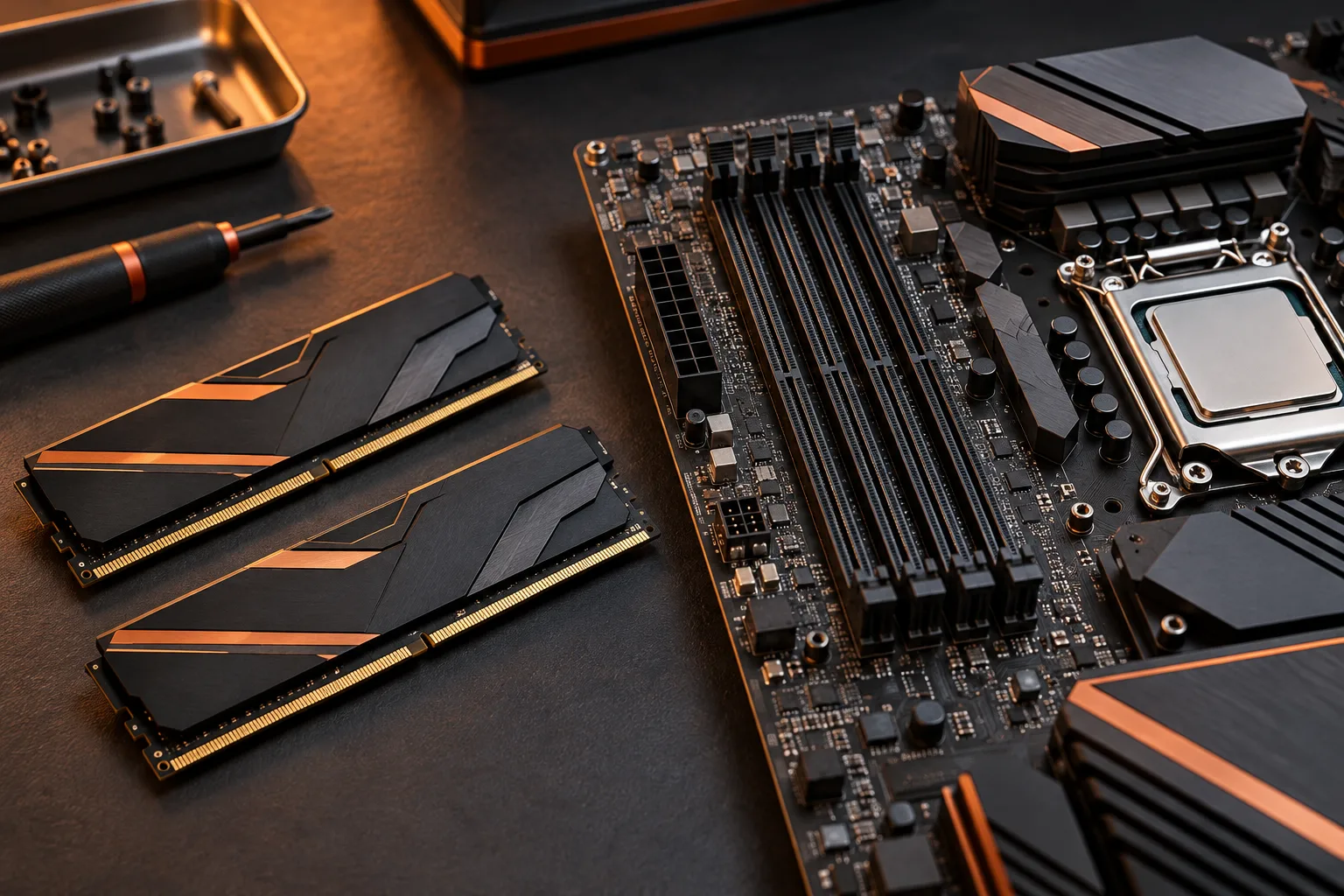
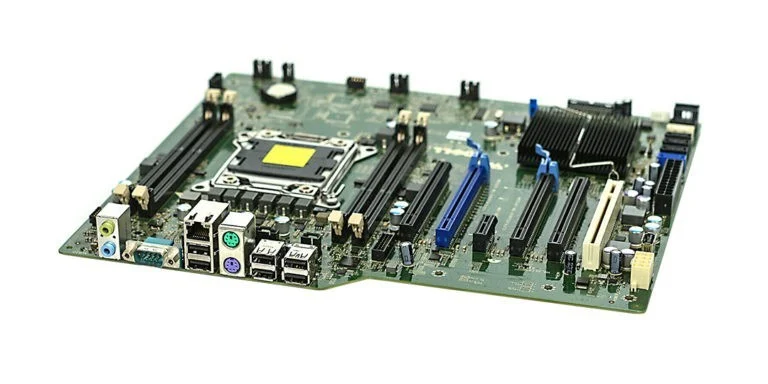
ASUS describes opening the motherboard CPU/Memory Support area and searching its memory list, with filters for attributes such as vendor, capacity, speed and socket support. Keep the selected board identity visible while working through those filters. The motherboard photo illustrates the sockets being considered, but the archival board is not a test platform for the kits discussed here.
ASUS: querying the CPU and memory QVL ?
Copy the entire kit code before comparing rows
Corsair CMK32GX5M2B6000C36 is a concrete example of a full kit identifier. Its product page describes 32 GB as two 16 GB DDR5 modules. This article uses that identifier to explain the lookup process; it does not claim the kit appears on a particular ASUS QVL. A reader should be able to distinguish product identity evidence from board-validation evidence.
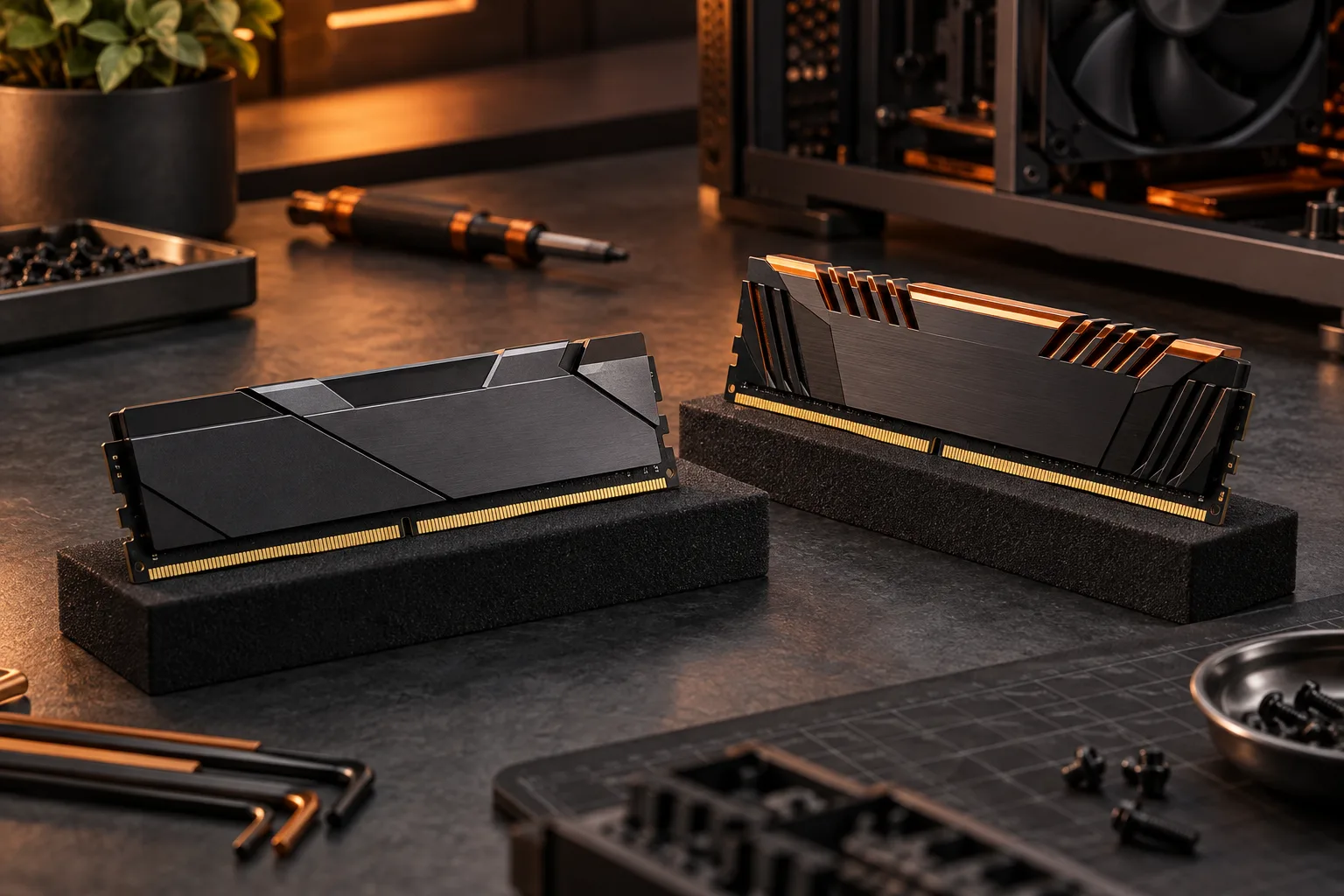
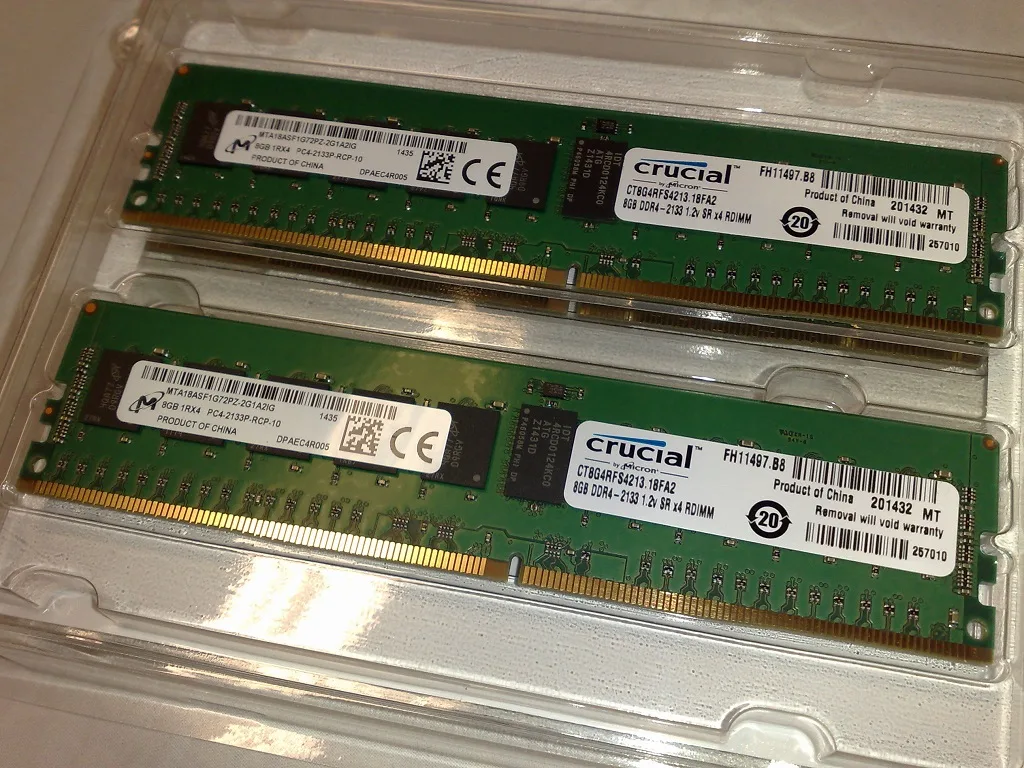
Keep the original identifier in one spreadsheet cell and the table result in another. Do not delete letters or digits to make a search return something. If the listing shows a version, revision or other qualifier, preserve it. The older Kingston module photograph shows the kind of physical label that may need to be compared with the seller’s product description.
Corsair: exact CMK32GX5M2B6000C36 kit identity ?

Match the module type as well as the headline capacity
The additional photograph shows registered ECC DDR4 modules. Their capacity labels may resemble other memory listings, but their module type is part of the identity. They are not substitutes for the unbuffered DDR5 kit used as the product-code example. Comparing only gigabytes can hide a fundamental mismatch before the QVL lookup even begins.
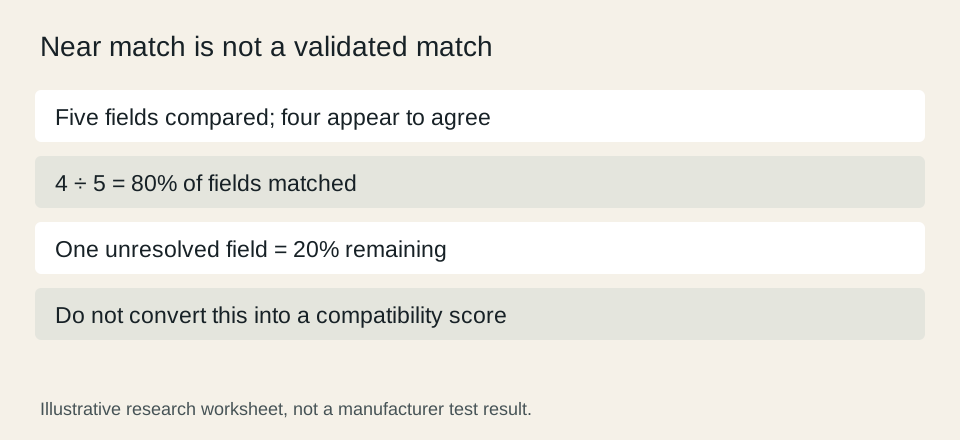
Build a comparison row with five entries: board identity, complete kit code, module type, capacity arrangement and supported population condition. If four entries agree and one differs, that is an 80% field match, not a compatible-kit result. The remaining 20% may be the decisive condition. Percentages here describe a worksheet and should never become a hardware compatibility score.
Treat installed-module conditions as part of the result
Read any notes about supported sockets, module count, processor generation or firmware alongside the entry. A result for a two-module arrangement should not be silently expanded into a four-module claim. Retain the entire relevant row and its legend so that a future review can tell what was actually validated. The precise interpretation depends on the manufacturer’s table.
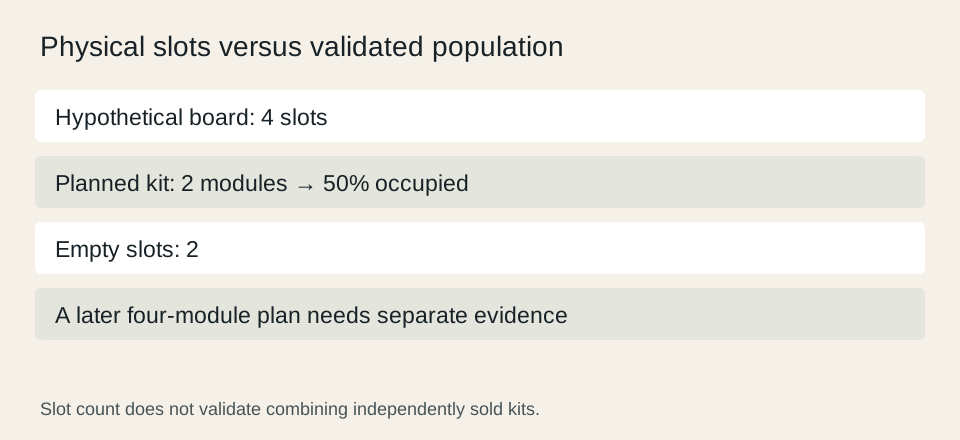
For a hypothetical four-slot board, two installed modules occupy 50% of the physical slots. That arithmetic leaves room, but it does not demonstrate that two separately purchased kits form one validated set. Record a later upgrade as a new configuration that needs its own evidence. This avoids turning the visual presence of empty sockets into a performance or stability promise.
ASUS: querying the CPU and memory QVL ?
Use a clear outcome when the exact entry is missing
Save one of three outcomes: exact match with conditions satisfied; exact entry found but a condition unresolved; or no exact match established. For the last two, write the specific missing fact. Examples include an unconfirmed kit revision or a population note whose meaning is unclear. A precise question is more useful to official support than asking whether an entire shopping basket is good.
If buying now, prefer a combination for which the required evidence is available rather than filling gaps with assumptions. Keep the date and source with your comparison because support pages can change. A QVL is one part of the purchase decision: capacity needs, physical clearance, total cost and the conditions of the chosen operating profile remain separate questions. Do not describe documentation review as hands-on stability testing.
ASUS: querying the CPU and memory QVL ? Corsair: exact CMK32GX5M2B6000C36 kit identity ?