DDR4 or DDR5 starts with your exact motherboard
Choose the memory generation supported by the exact motherboard, and compare a platform change without treating DDR4 and DDR5 as interchangeable.
Updated:
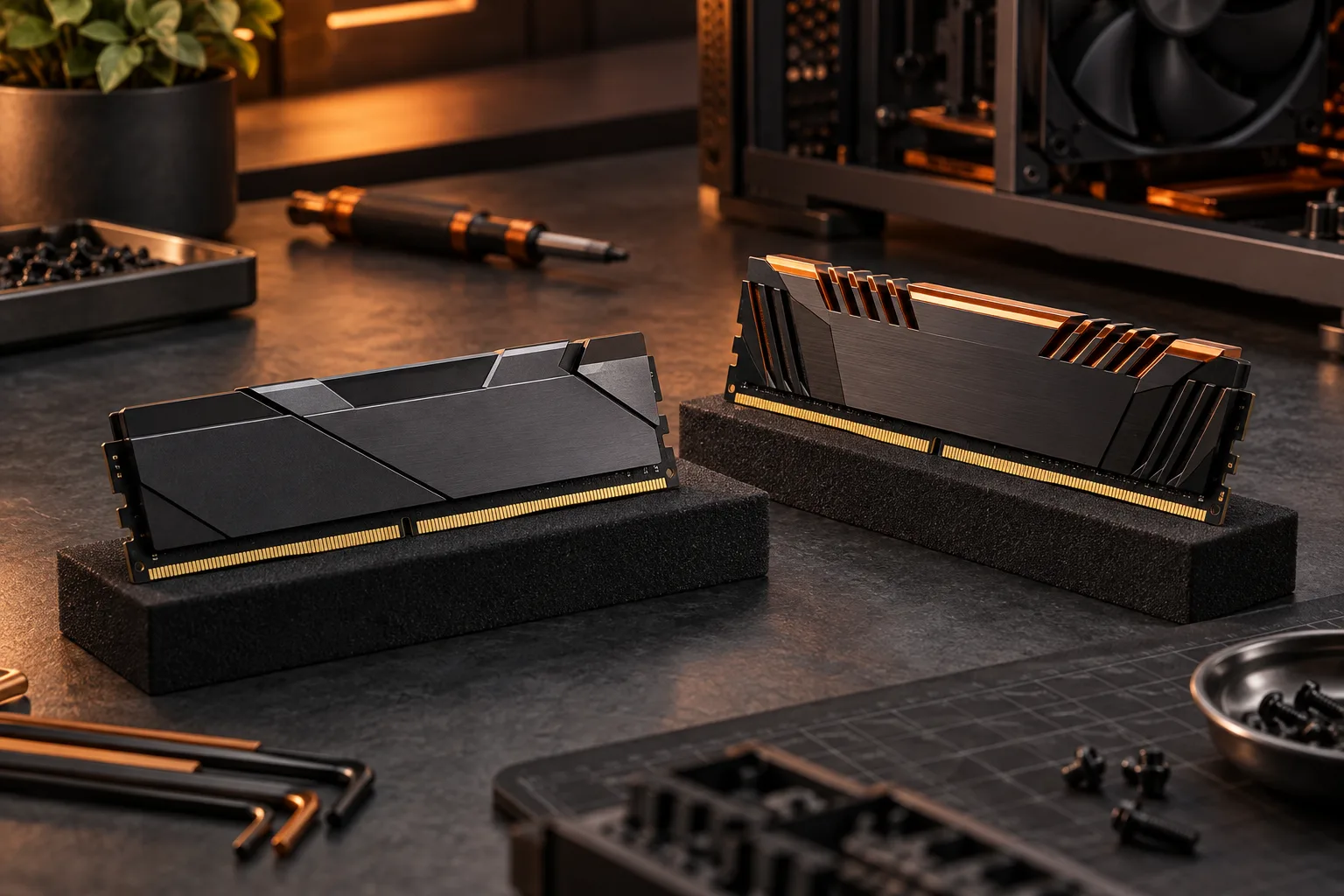
Your motherboard decides which generation fits
For an existing desktop, buy the memory generation supported by the exact motherboard. DDR4 and DDR5 are not interchangeable upgrades for the same ordinary slot. Corsair explicitly addresses their incompatibility in its RAM FAQ. For a new build, choose the processor, motherboard and memory together rather than buying a kit first and assuming the rest of the platform will accept it.
A concrete model example is the ASUS PRIME B760-PLUS D4: its official manual describes four DDR4 DIMM sockets. The D4 suffix is therefore meaningful in this exact product name. That example is not a naming rule for every manufacturer or a statement about current US stock. Use the full manual title to avoid substituting another member of a similarly named motherboard family.
Corsair: RAM compatibility and kit FAQ ? ASUS PRIME B760-PLUS D4 official manual ?
Read the module identity before reusing a kit
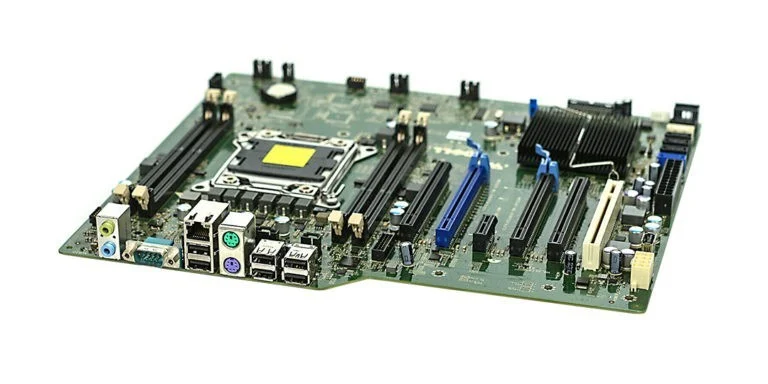
The archival Kingston module photograph below shows its label and keyed edge. It is DDR3, so it cannot illustrate the exact notch location of either DDR4 or DDR5. Its useful lesson is identification: record the complete kit code, generation and capacity instead of describing an existing part as ordinary desktop RAM. A familiar outline is not enough evidence for reuse.
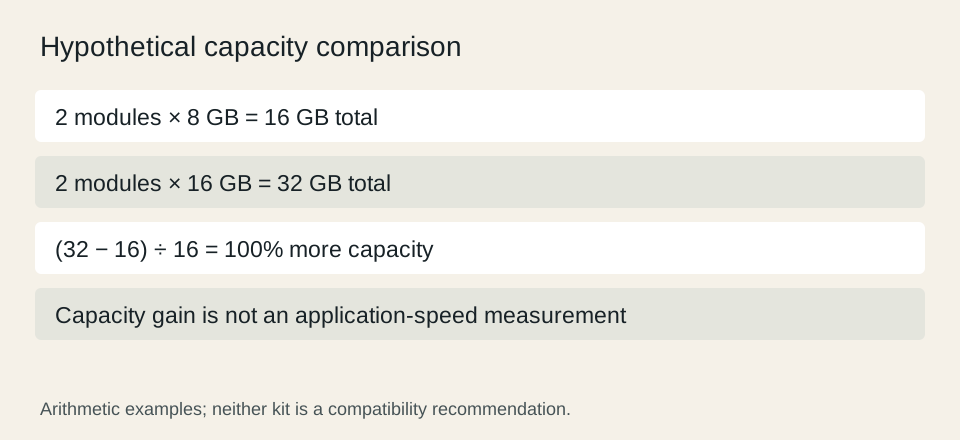
Keep the total kit capacity separate from capacity per module. A hypothetical pair of 16 GB modules provides 32 GB in total, while a pair of 8 GB modules provides 16 GB. The 32 GB kit has 100% more capacity than the 16 GB kit, but that arithmetic says nothing about application speed. Capacity, generation and operating data rate answer different questions and should occupy different columns.

Budget for the platform change, not just the new kit
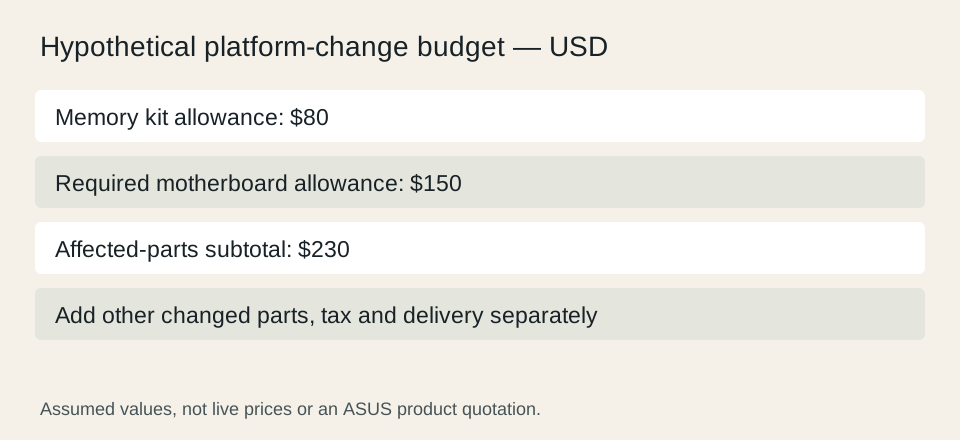
If moving to another memory generation requires replacing the board, include the board and any other affected components in the scenario. For a hypothetical worksheet, an $80 kit plus a $150 motherboard totals $230 before tax or delivery. Those numbers are planning assumptions, not offers for the ASUS model or any memory product. Comparing only the $80 memory line conceals the larger purchase.
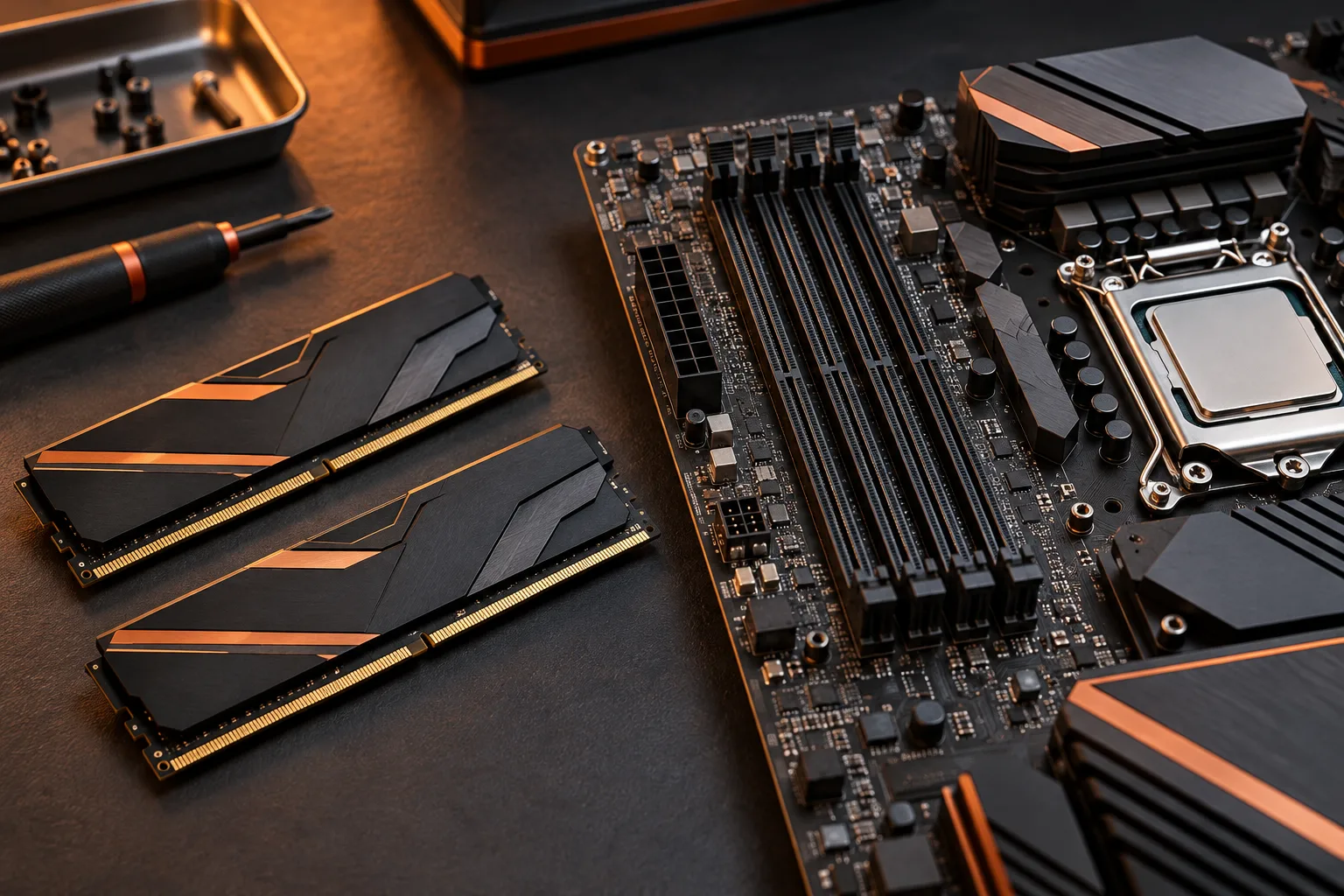
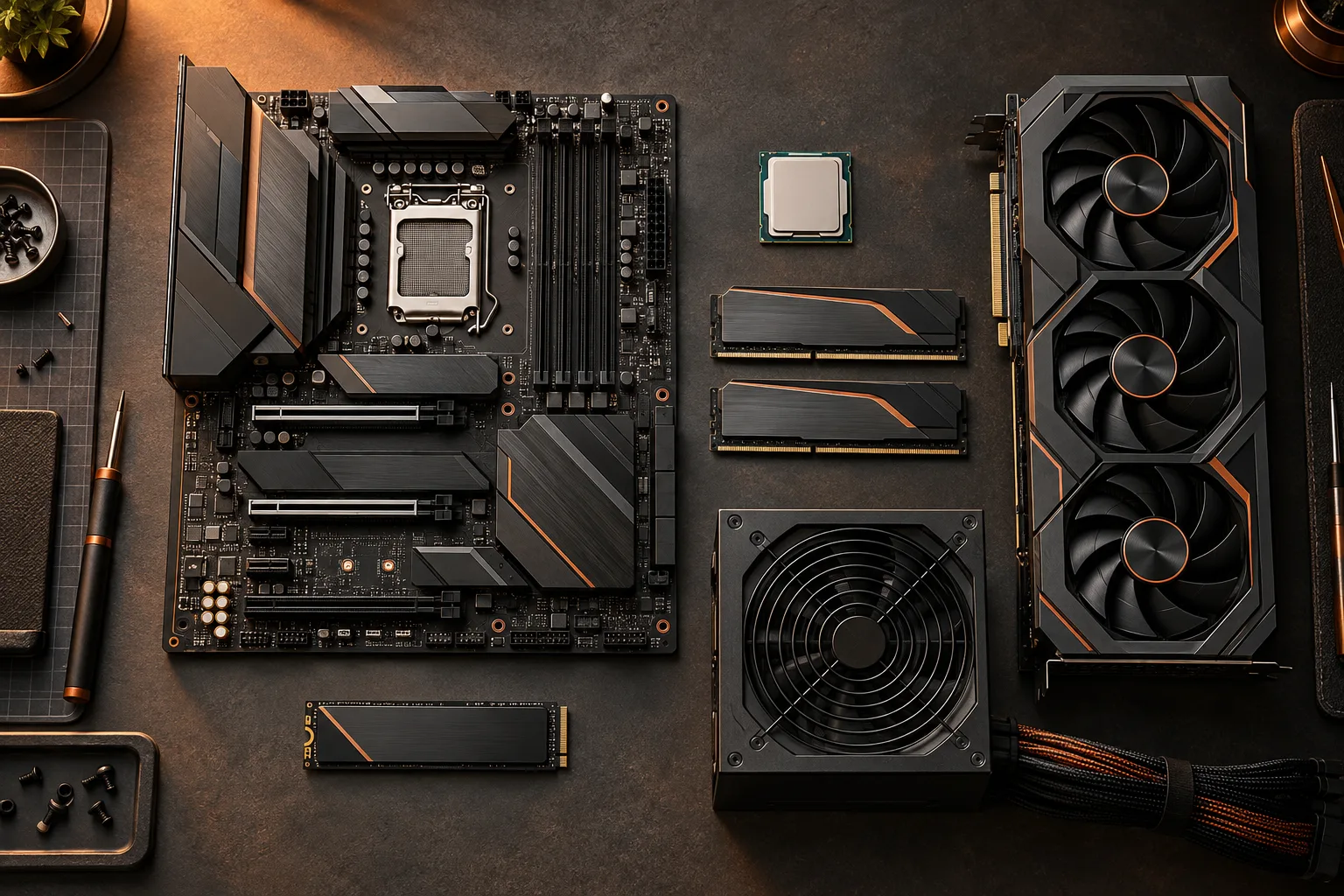
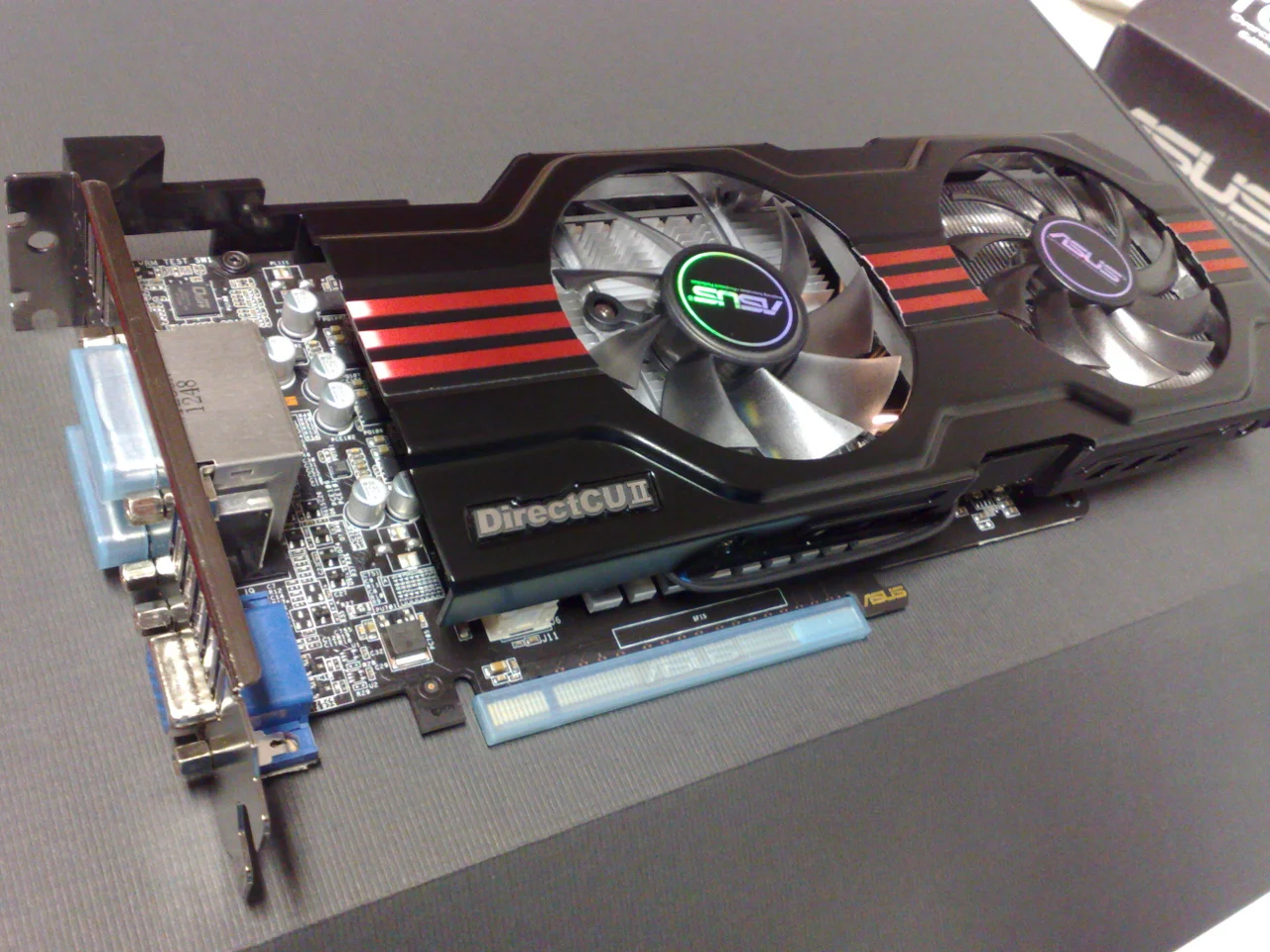
Also review what the replacement board changes elsewhere: supported processor firmware, storage connectors, expansion arrangement and case fit. The motherboard photograph helps identify those regions, while the graphics-card photo shows a separate component whose physical space still matters. A memory-generation choice is not permission to skip the rest of the compatibility checks.
Avoid turning a data-rate label into a performance promise
The number advertised on a kit is not a measured improvement for every application or system. Document whether the proposed operating setting is a standard supported rate or a profile with additional configuration conditions. Corsair notes that slot placement, platform support and settings can affect whether a kit reaches its advertised frequency. This guide does not prescribe a BIOS adjustment or promise an overclocked result.
For a buying decision, first establish the required capacity for your actual workload and the platform’s supported kit arrangement. Then compare relevant, clearly identified benchmarks if performance is the reason to spend more. A newer generation label alone does not quantify the benefit for your software. If you have no matching performance evidence, write that limitation instead of inventing a percentage gain.
Corsair: RAM compatibility and kit FAQ ?
Make the final choice a documented platform decision
Use a short decision sheet: existing or new system; exact motherboard; supported generation; complete memory kit code; desired capacity; supported installation arrangement; complete affected-parts cost. For an existing DDR4 board that otherwise meets your needs, a supported DDR4 kit is a different decision from replacing the platform to use DDR5. For a new system, compare complete compatible combinations on your actual requirements.
Before payment, recheck the exact product name in the cart against the manual and support list. Preserve any seller statement about the supplied item, and do not assume that a similar product title includes the same generation. The result should explain why the selected kit belongs with the selected board, what the capacity calculation means and which performance claims remain untested.
Corsair: RAM compatibility and kit FAQ ? ASUS PRIME B760-PLUS D4 official manual ?