Read the storage lane-sharing notes before adding drives
Map each planned drive to a documented socket and check the sharing conditions before committing to an expansion plan.
Updated:
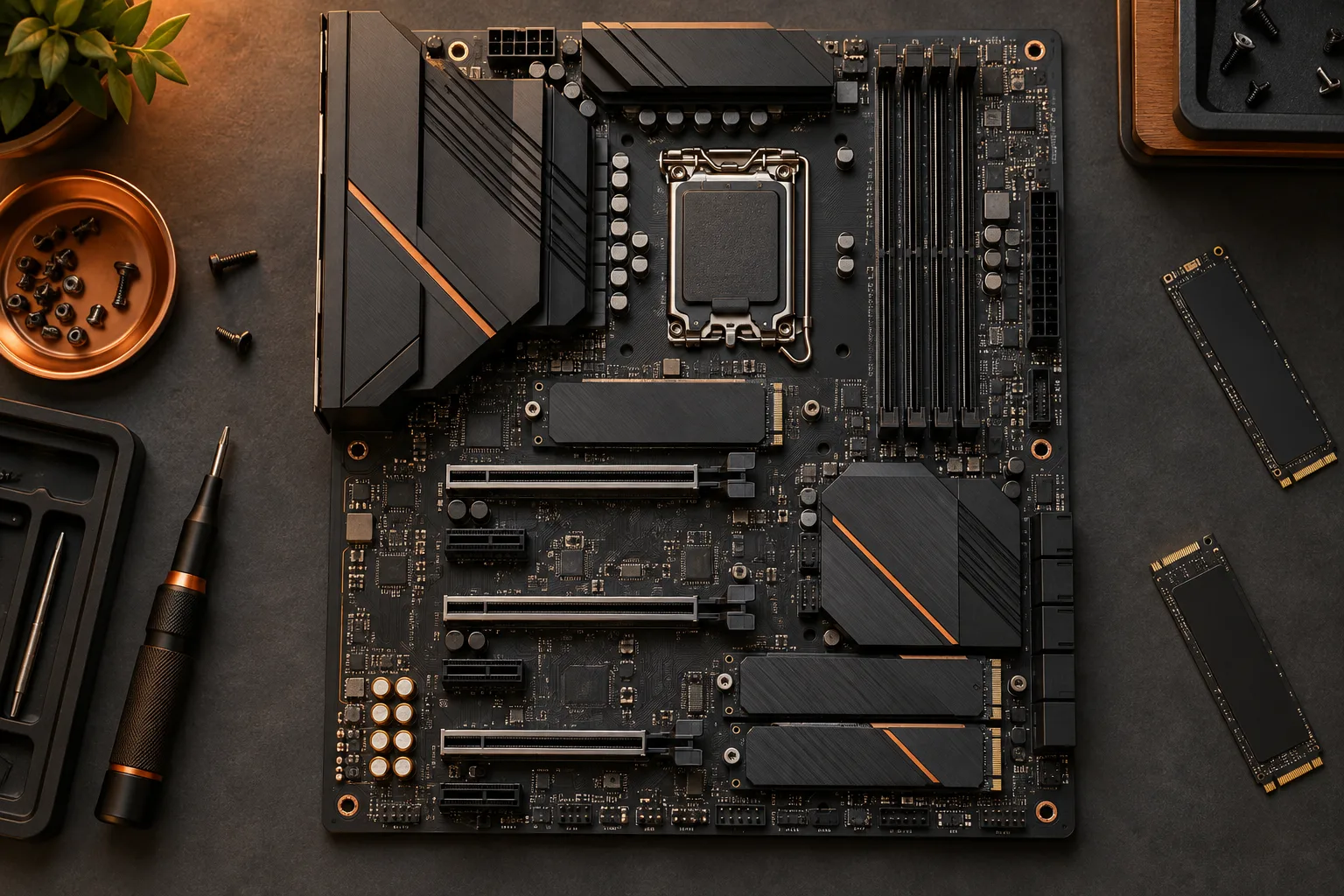
An empty connector is only the start of the check
Before buying another SSD, check how its intended motherboard socket interacts with the other devices you plan to keep. Kingston notes that M.2 connections can share resources with other connectors. The consequence depends on the particular board and configuration. A visible unused socket therefore does not prove that every currently connected device will remain available in the proposed arrangement.
The archival motherboard photograph illustrates a board with several different connector groups. It is not a resource map for a current product. Find the layout diagram and storage notes for your exact model and revision, then use those printed connector names in a short allocation sheet. This makes a conditional note about one port distinguishable from a statement about the entire board.
Kingston: SSD interfaces and shared motherboard resources ?
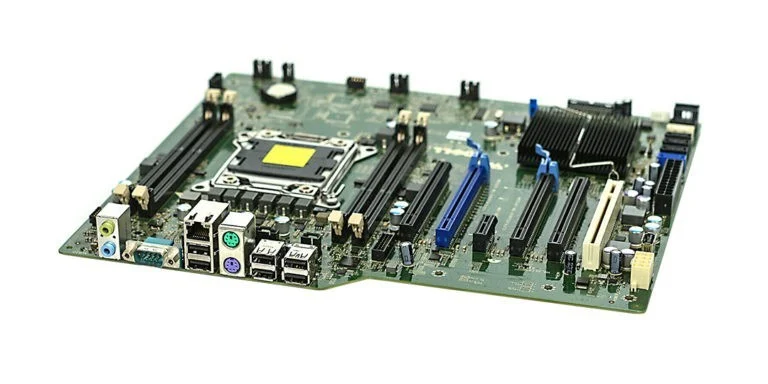
Identify the drive interface before interpreting a condition
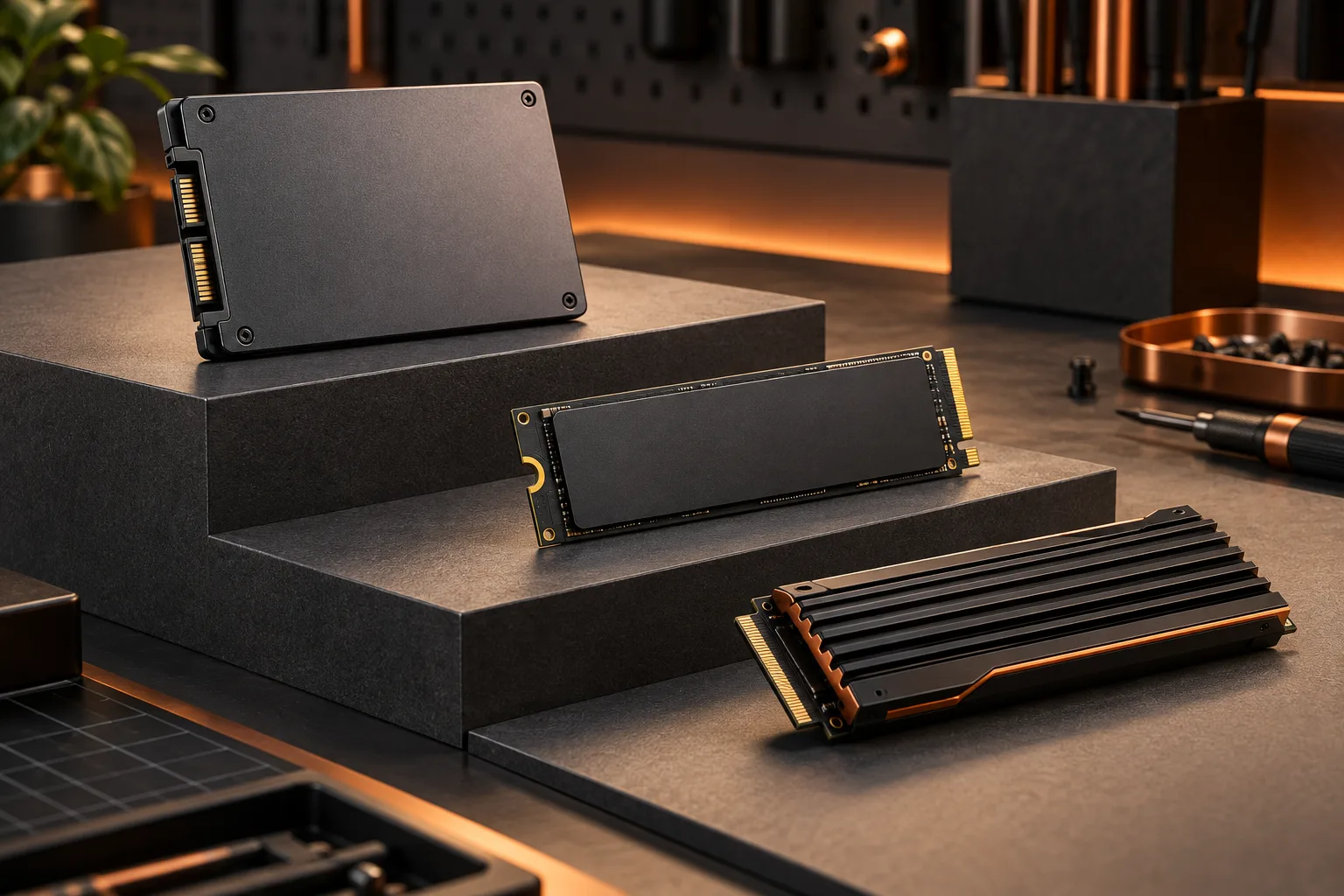
The photograph comparing mSATA with M.2 shows why a small module is not enough identification. Kingston distinguishes SATA and PCIe M.2 options; an applicable sharing condition may depend on which interface is used. Read the exact drive specification and the socket documentation together. Do not assume a condition for one type applies identically to the other.
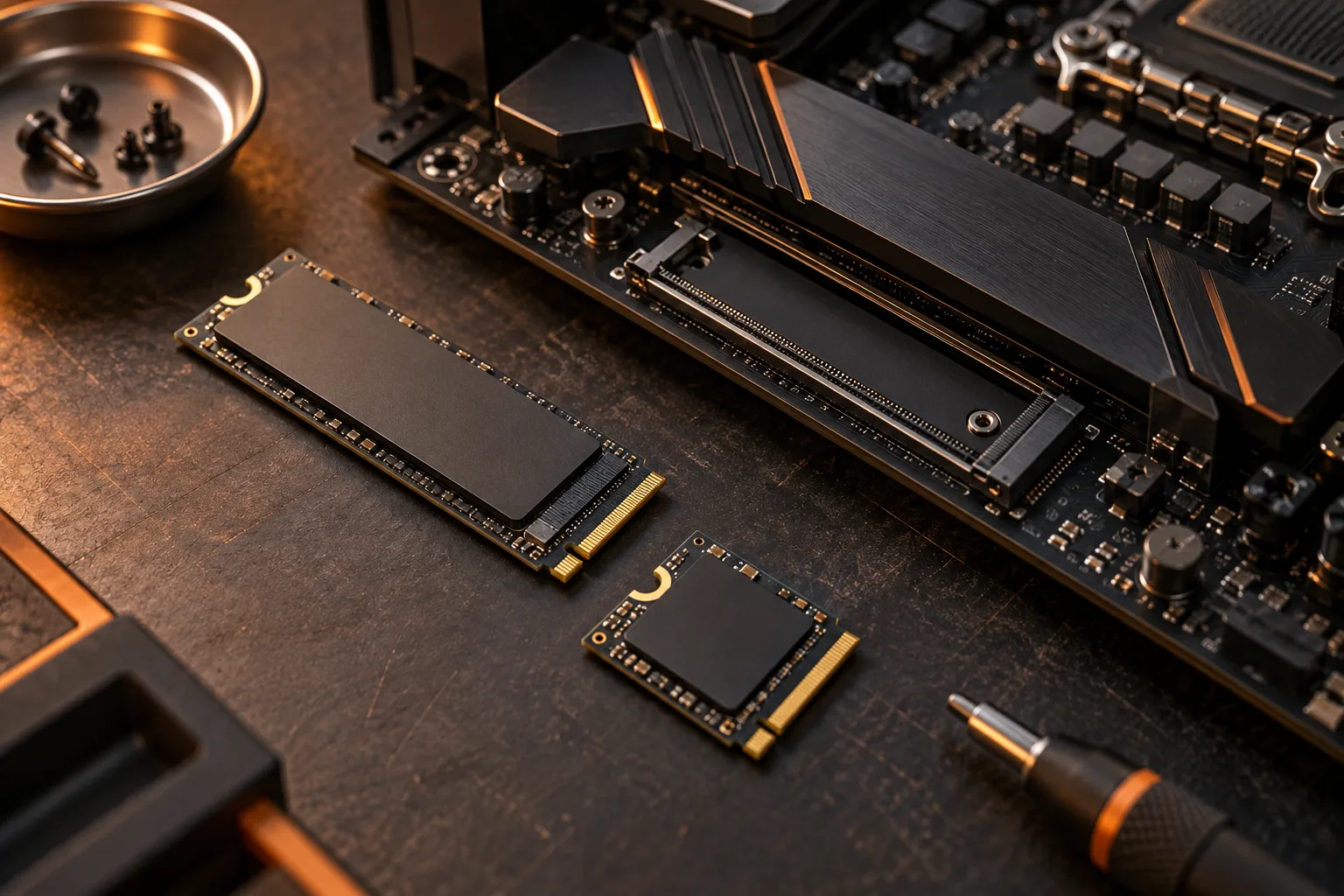
A size code is a separate field. For example, Kingston describes 2242 as 22 mm wide and 42 mm long, while 2280 is 22 mm wide and 80 mm long. The 38 mm difference concerns mounting length. It does not reveal the resource allocation or tell you which other connectors remain usable. Keep those questions separate in the worksheet.
Kingston: SSD interfaces and shared motherboard resources ?
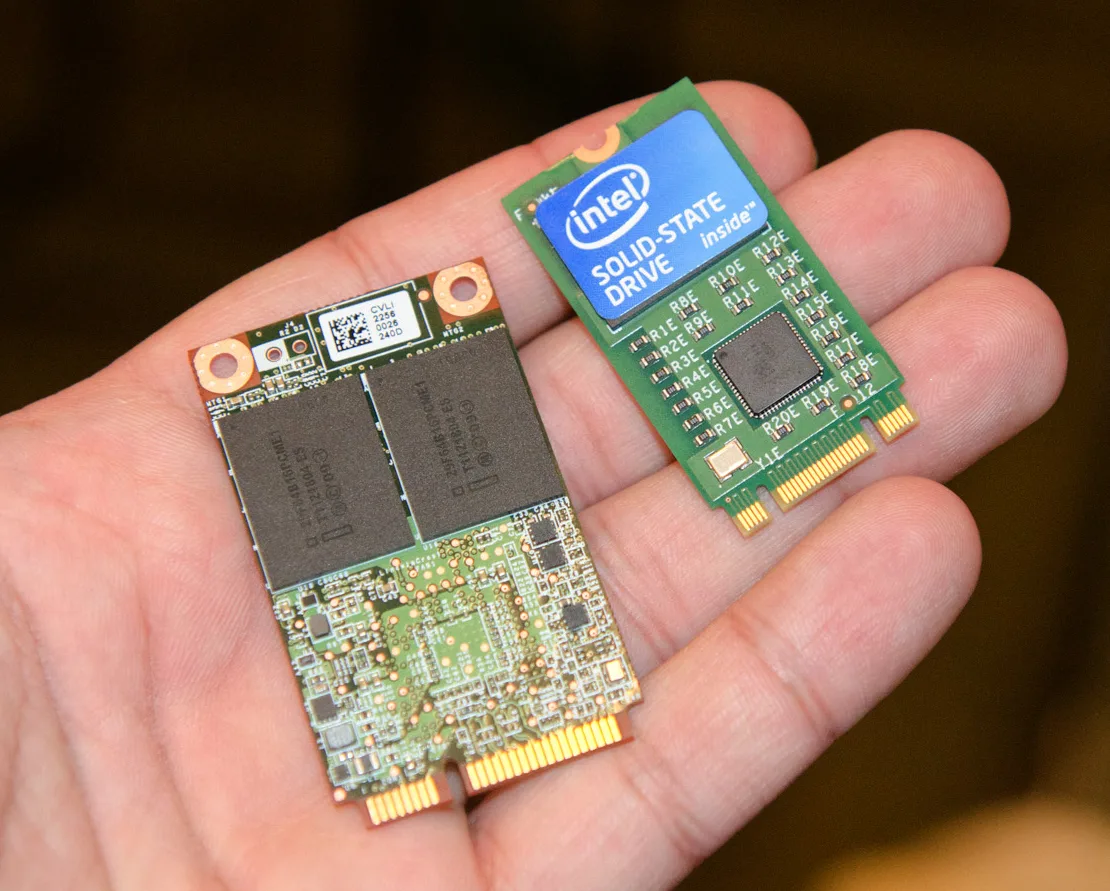
Map the full proposed configuration, including existing drives
The Intel 760p photograph shows an archival SSD with a readable model and capacity label. For your own inventory, use comparable identification detail for every device that stays in the system. Include existing SATA drives and expansion cards instead of focusing only on the new purchase. An upgrade succeeds only when the complete intended arrangement meets the documented conditions.
Write one row per device: exact model, interface, named connector and the manual condition that applies. Mark any unanswered field as unresolved. If the board documentation depends on the installed processor, include that processor in the record as well. This guide does not assert a universal lane count, a universal disabling rule or a performance result for an unspecified machine.
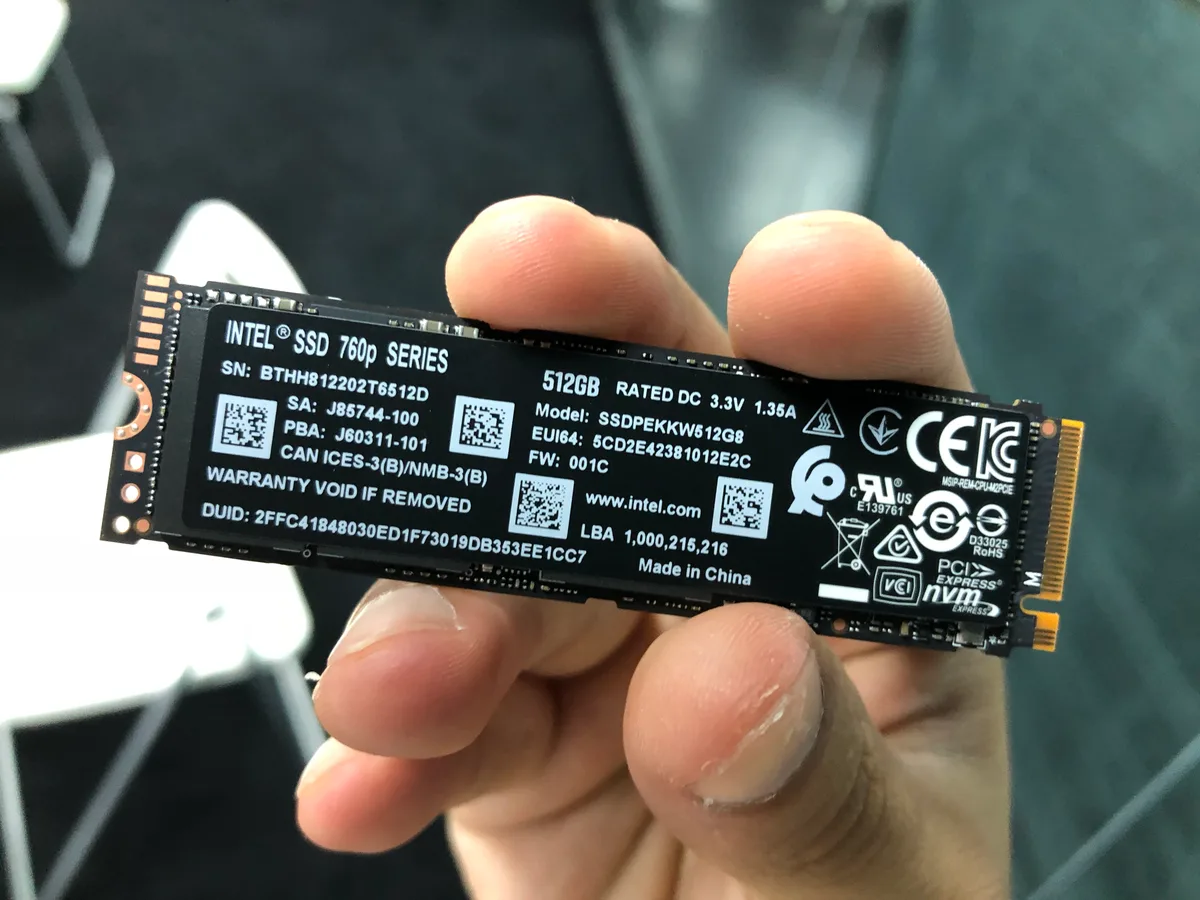
Read conditional notes as a decision, not a warning to ignore
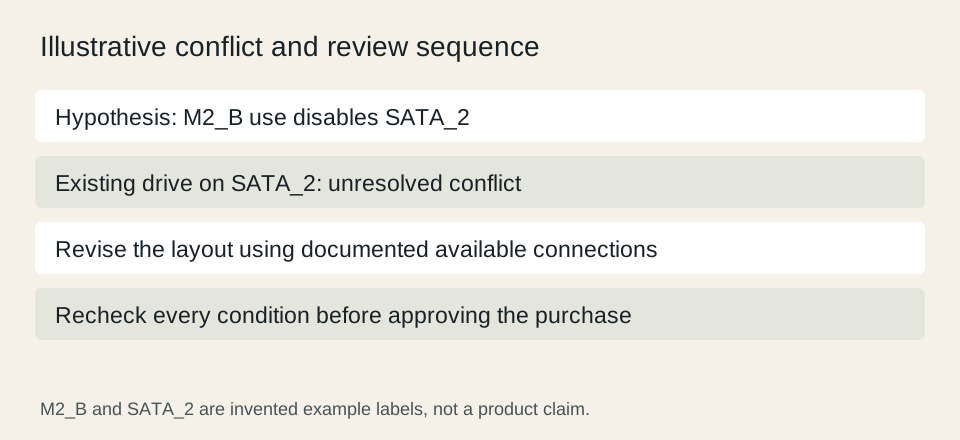
Use a hypothetical planning example: a manual says that using socket M2_B in a specified mode makes port SATA_2 unavailable. If your current data drive occupies SATA_2, the plan contains a conflict. That invented label pair demonstrates how to read a condition; it is not a claim about an actual motherboard. Use only your real manual to determine whether such a rule exists.
A possible revised plan might move the existing drive to another documented available port, choose a different supported socket or change the proposed upgrade. Each revision needs its own check. Do not treat moving a cable as proof that all resulting conditions have been resolved, and preserve a reliable backup before any storage reconfiguration.
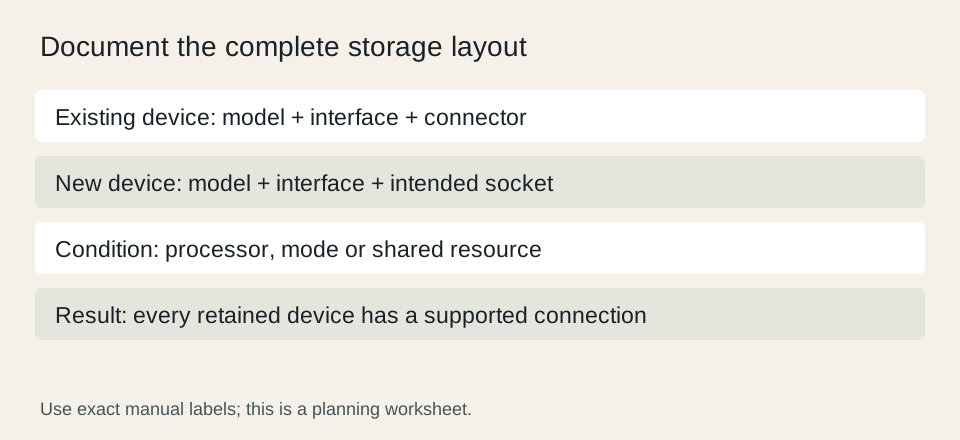
Approve the layout only after every retained device is accounted for
Finish with a saved copy of the relevant manual section and a complete allocation table. Each retained drive should have an available supported connector in the final configuration. An unresolved sharing condition means the upgrade is still a proposal, even if the new SSD itself is compatible with the socket.
After installation, follow the system documentation to verify device detection and access to the intended volumes. Detection is a different check from a benchmark, so do not infer expected transfer rates from this planning worksheet. If the configuration differs from your documented plan, revisit the allocation before attributing an absent drive to a defective product.