Read a prebuilt PC specification beyond the headline
Compare an exact prebuilt configuration, not just its family name. A Dell EBT2250 documentation example and a practical worksheet for US desktop buyers.
Updated:
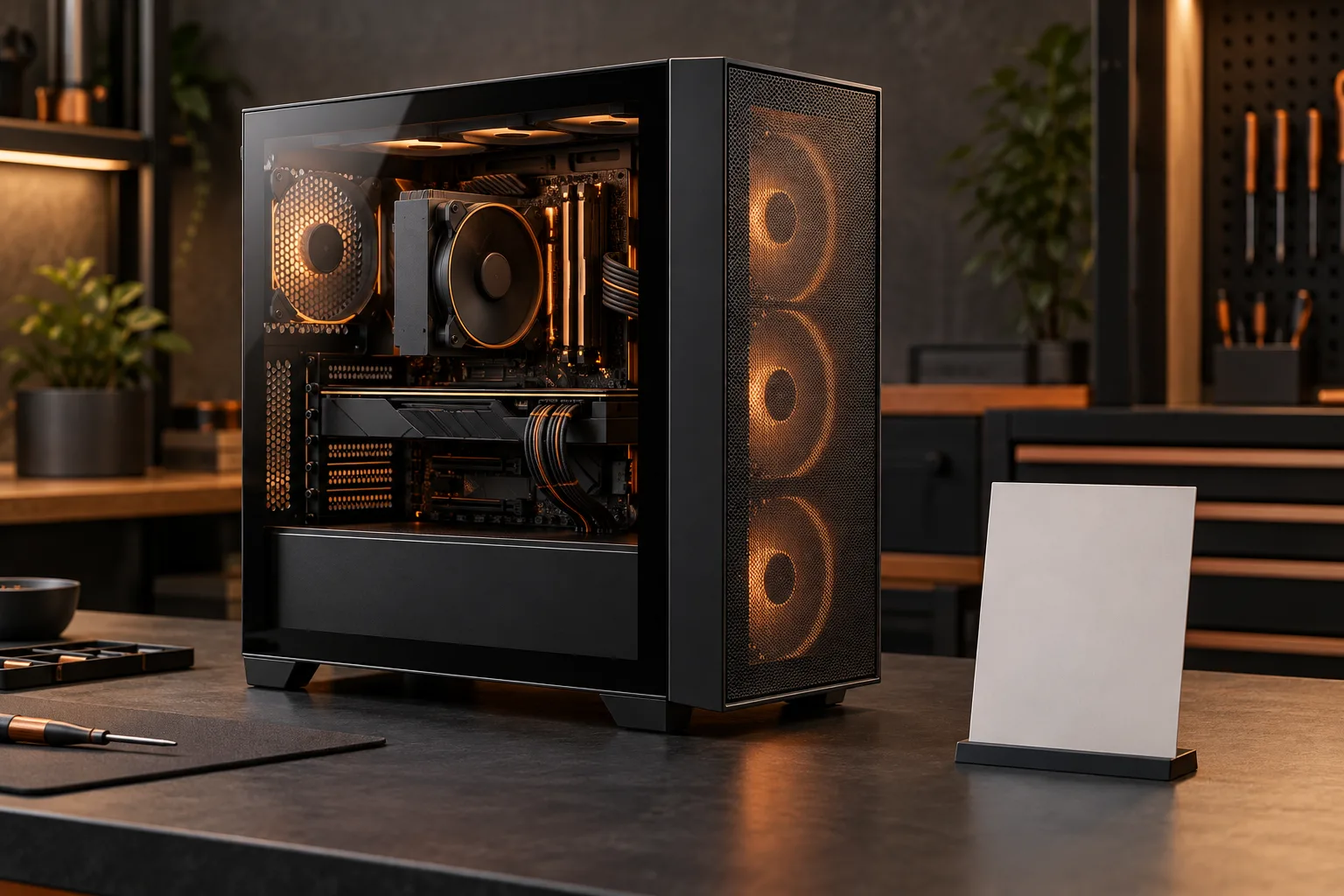
Compare the selected configuration, not the tower name
A prebuilt desktop is suitable only when its selected configuration covers your applications, displays, storage and support needs within the complete purchase budget. The family name alone cannot answer that question. Start a comparison sheet with the exact offer or configuration identifier, then copy the processor, graphics, memory arrangement, storage and included support. Keep a dated screenshot of the final configuration beside the order summary. This guide is a documentation review, not a hands-on assessment of a Dell computer.
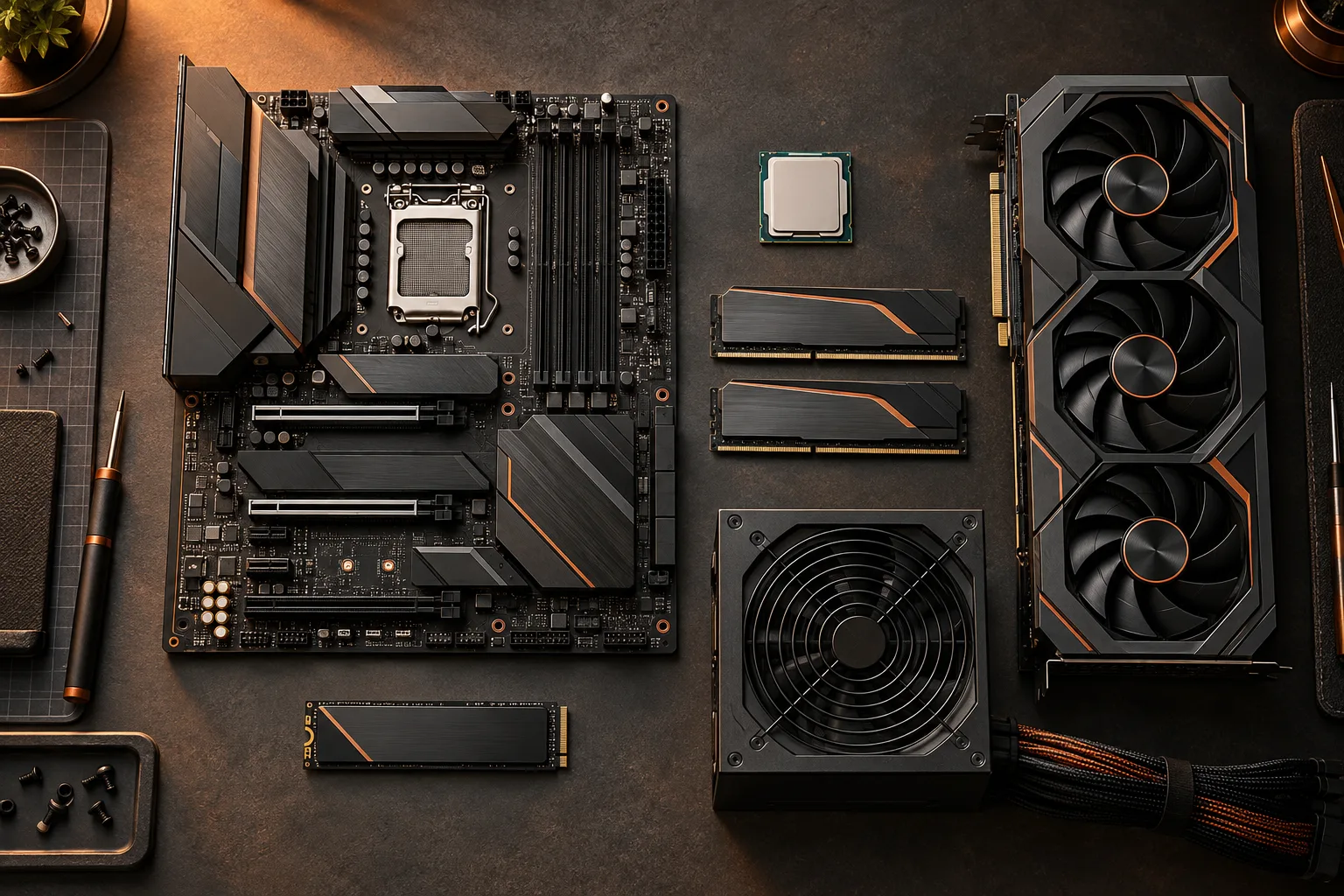
Treat photographs as a map of the parts to identify, not evidence of the components included in an offer. The archival motherboard photograph below makes the CPU, memory and expansion areas distinguishable. It is a Dell T3600 board, not an EBT2250 board. Its purpose is to show why the motherboard and each attached component deserve separate rows instead of a single vague entry such as powerful desktop.
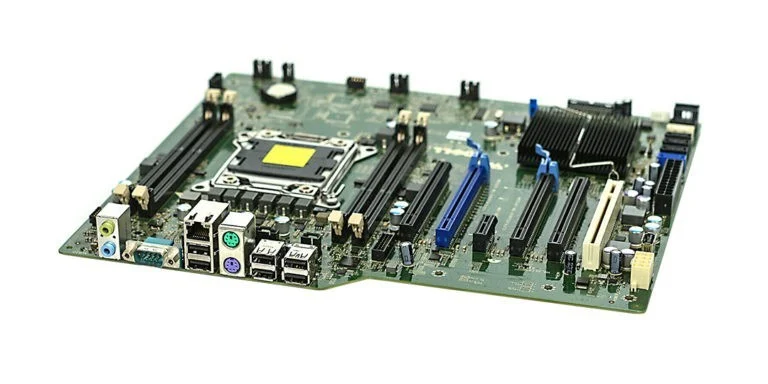
A real example of why configuration details matter
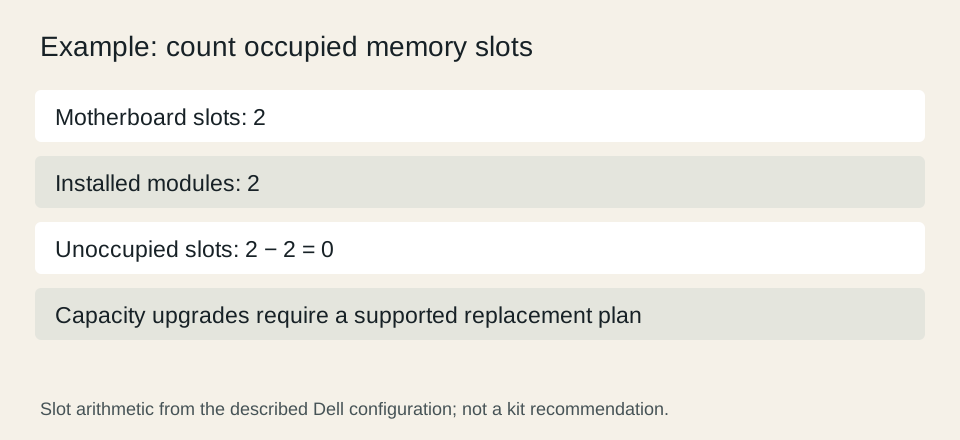
Dell’s US Tower Plus EBT2250 page, checked October 27, 2026, lists configurations with integrated graphics and others with NVIDIA GeForce graphics. Its technical specification section shows a 16 GB arrangement made from two 8 GB DDR5 modules, and lists two DIMM slots with a 64 GB supported maximum. Those details describe more than the headline memory capacity. Use the specifications associated with your selected offer because the page presents multiple configurations.
In that two-module example, two installed modules occupy both listed slots: 2 minus 2 leaves 0 empty slots. That does not mean the system cannot gain capacity; it means that adding a third module is not the route described by this layout. The older memory photo below illustrates the module label you would identify, not the generation supplied in the Dell offer. The capacity calculator can record the arithmetic without pretending to validate a replacement kit.
Dell USA: Tower Plus EBT2250 configurations and technical specifications ?

Match graphics to a task and a monitor plan
Write the names of the applications you actually intend to use, then list their published requirements separately from your preferences. Someone preparing documents and someone working with a particular 3D application can reach different decisions from the same specification sheet. Do not infer a measured frame rate from a graphics-card name, a large case or a marketing description. We have not benchmarked these configurations.
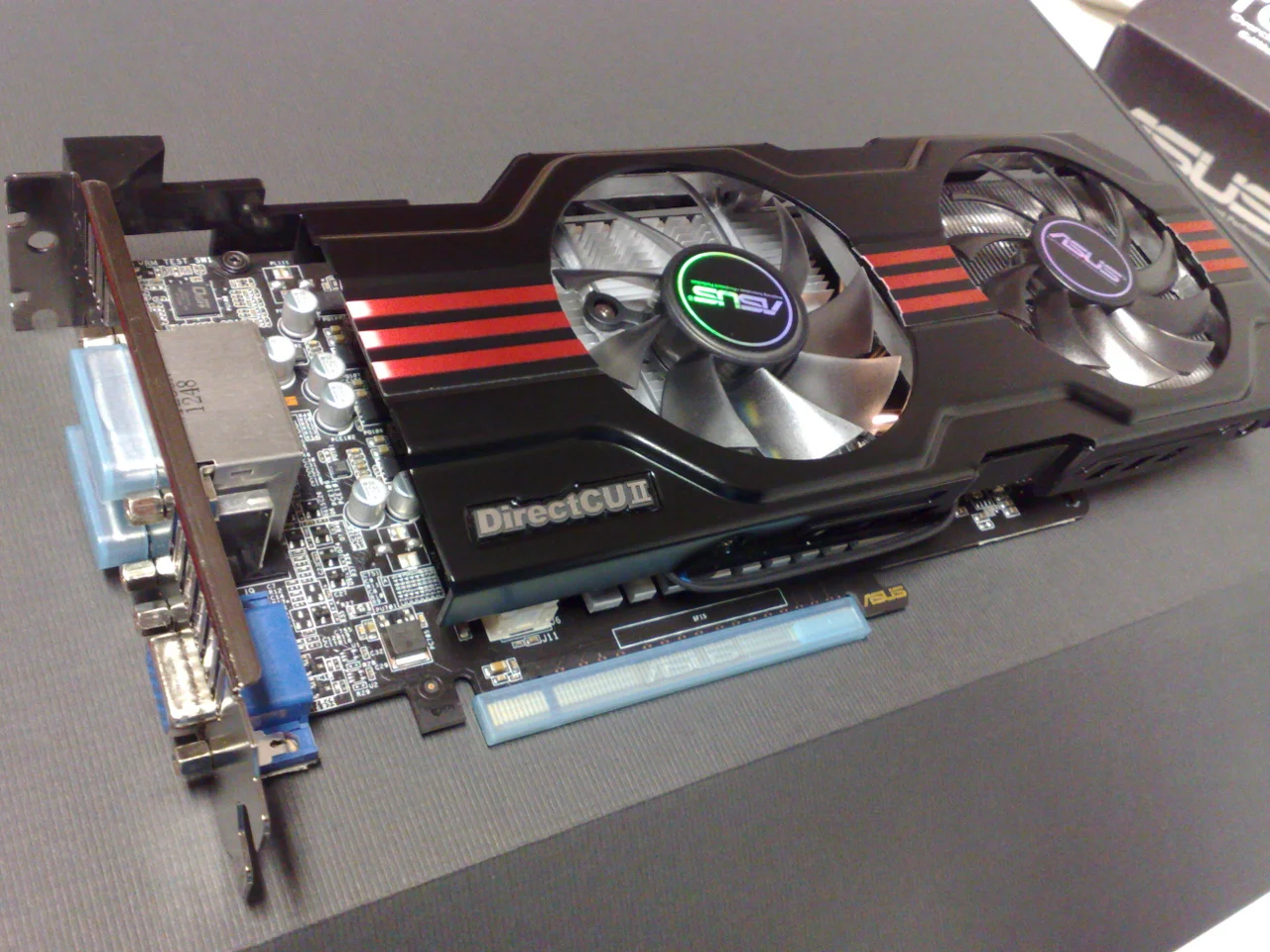
Make a small display inventory: monitor model, desired resolution and refresh rate, input connection and cable. Compare that inventory with the outputs on the selected configuration. An expansion-card photograph helps distinguish the card bracket from the motherboard rear panel, but the pictured archival GTX 650 Ti is not the card supplied in the reviewed Dell offers. A missing connector can change the practical purchase decision even when the processor specification appears adequate.
Put included items and later costs on separate lines
List the tower, operating-system edition, keyboard, mouse, display and any required adapters. Mark each as included, already owned or extra. A trial application is a different budget item from a perpetual license or an ongoing subscription. Use the actual offer language to classify it. If a comparison silently assumes the same extras on both systems, its total can favor the wrong configuration.
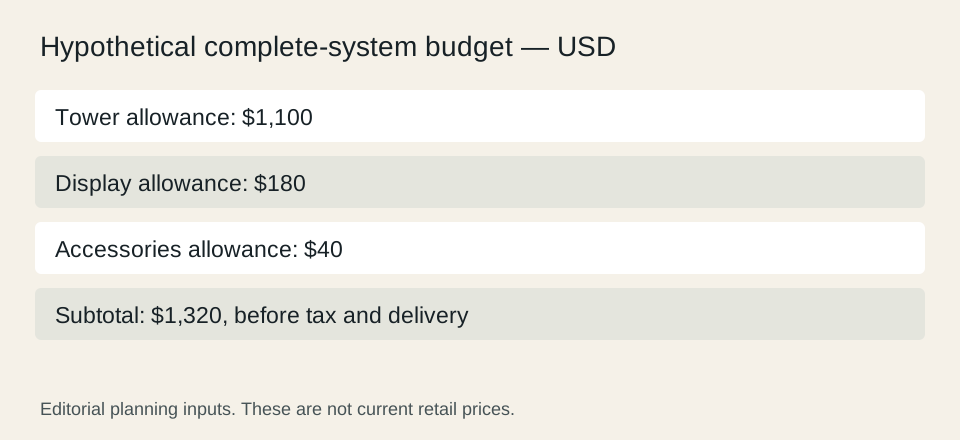
For a hypothetical worksheet, allow $1,100 for a tower, $180 for a display and $40 for needed accessories: the subtotal is $1,320 before any applicable checkout tax or delivery charge. These are deliberately invented planning inputs, not prices for the Dell system or a recommendation. Replacing them with written quotes gives a comparison whose assumptions another person can inspect.
Dell USA: Tower Plus EBT2250 configurations and technical specifications ?
Resolve support, delivery and return questions before payment
Record the seller of record, the promised delivery estimate for your address, the return conditions displayed for the order and the selected support service. Do not copy a different retailer’s terms into this row. A service name, response target and coverage period are separate details, so preserve their wording in your private purchase record. This page does not guarantee eligibility or provide a universal return period.
Finish with a decision note stating the reason for the choice and the unresolved questions. A complete note might say that the selected configuration has the required display connections, covers the named applications according to their published requirements and fits the quoted total. If a critical specification is missing, keep that row unresolved and request the exact information through the manufacturer or seller’s official support route. Do not convert missing evidence into a positive compatibility claim.
Dell USA: Tower Plus EBT2250 configurations and technical specifications ?