M.2 size does not tell you the whole interface story
Read M.2 length codes, distinguish mSATA from M.2 and match the drive interface to the specific motherboard socket.
Updated:
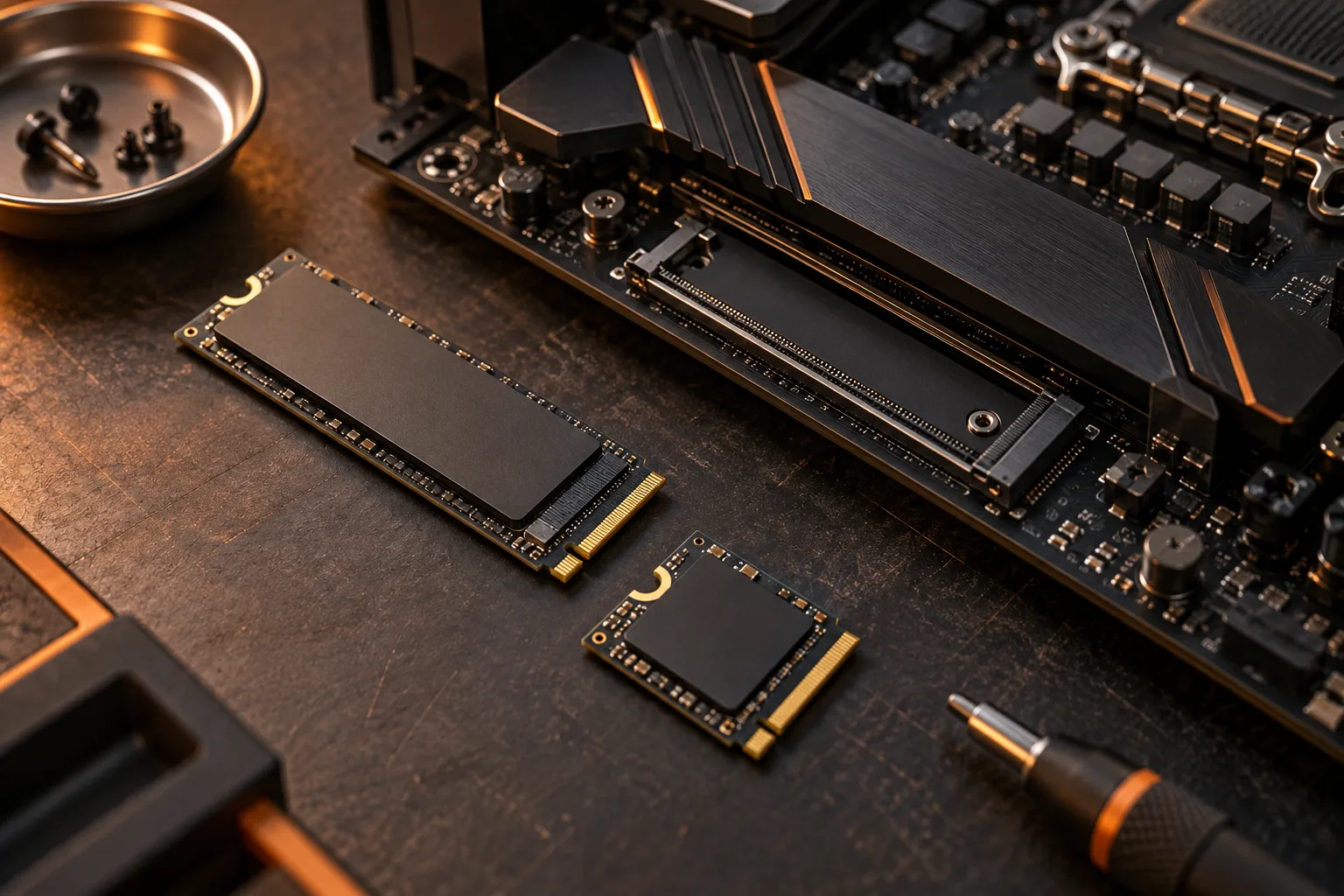
M.2 describes a form factor, not a complete compatibility result
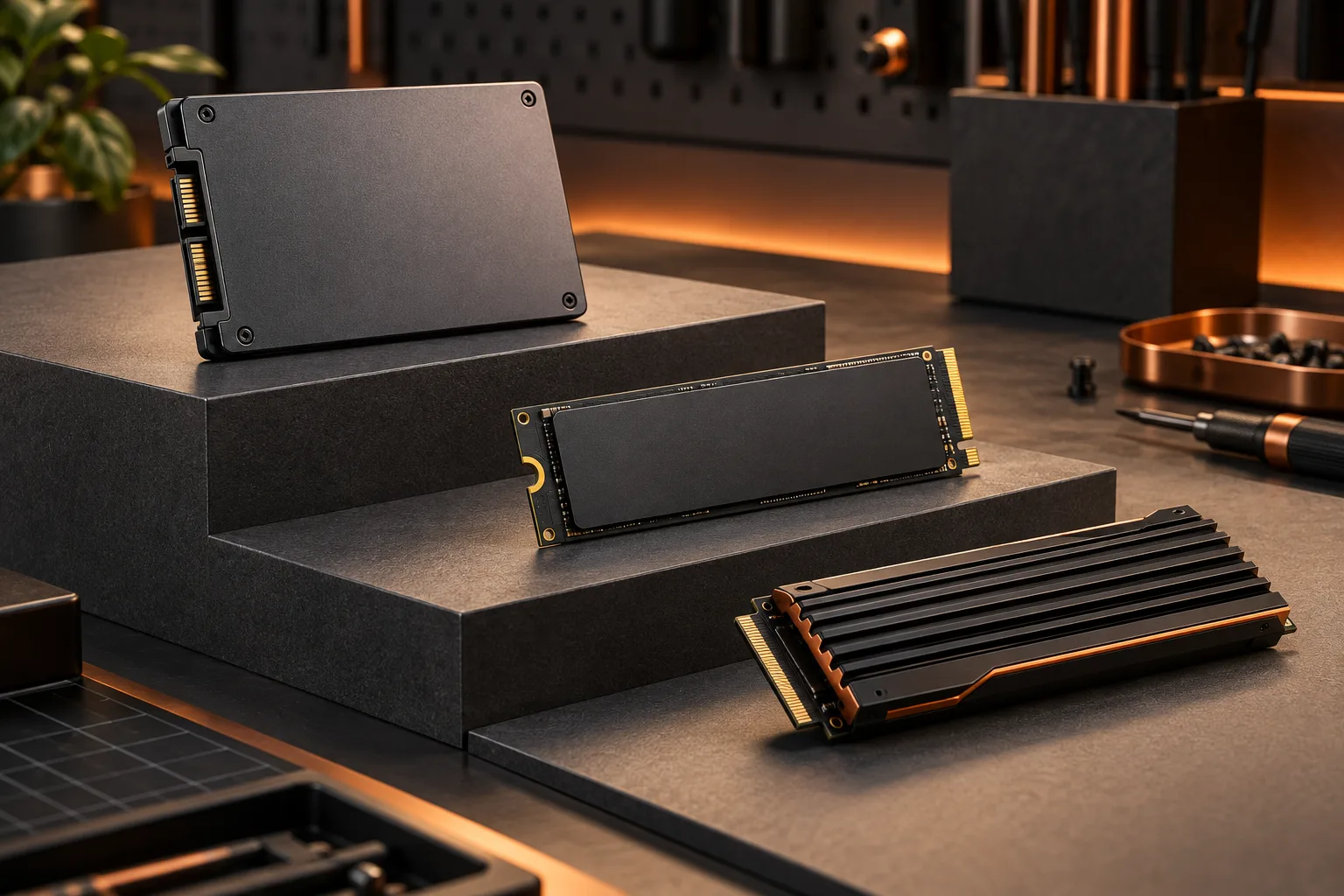
To select an M.2 SSD, match the physical size, connector and supported interface of the drive with the particular motherboard socket you intend to use. The phrase M.2 alone is incomplete. Kingston’s documentation distinguishes SATA and PCIe M.2 storage options and explains that socket support must match the device. A drive that appears to fit is not automatically supported by that socket.
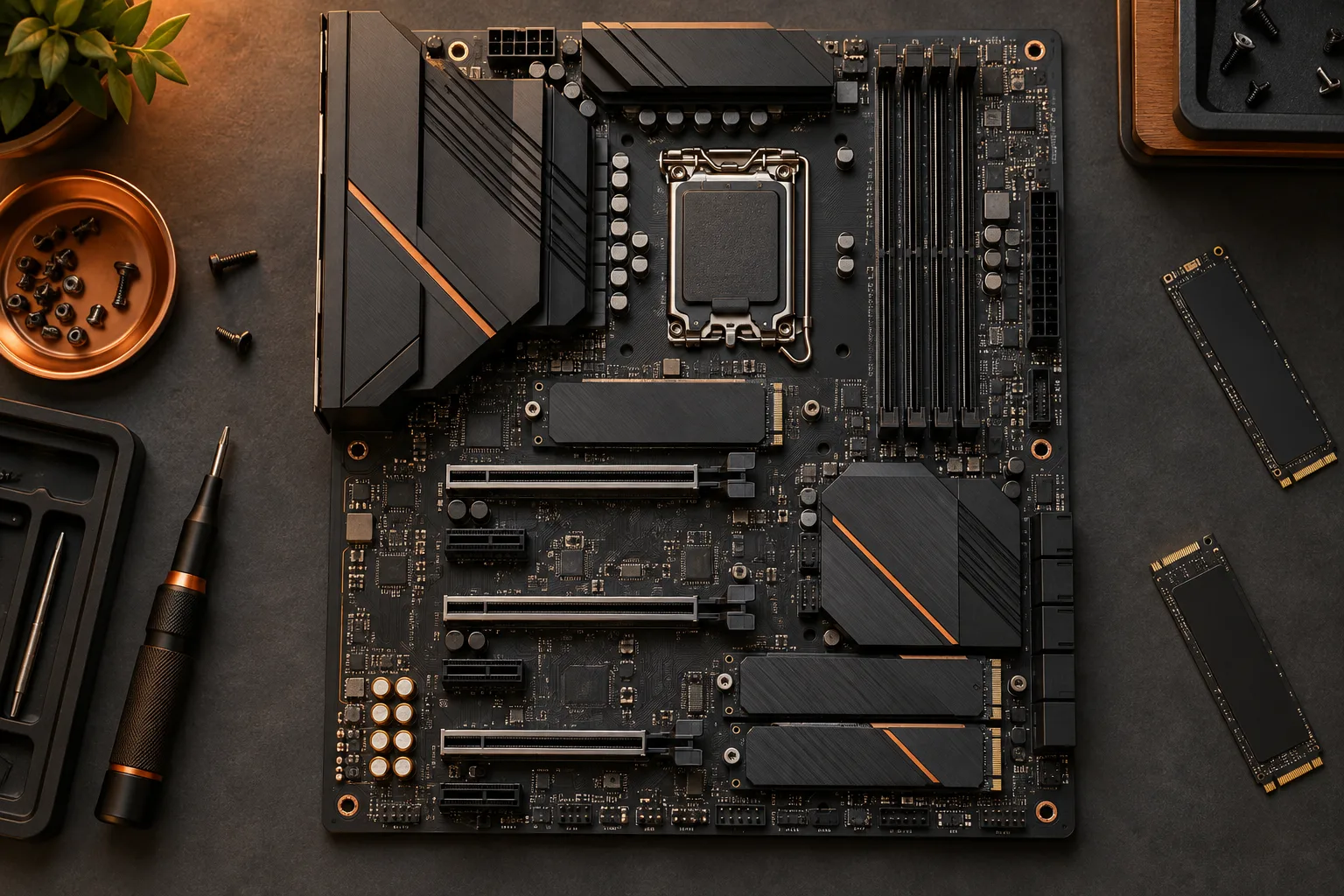
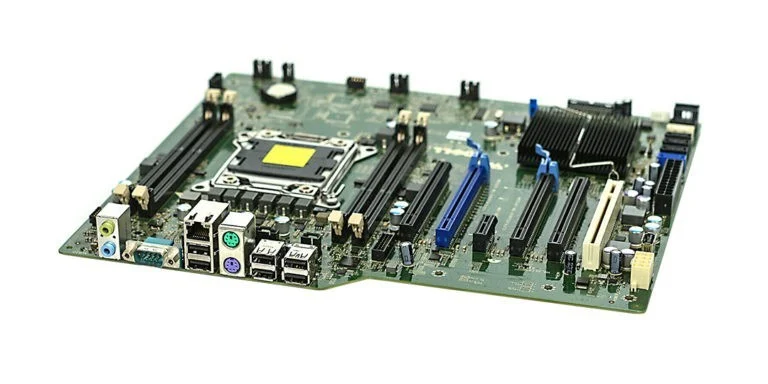
The archival motherboard photograph illustrates why a system has multiple different connection areas. It is not a map of the M.2 sockets on a current board. Use your board’s labeled diagram to name the intended socket in the shopping list, rather than writing any empty slot. That single label makes later checks of supported length and resource-sharing notes much more precise.
Kingston: M.2 sizes and interface compatibility ?
Decode the length code before comparing products
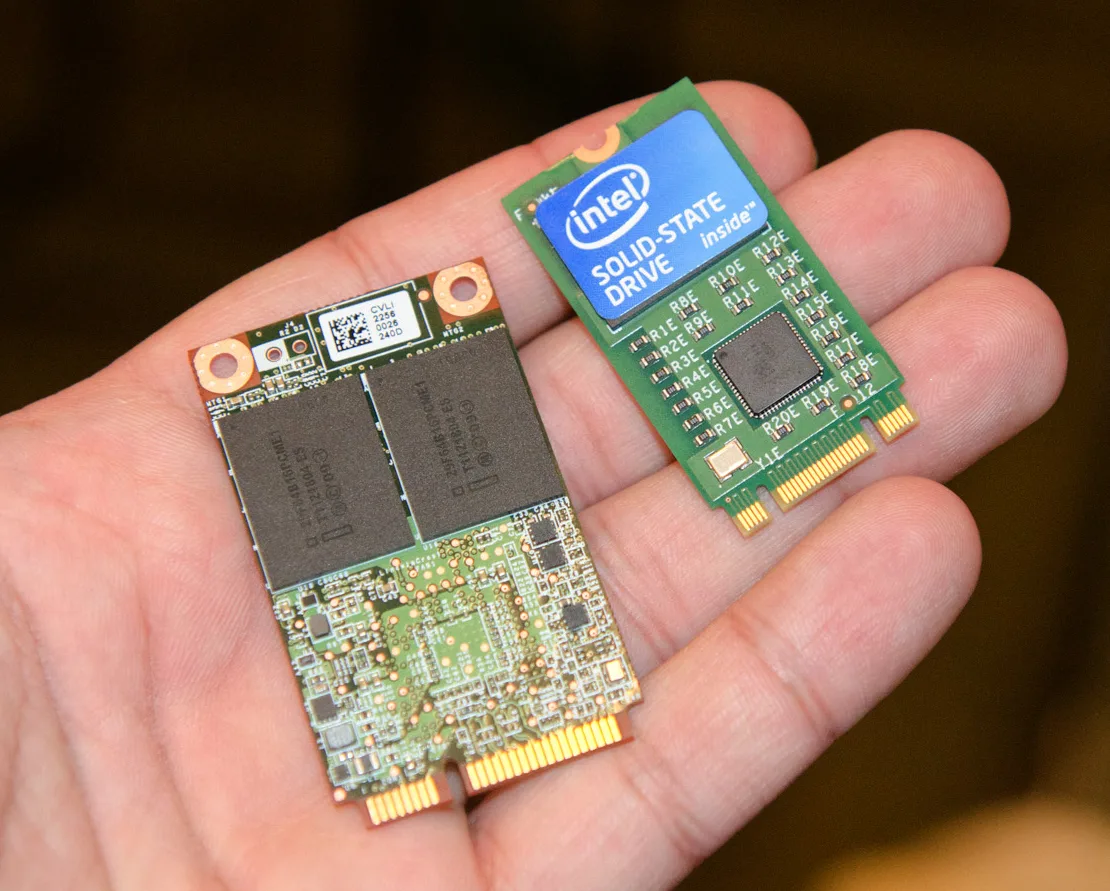
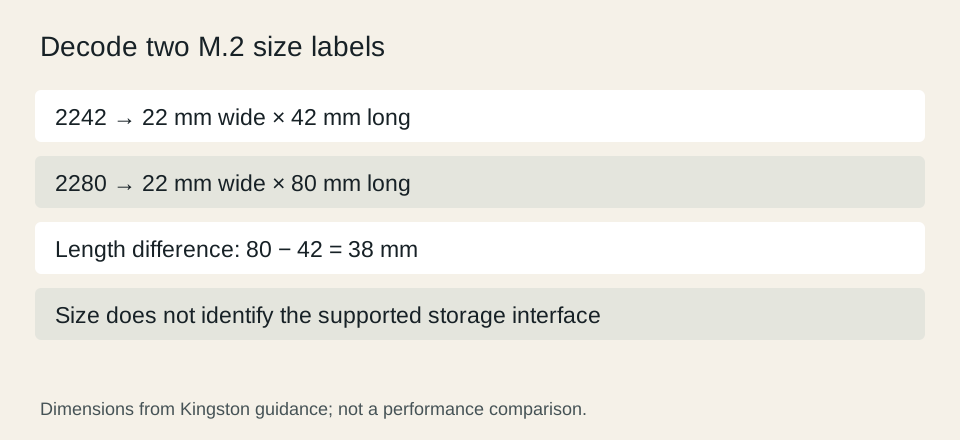
Kingston explains that common SSD size codes combine a 22 mm width with a length: 2242 means 22 × 42 mm, while 2280 means 22 × 80 mm. The photograph comparing an mSATA drive on the left with an M.2 2242 module on the right makes their different outlines visible. It also demonstrates why a small circuit board should not be identified solely by appearance.
A 2280 module is 38 mm longer than a 2242 module, using those code dimensions. That is a geometric difference, not a capacity or speed ranking. Record the drive’s actual dimensions and the board’s supported mounting positions. A longer drive cannot be made compatible simply by leaving its retaining end unsupported. Use the installation arrangement documented for the exact system.
Kingston: M.2 sizes and interface compatibility ?
Read the full drive label and its own specification
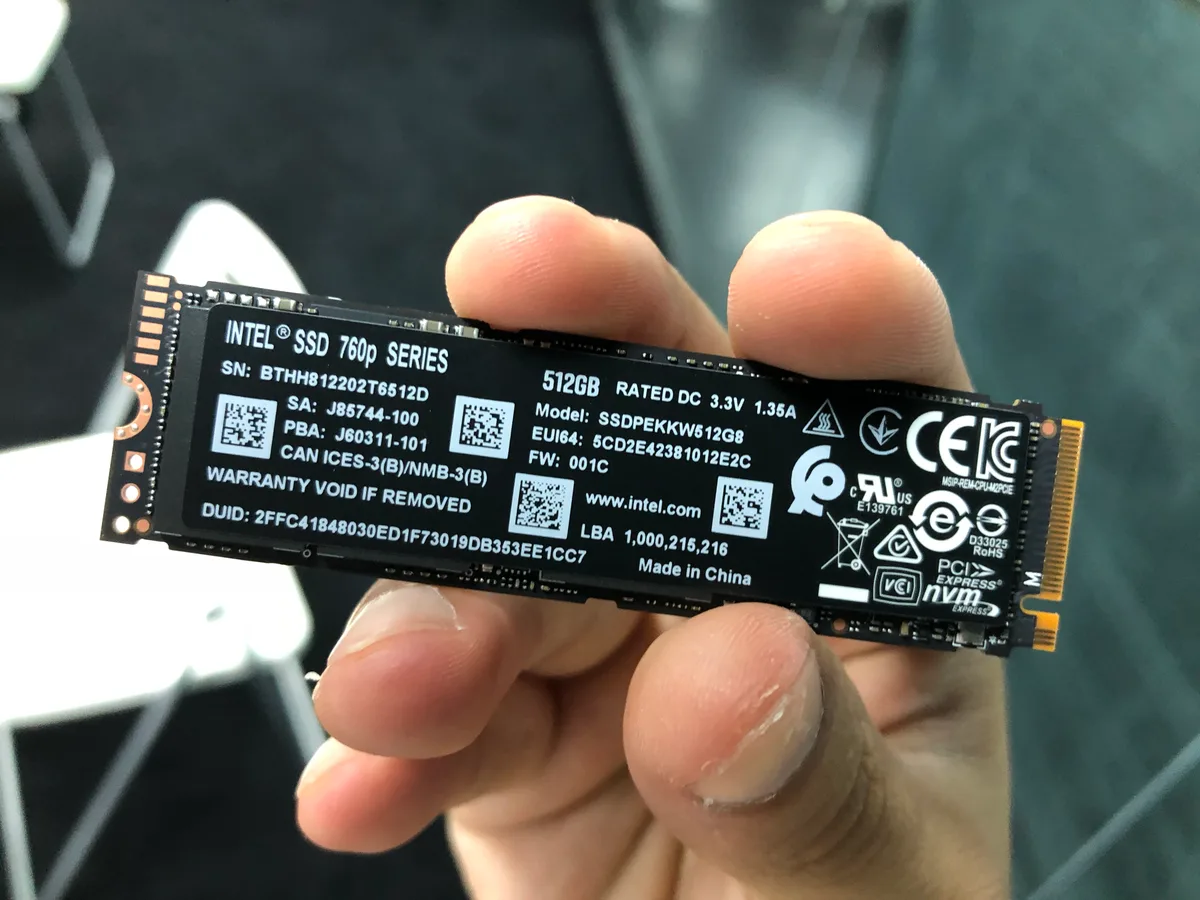
The Intel 760p photograph shows a 512 GB model label along with interface markings. Use the complete identifier to find the manufacturer specification; do not infer all capabilities from the visible capacity. This is an archival identification example, not a recommendation to buy that drive or a claim that it is available from a US seller today.
Keep four fields separate: model, capacity, physical size and interface. A retailer may put all four into a long title, but the manufacturer documentation is the place to resolve ambiguity. If a listing supplies only M.2 SSD and a capacity, it does not yet contain enough information to establish compatibility. Preserve the missing field as a specific question rather than filling it with a familiar assumption.
Check the chosen socket, mounting and surrounding space
Read the manual section for the exact socket label, including any conditions tied to the processor or another installed device. Keep its supported interface and length alongside the drive’s fields. A board can have several storage positions with different conditions, so a statement about one connector should not be copied to every connector on the board.
Also account for the intended heatsink or cover, mounting hardware and surrounding components. A bare-module dimension does not necessarily describe a version sold with an attached heatsink. If the system provides a cover, follow its documented arrangement rather than assuming that two cooling assemblies can be stacked. This guide does not prescribe a universal installation procedure.
Approve a particular drive in a particular position
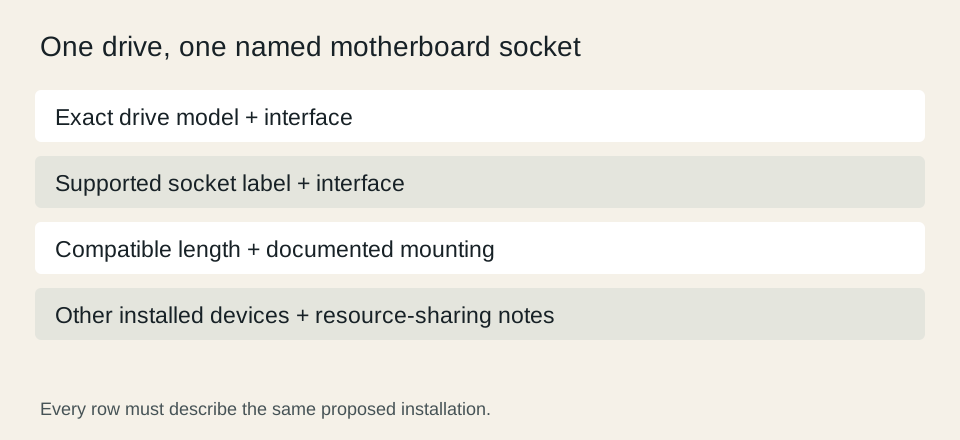
Finish the purchase record with the exact drive and the exact socket, not merely a brand and a form-factor label. Retain the manual page that establishes support and any conditions that change the result. If a second drive or expansion device is planned, include it before finalizing the storage layout; a later addition can introduce a new resource-sharing question.
For a compact decision sheet, compare physical size, interface, mounting and shared-resource conditions as separate rows. A disagreement in any required row prevents approval even if the other rows match. If a product cannot be established from reliable documentation, choose a documented alternative or resolve the missing specification through the manufacturer. Do not describe an untested arrangement as a confirmed working installation.
Kingston: M.2 sizes and interface compatibility ?