Build a PC budget that includes the whole system
Set a complete US desktop budget, calculate checkout headroom and compare an assembled system with a component list without inventing retail prices.
Updated:

Set the total limit before allocating money to parts
A useful PC budget starts with the maximum complete purchase total, then subtracts everything needed to make the system usable. The component subtotal is only one line. For a new setup, put the display, input devices, operating system, required adapters and any paid assembly on separate lines. For an upgrade, mark which existing items you will reuse and verify that they remain compatible. This prevents a graphics-card allowance from quietly consuming money intended for a monitor.
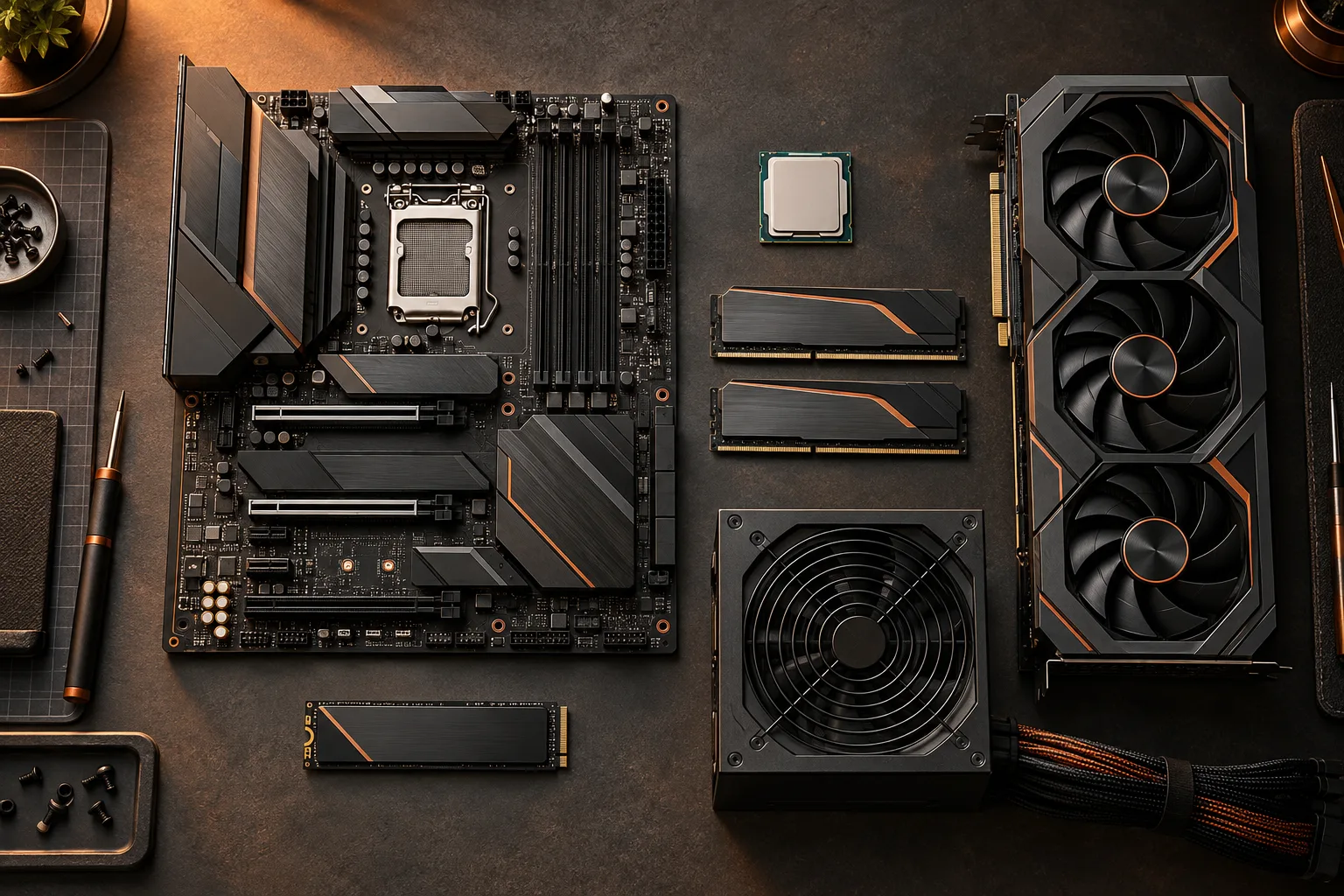
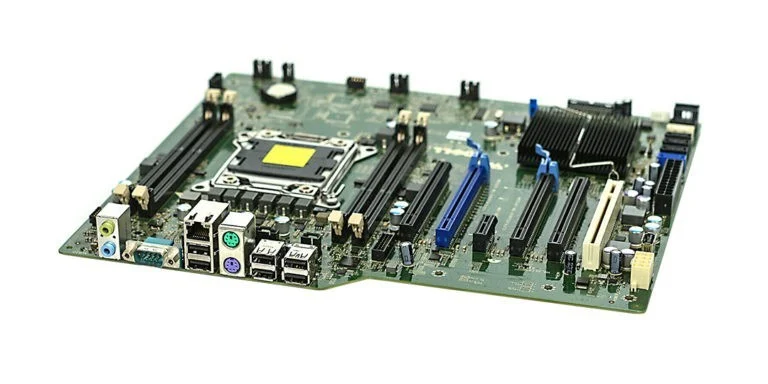
Use three columns: item, written quote and reason it is needed. The motherboard photograph below shows a real board with several different interfaces; it illustrates why an existing board is not simply a generic zero-cost substitute. If keeping that board changes the processor or memory choices, its reuse affects the whole list. Do not assign savings to a reused part until the compatibility row is resolved.
Calculate the checkout estimate and keep its limits visible
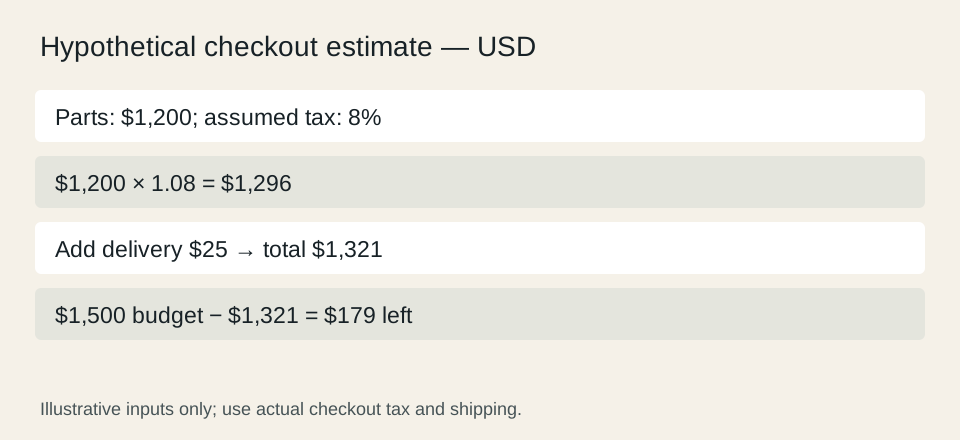
Suppose your total limit is $1,500, component quotes total $1,200, the assumed tax rate is 8%, and delivery is $25. The illustration is arithmetic, not a quotation or tax guidance. Multiplying $1,200 by 1.08 gives $1,296; adding $25 gives $1,321. Subtracting that estimate from $1,500 leaves $179. The budget tool performs this same calculation and also reports an over-budget result when the estimate exceeds the limit.
Actual tax treatment and retailer rounding may differ, including whether delivery is taxable. Replace the assumed rate and delivery amount with the checkout figures applicable to your order. Do not spend the entire remainder on a component until you have accounted for the other required items. A negative remainder means the current plan does not fit the stated limit; it does not become affordable because one item is discounted.

Separate a necessary capacity from an attractive specification
For memory, record the capacity needed for the applications you intend to run and the configuration that supplies it. A module photograph makes the printed capacity and model label visible, which is useful when deciding whether an existing kit is actually reusable. The pictured DDR3 module is archival hardware, not an option for a DDR5 system. A budget that assumes incompatible memory can be reused understates the purchase cost.
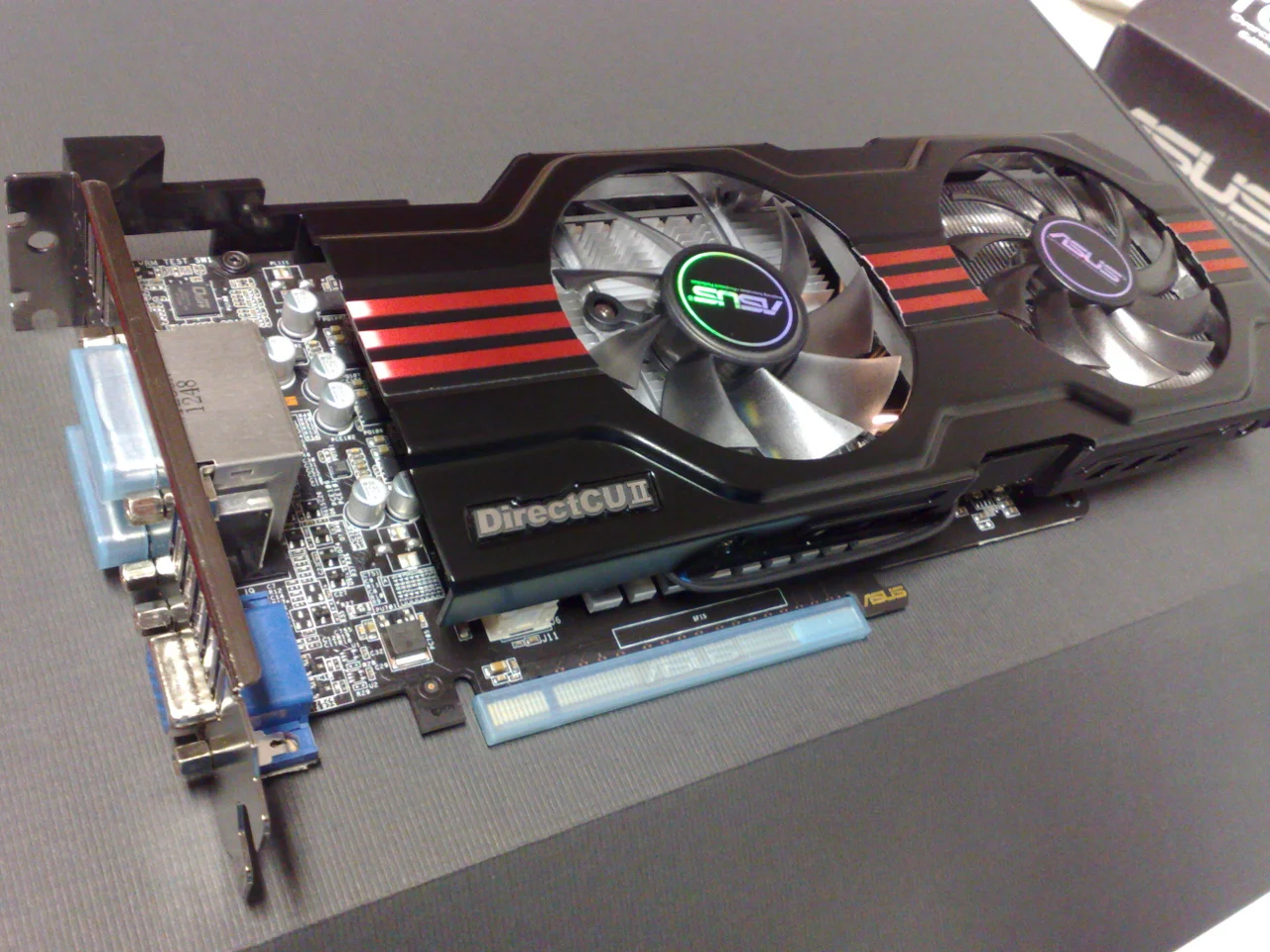
For graphics, identify the requirement that justifies the card: a particular application, display arrangement or measured performance target from a relevant test. The archival card photo shows that the cooler and bracket also occupy space. A card change may trigger a case or power-supply change, so compare the total affected parts rather than the card’s price difference alone. This guide makes no unmeasured frame-rate or performance-per-dollar claim.
Compare an assembled offer on the same scope
Dell’s US EBT2250 page is a real example of a prebuilt configuration menu; the selected offer matters more than the shared family name. Put an exact prebuilt offer beside the DIY list only after aligning the operating system, included accessories, memory, storage, graphics and selected support. A lower tower-only figure is not automatically a lower complete-system cost. We do not display a current price because no authorized live pricing feed is connected.
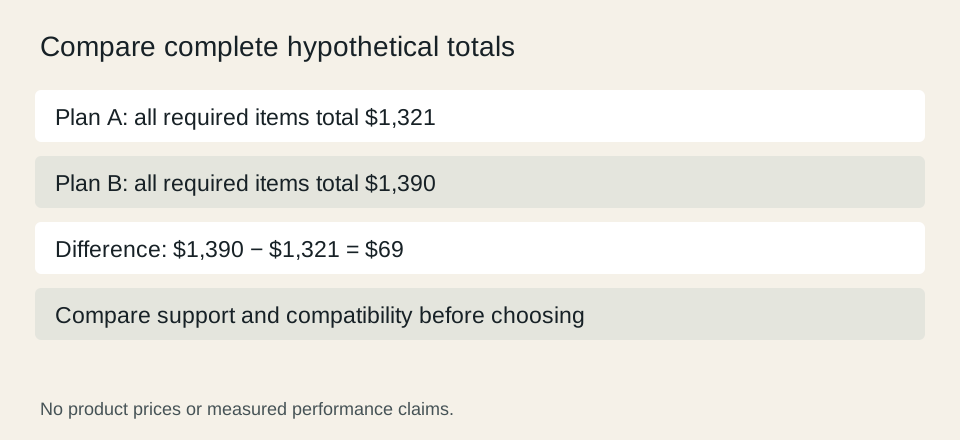
For a hypothetical comparison, plan A totals $1,321 and plan B totals $1,390 with all required items included. The difference is $69. That is a cost difference, not proof that A is the better purchase: assembly responsibility, documented requirements and support arrangements can change the decision. Write those differences beside the totals so that the reader can see what the extra money buys.
Dell USA: Tower Plus EBT2250 configurable desktop ?
Use a change log to keep the budget internally consistent
When changing a part, revise its price and every dependent line before accepting the new total. Keep the old quote date and the reason for the change. If moving to another motherboard also changes the memory generation, record both changes together. If a larger graphics card requires another case, that is one combined scenario rather than a deceptively cheap single-component upgrade.
Before payment, reconcile the worksheet with the actual cart: same models, quantities, included items, shipping destination and final total. Save the selected support and return conditions with the purchase record. The outcome should be a complete and understandable decision, with unpriced necessities visibly unresolved. A budget calculator can check arithmetic, but it cannot discover a missing cable, evaluate a seller or guarantee that the assembled system meets your workload.
Dell USA: Tower Plus EBT2250 configurable desktop ?