Check upgrade room before buying a prebuilt desktop
Check the specific memory, storage and physical expansion path before paying for a prebuilt desktop that you intend to upgrade.
Updated:
Name the future change before evaluating upgrade room
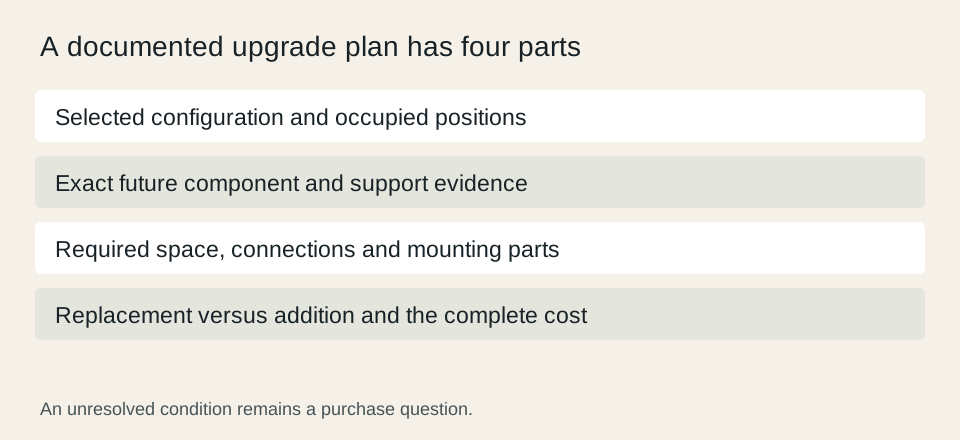
An upgradeable desktop is useful only if it supports the particular change you expect to make. Start with a concrete plan: more memory, another internal drive or a different graphics card. Then check the exact configuration being sold, including what is already installed. A spacious-looking exterior or a familiar processor family does not establish the remaining expansion capacity.
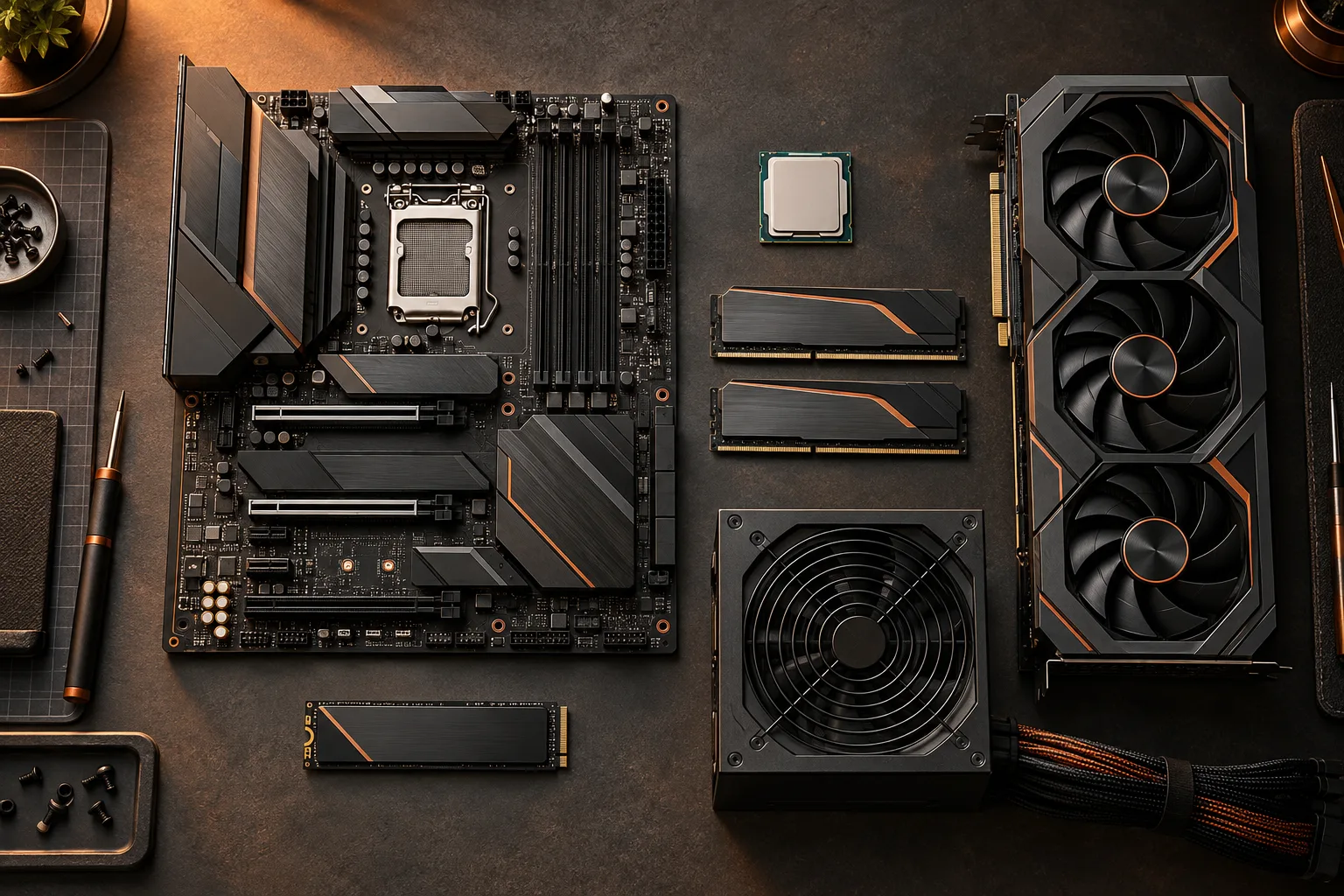
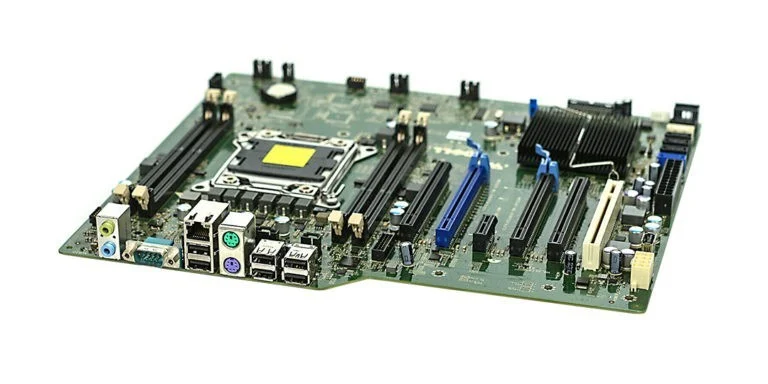
The archival motherboard photograph illustrates why the internal layout matters. It is not the motherboard inside the Dell example below. For a prebuilt purchase, find the actual system documentation and identify the connectors, occupied positions and conditions that apply to your selected configuration. Keep those details separate from photographs showing a different optional configuration.
Distinguish adding memory from replacing the installed kit
Dell lists two DIMM slots and a maximum of 64 GB for the Tower Plus EBT2250. One displayed configuration uses 16 GB arranged as two 8 GB modules. In that arrangement, both listed slots are occupied. Moving to a larger supported kit is therefore a replacement decision rather than a plan to put additional modules into unused slots. Confirm the chosen configuration before applying the example.
The older memory module photograph makes the physical module visible; it does not establish the memory generation or dimensions required by this Dell system. Record the installed arrangement and the proposed supported replacement separately. A capacity maximum does not validate every kit advertised with the same total capacity.
Dell Tower Plus EBT2250 configuration and technical specifications ?

Count storage positions by their documented purpose
Dell identifies two M.2 SSD positions separately from a wireless-card position in the EBT2250 specifications. Do not combine differently purposed positions into a single count of possible storage drives. Also establish which SSD positions the selected configuration already occupies before describing an additional-drive upgrade as available.
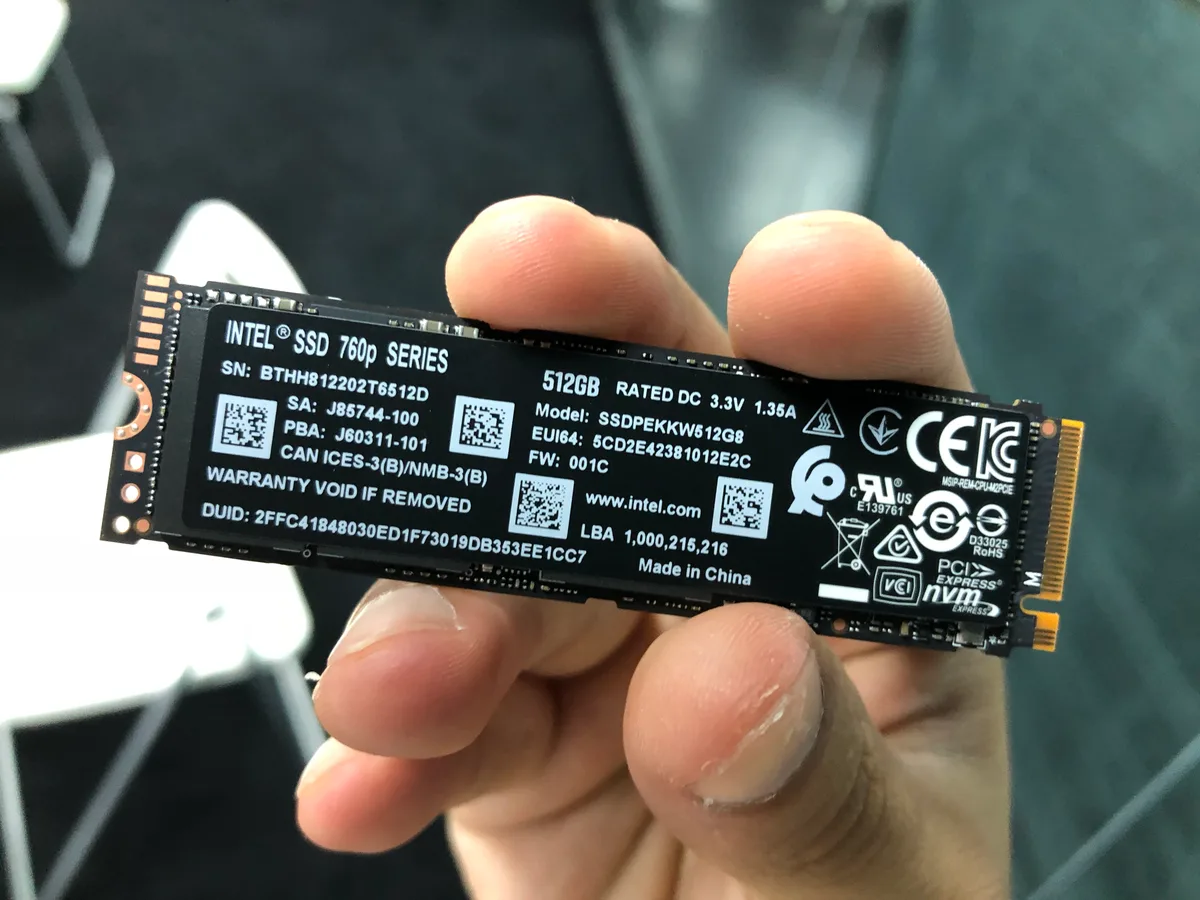
The Intel 760p photograph is an archival M.2 SSD identification example, not a validated Dell upgrade. The same general form factor is insufficient to approve a particular drive. Check the system documentation for the supported interface, dimensions, mounting arrangement and any conditions that affect the intended storage position.
Dell Tower Plus EBT2250 configuration and technical specifications ?
Budget for the parts that must be replaced
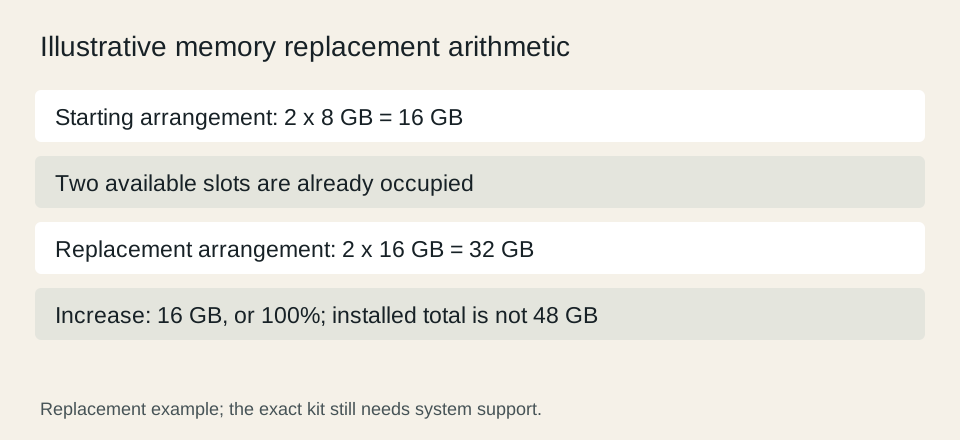
Use a hypothetical memory budget to make the distinction visible. If an existing two-module kit fills both available slots, buying a supported two-module replacement changes the kit rather than adding its capacity to the old one. Moving from 16 GB to 32 GB increases the installed total by 16 GB, or 100%; it does not create 48 GB simply because the original kit is still owned.
Include any documented mounting parts or compatible cable requirements for other upgrades, but do not invent their prices. For a graphics change, check the case space, system power documentation and approved connections together. A spare expansion-slot position alone does not establish that the intended card will fit or be supported by the system.
Make the purchase decision against the verified path
Compare the initial configuration with the exact future configuration you have been able to document. An upgrade plan with unresolved fit, connector or support requirements should remain a question in the purchase comparison. If another configuration already provides the required capacity, compare its complete offer using current seller information rather than assuming the later change will be cheaper.
Save the model, configuration details and relevant documentation with your decision. The examples here establish a method and a few manufacturer-listed fields; they do not certify an untested upgrade or promise future parts availability. Review the actual support terms and installation guidance before making changes, and recheck the plan when the intended replacement component changes.
Dell Tower Plus EBT2250 configuration and technical specifications ?