Why modular PSU cables need an exact compatibility check
Resolve the exact PSU-to-cable pairing before reusing a modular cable or purchasing a replacement set.
Updated:
Start from the exact supply model, not a bag of cables
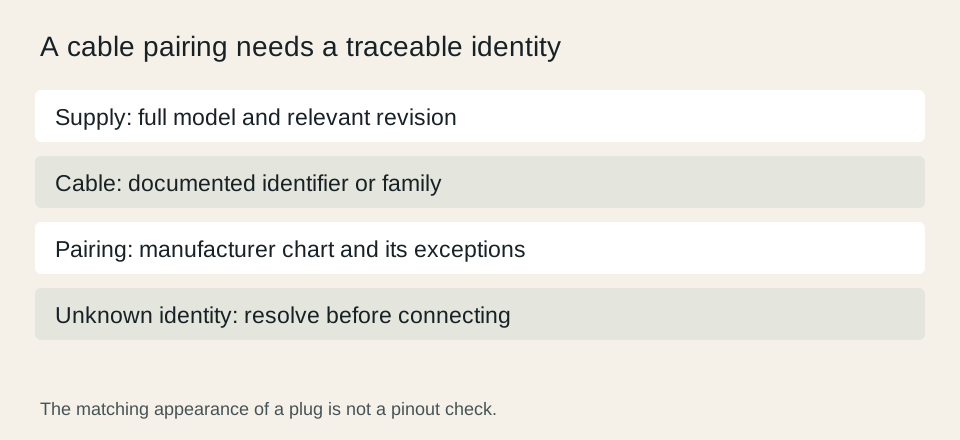
When replacing a modular power supply, identify the new supply and its documented cable set before deciding what can remain in the computer. The component-side connector is only part of the pairing. A matching-looking supply-side plug does not establish the electrical pinout. Corsair publishes model-dependent cable compatibility information, making an exact documented pairing the appropriate basis for a decision.
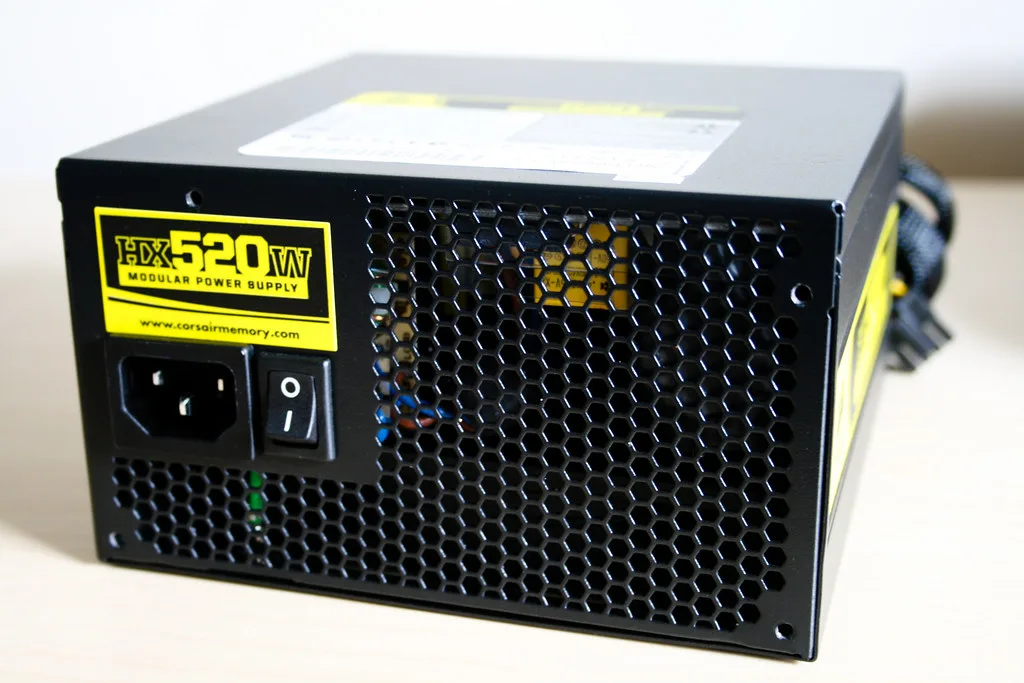
The archival Corsair HX520 photograph shows a closed supply with an identifiable model label. It does not show the modular panel and does not establish compatibility with any current cable. Use such identification detail to find the documentation, keeping the full model and any relevant revision in the record rather than shortening everything to a brand name.
Corsair PSU cable compatibility chart ?
Record the motherboard connections in their own rows
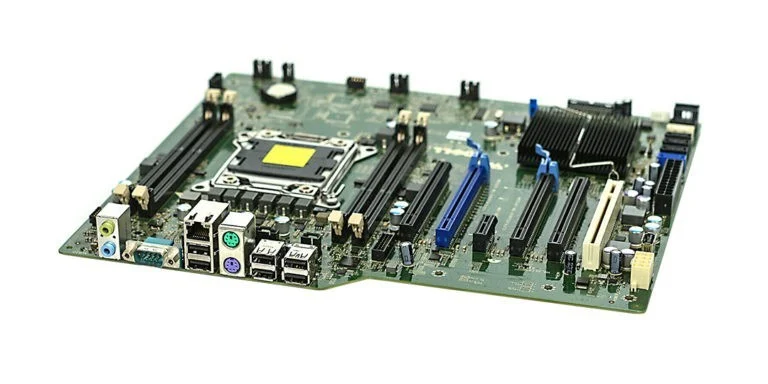
The motherboard photograph helps distinguish the board from other powered components in the system. Read its manual to name the required connections. Do not assume that a graphics cable and a processor-power cable are interchangeable because their descriptions include a similar number of pins. Use the naming and pairing in the manufacturer documentation for the exact supply.
A useful inventory has one row for each required connection and columns for the component, cable identifier and approved supply model. A cable without a reliable identity remains unresolved. If several supplies have been used in the same household, a loose cable found beside the computer is not evidence that it came with the unit currently installed.
Check graphics requirements without copying another card
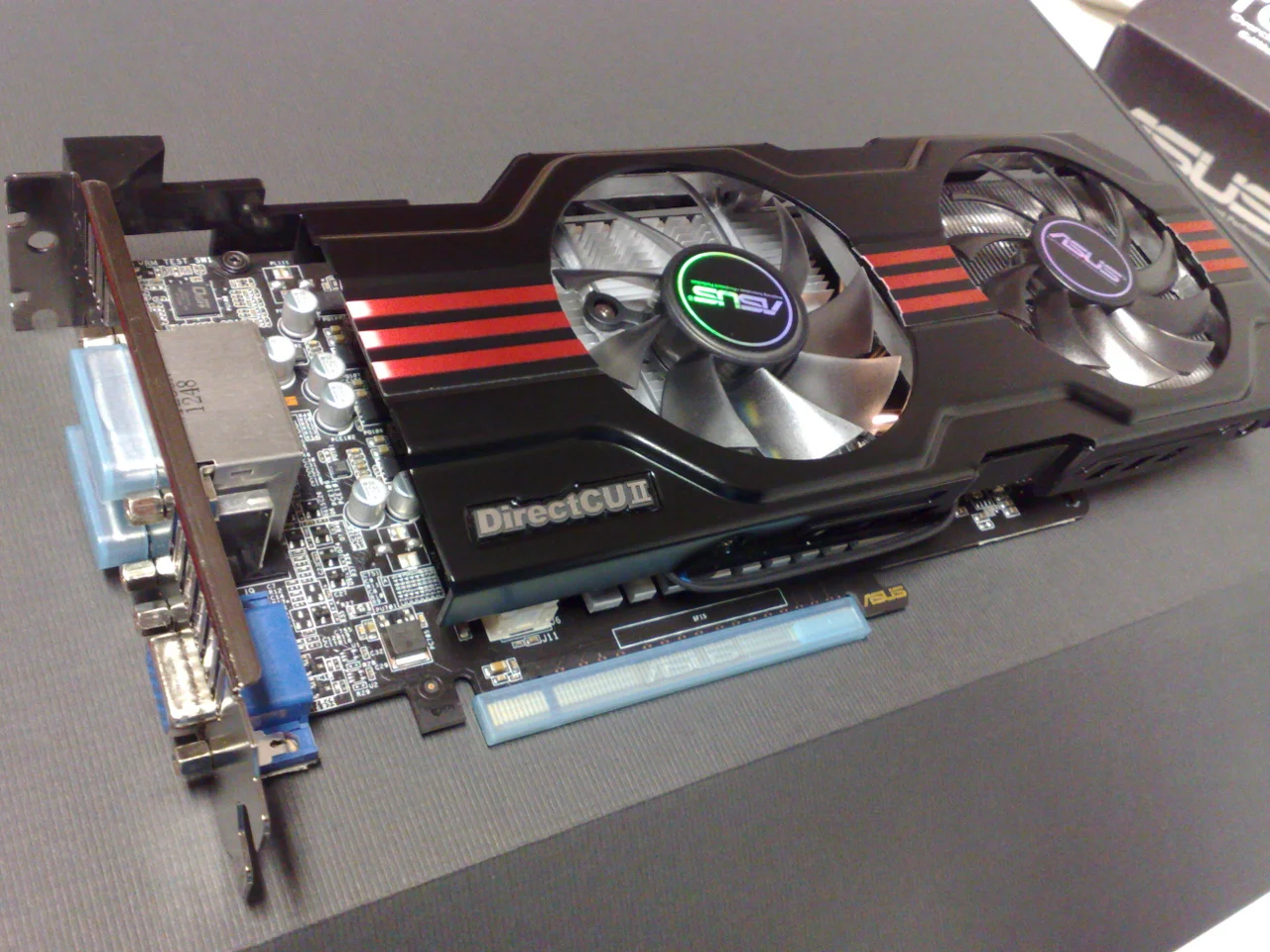
The graphics-card photograph is an archival ASUS GTX 650 Ti example, included to show the card as a separate component in the inventory. It does not identify the requirements of a newer card. Look up the exact graphics model and keep its required connections alongside the PSU documentation. The visible connector shape is not a substitute for that pairing.
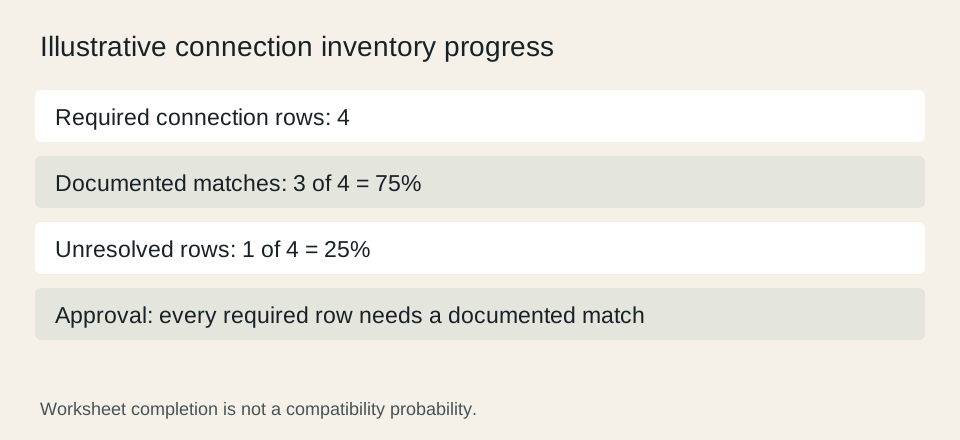
For a simple inventory exercise, suppose a proposed system has four required connection rows and only three have a documented cable match. The worksheet is 75% complete, with one unresolved row, or 25%. Those percentages describe paperwork progress only. They are not a probability of compatibility and do not justify connecting the unresolved cable.
Read the chart conditions before buying a replacement set
Use the compatibility chart for the actual PSU model and the actual cable family. Preserve exceptions and notes instead of relying on a search-result snippet or a general brand statement. If a replacement set lists only broad marketing language, resolve the exact pairing through the manufacturer before purchasing or using it. A missing answer should stay visibly missing.
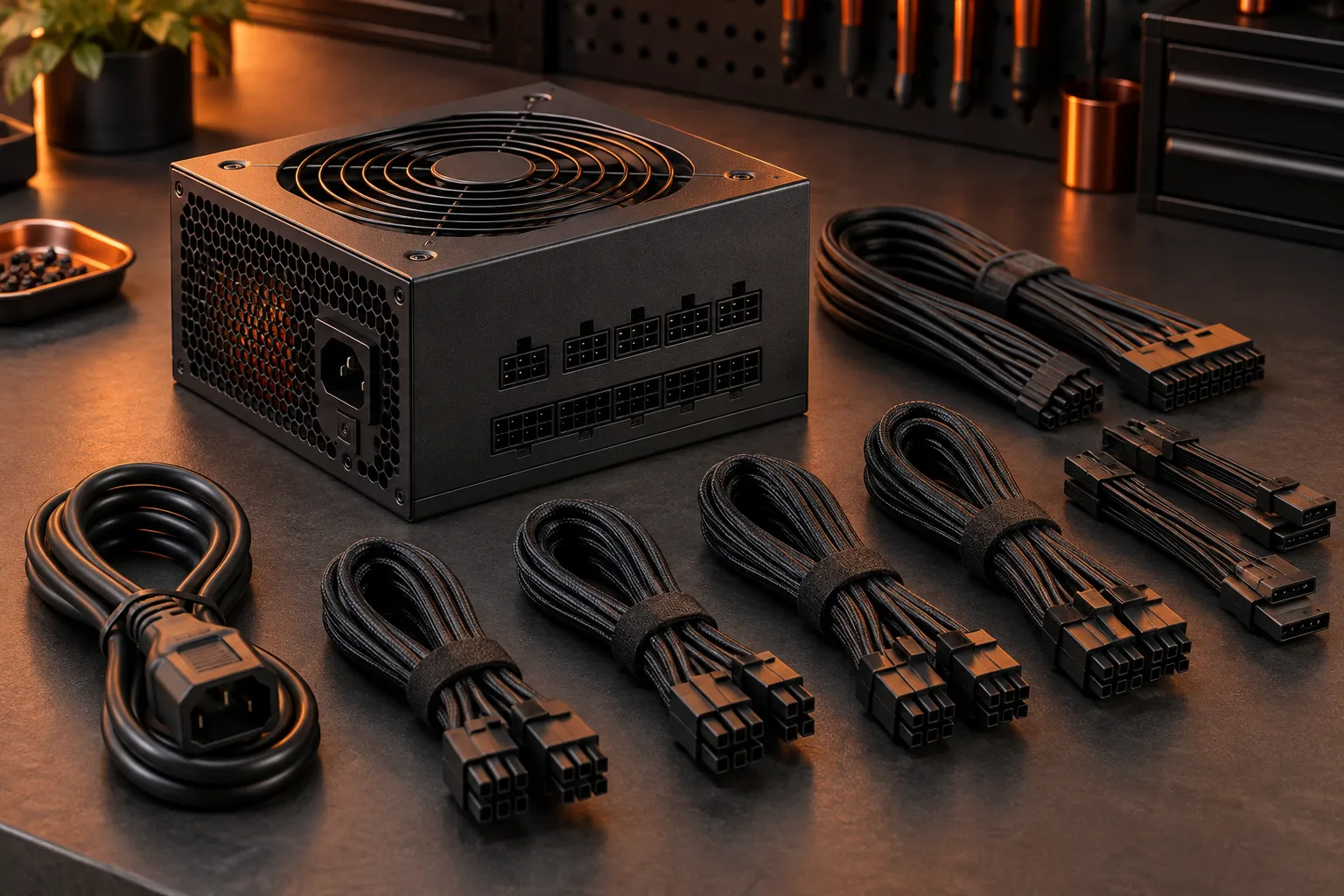
Keep the original compatible cable set identified with its supply when removing parts. For a used purchase, verify what the seller includes against the manufacturer list rather than treating a photograph of several black cables as a complete set. If a documented replacement is needed, include that requirement in the total purchase plan.
Corsair PSU cable compatibility chart ?
Treat a supply change as a fresh connection review
A new supply can change the cable decision even when the motherboard and graphics card remain the same. Review every row again and retain only pairings established by the relevant documentation. This is a model-identification and purchasing workflow; it does not provide electrical testing procedures or instructions to alter a cable pinout.
Finish with the supply model, the approved cable identifiers, the source establishing the pairing and the unresolved items, if any. Keep the housing closed and follow manufacturer installation guidance. A neat cable route is useful only after compatibility has been established; visual similarity, convenient length and prior use with another supply do not establish the required pairing.