Plan memory capacity without filling every slot
Calculate total memory and occupied slots, distinguish module types and plan a complete validated kit without assuming that spare slots guarantee an upgrade.
Updated:
Count the kit capacity and the modules separately
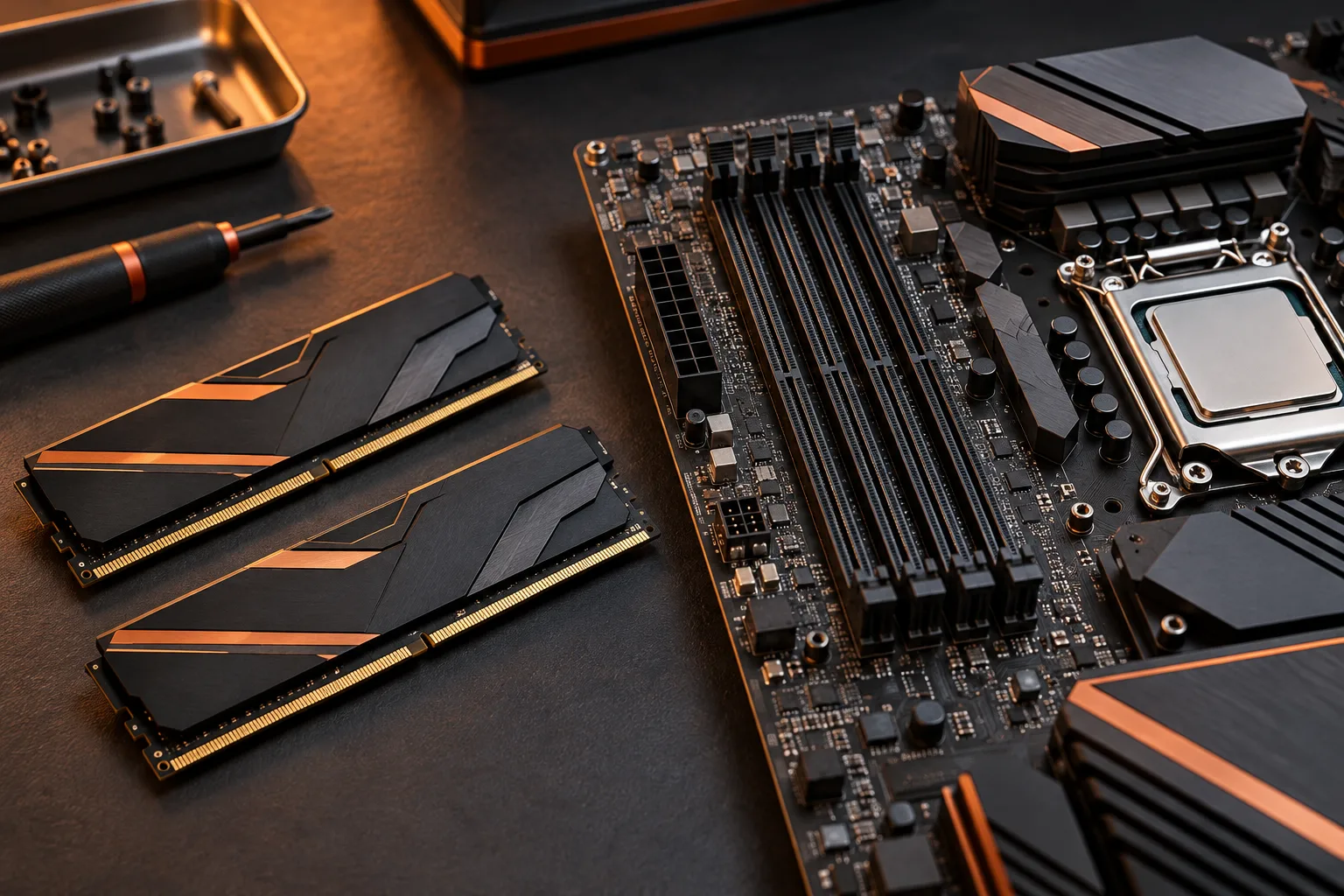
To plan memory capacity, multiply the capacity of each module by the number of modules in the selected kit, then compare both the total and the module count with the motherboard documentation. Do not fill every physical slot merely because it is available. Choose a supported arrangement that covers your workload and leaves an understandable upgrade plan. The calculator on this site checks capacity and slot arithmetic, not compatibility.
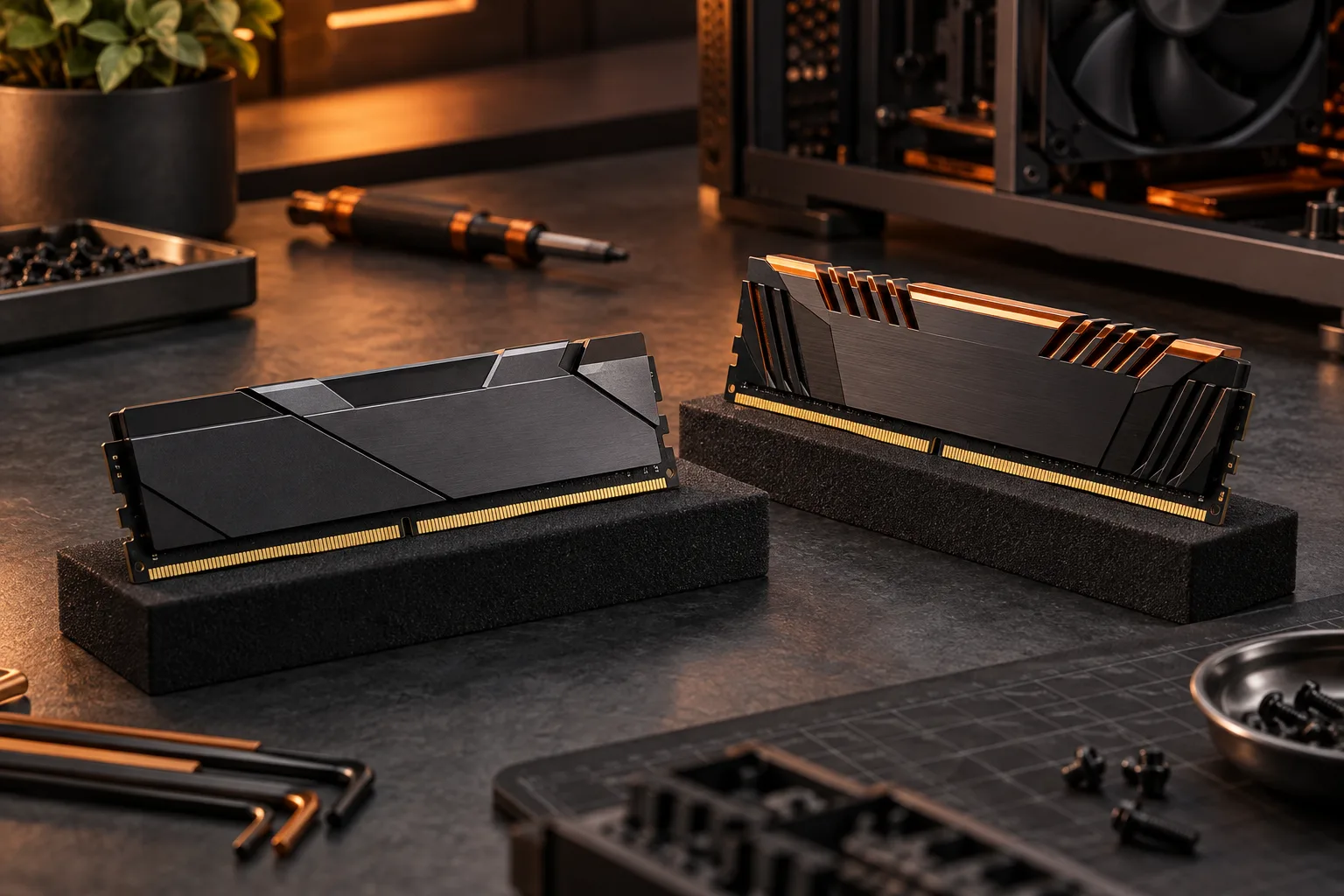
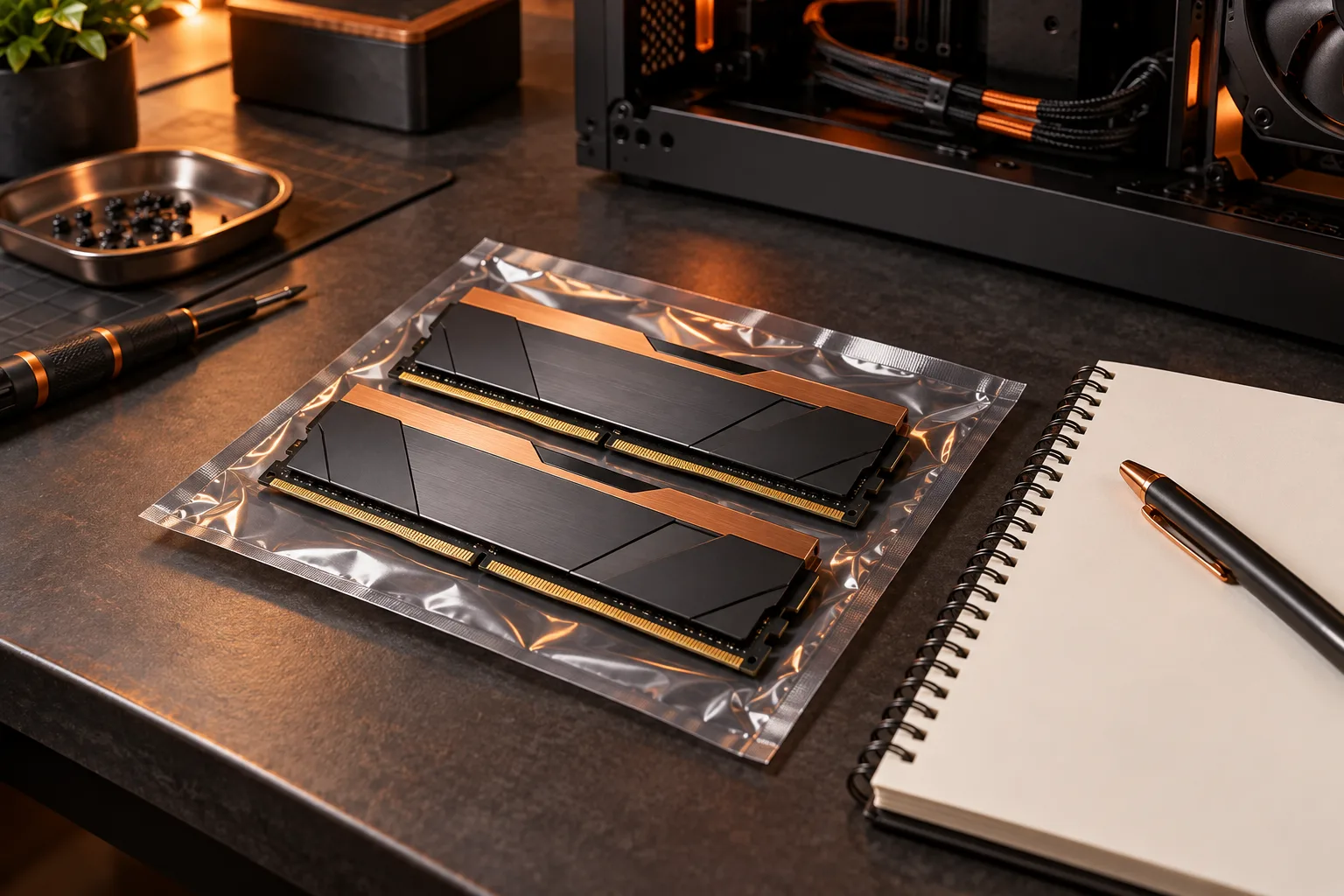
Corsair’s US specification for CMK32GX5M2B6000C36 identifies a 32 GB DDR5 kit containing two 16 GB UDIMMs. That is a real example of why a kit’s total and its per-module capacity need different fields. It does not establish that this kit is supported on your board, and we do not quote a price or promise local stock.
Corsair US: Vengeance CMK32GX5M2B6000C36 specifications ?
Work through the slot calculation before purchasing
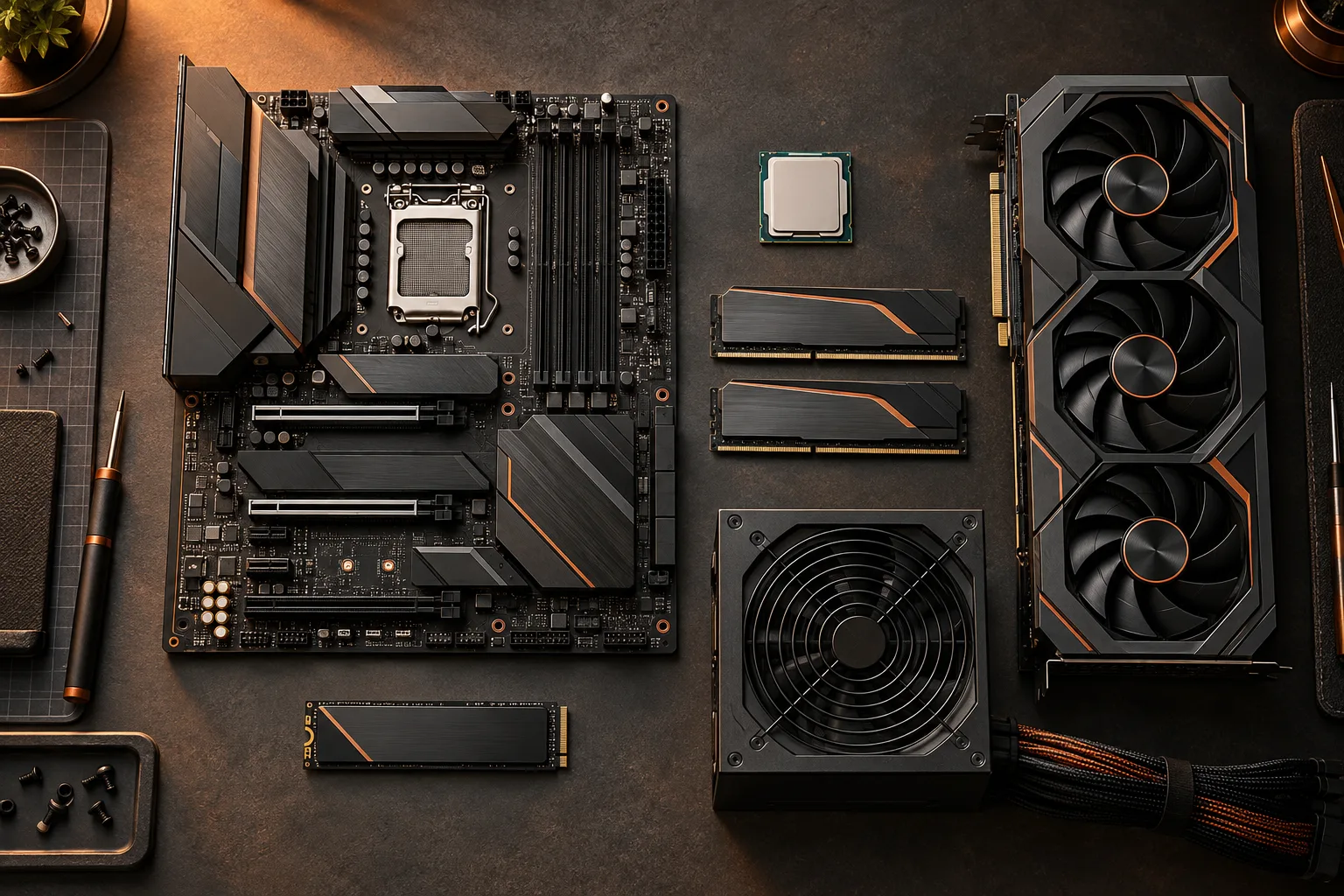
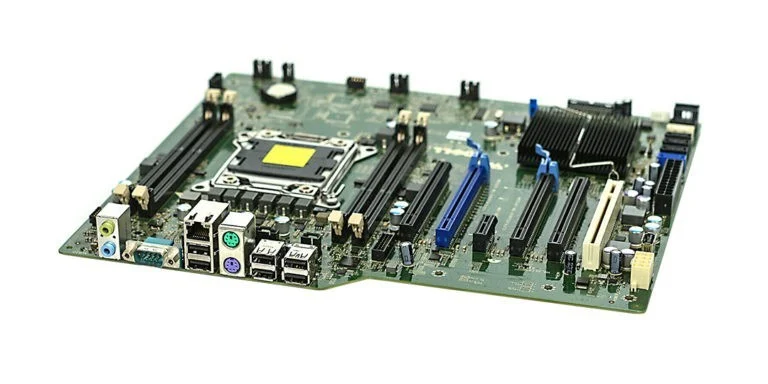
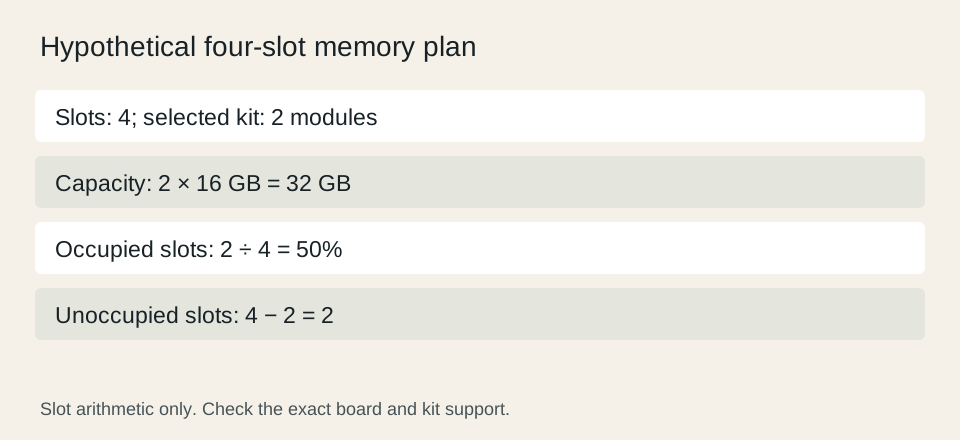
On a hypothetical four-slot board, installing two modules occupies 2 divided by 4, or 50% of the slots. It leaves two slots physically unoccupied. With 16 GB per module, the total is 32 GB. A two-slot board with the same kit would have zero empty slots. These statements are arithmetic consequences of the inputs, not statements about the board shown in the archival photograph.
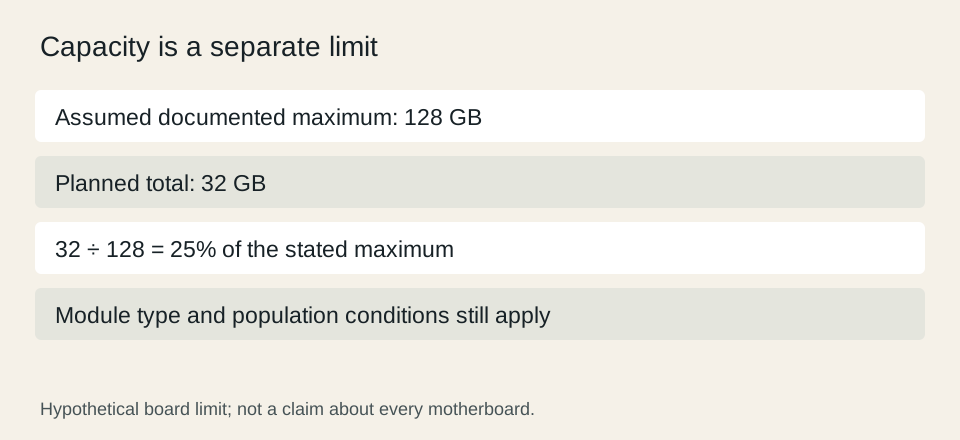
A documented maximum capacity is another independent limit. For example, if your actual board documentation permits 128 GB, a 32 GB plan represents 25% of that stated capacity. That percentage does not promise that every larger kit or four-module arrangement will operate at the same data rate. Read the supported population and processor conditions before deciding how a later upgrade would work.

Distinguish capacity from the physical module type
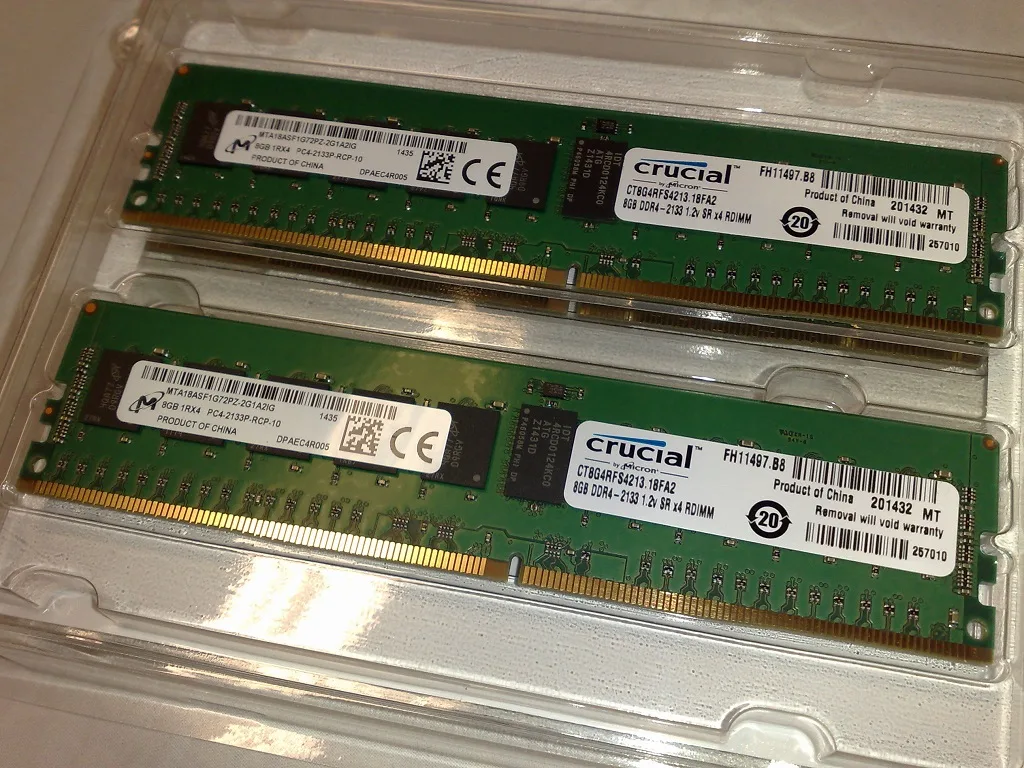
The older Kingston DDR3 photo shows a label that identifies more than capacity. The additional Crucial photo shows registered ECC DDR4 modules, which are a different module type from the UDIMM specified for the Corsair example. A matching number of gigabytes does not make those products interchangeable. Copy the full type and generation into the comparison sheet before considering a kit.
Use the actual motherboard and processor documentation to establish the required module type. Keep desktop DIMM, laptop-style form factor, registered or unbuffered design and the DDR generation as distinct properties. This is not a guide to adapting an unsupported module. If a part does not match the documented type, remove it from the proposed list rather than assuming a setting will resolve the mismatch.
Plan the next kit instead of assuming two kits combine
Corsair warns against treating separate memory kits as one tested combined kit. Spare slots therefore represent physical room, not a guarantee that buying another superficially identical kit later will reproduce the original validation. Preserve the complete kit identifier and the board’s supported arrangement, including any relevant version or population conditions.
For an upgrade scenario, compare replacing the current kit with a larger supported kit against adding modules only where the manufacturer documents that combination. Keep the cost of parts that become unused in the scenario. A future plan based on replacing a kit is more honest than calling empty slots a guaranteed no-cost path to more capacity.
Choose capacity from a workload, not a decorative number
List the applications and projects that must run together, then use their published requirements and your observed workload to set the capacity target. This article does not supply a universal gaming or professional minimum. If the current system is available, record its actual memory usage under the relevant workload instead of inferring demand from the number of browser tabs or the price of the processor.
Finish with five explicit entries: target capacity, exact kit, motherboard slot arrangement, documented maximum and the conditions for the intended operating rate. Keep compatibility and performance evidence beside the arithmetic. A result of 32 GB with two empty slots is a useful plan description; it is not a promise of a particular frame rate or an automatic endorsement of a future four-module configuration.
Corsair US: Vengeance CMK32GX5M2B6000C36 specifications ? Corsair RAM FAQ ?