Check graphics outputs against the actual monitors
Match each monitor with a documented graphics output, cable and display mode. Count connectors separately from the maximum simultaneous displays.
Updated:
Make one connection plan for each monitor
To choose graphics outputs, list each monitor’s exact model, intended resolution and refresh rate, available inputs and cable. Then match each display to a documented output on the selected graphics device. Counting sockets is not enough: connector type, supported display mode and simultaneous-display limits are separate requirements. A proposed adapter is another component to verify rather than an automatic solution.
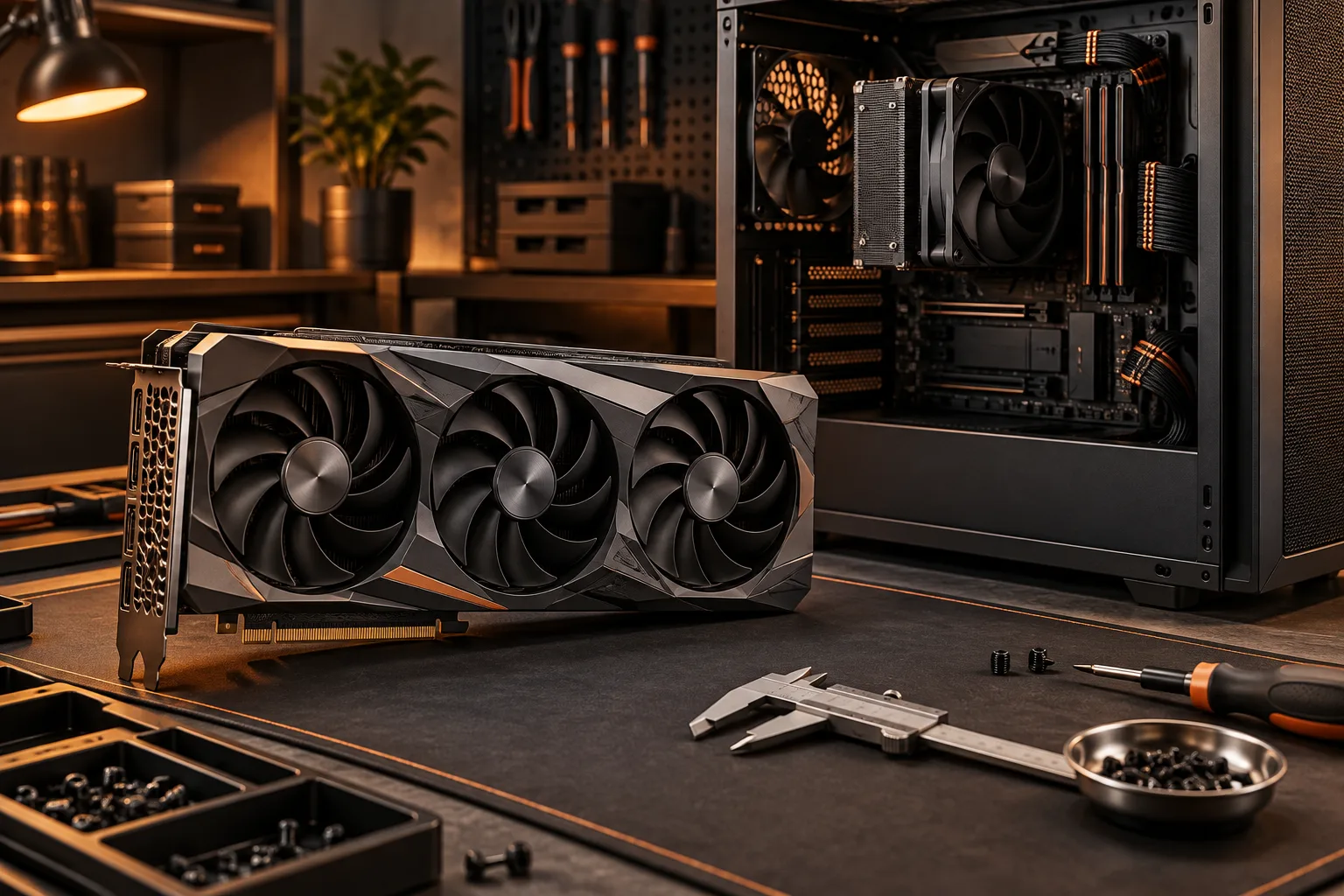
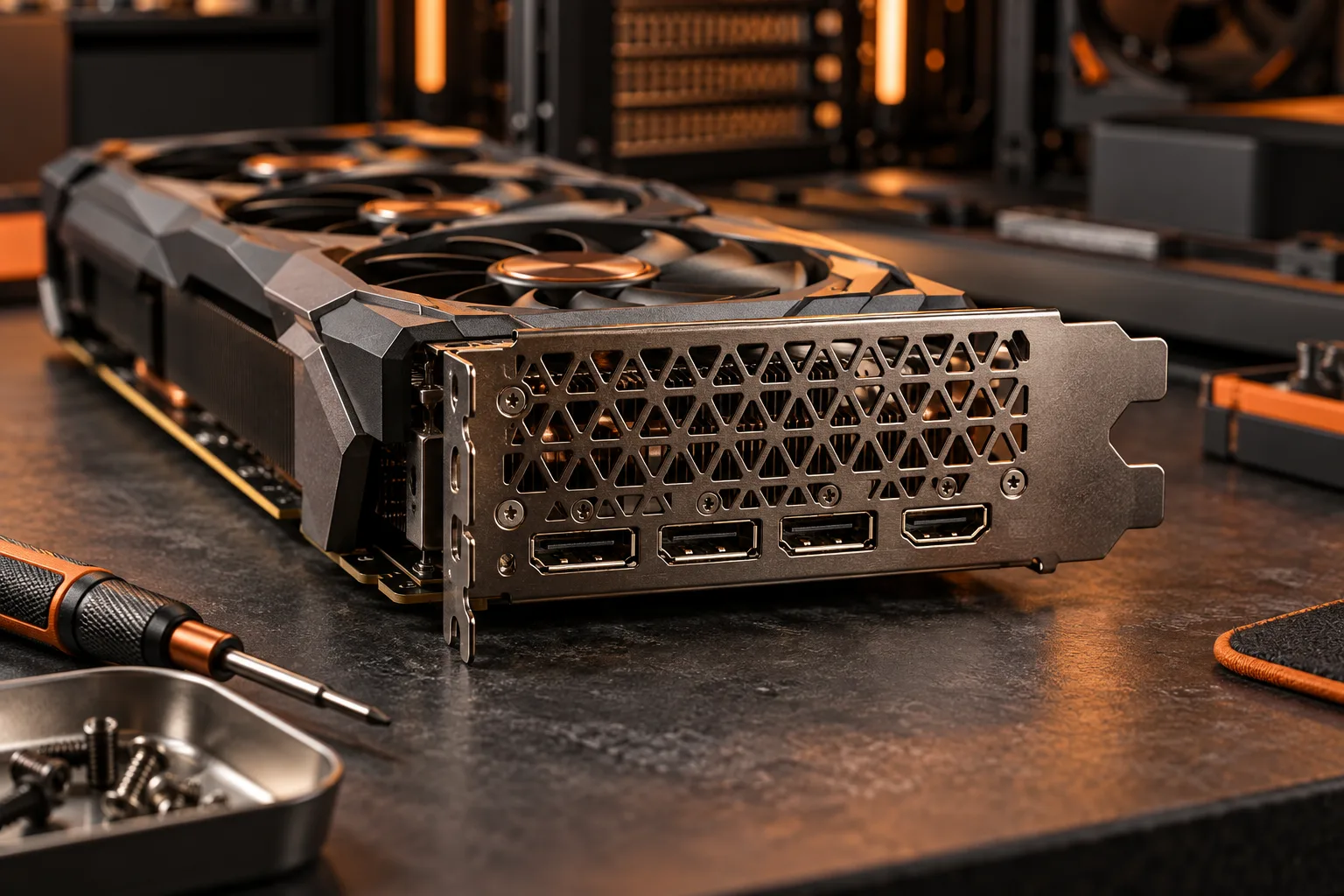
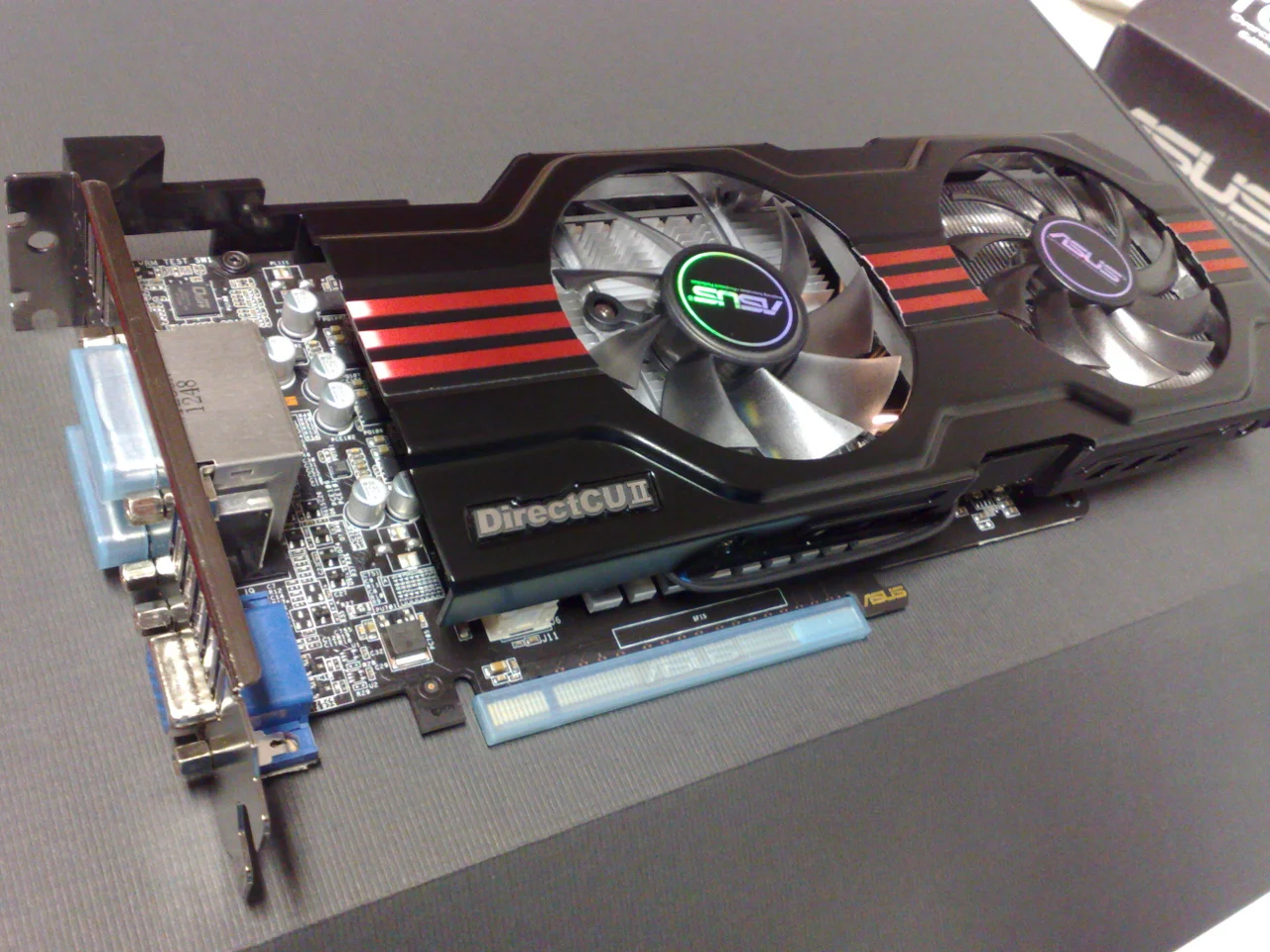
MSI’s support guide directs readers to the exact card’s Specifications and OUTPUT fields or its downloadable data sheet. The archival graphics-card photograph shows why the card bracket is a distinct location from the motherboard rear panel. It does not show the connectors of the current MSI example and should not be used as its port map.
MSI: graphics output specification lookup ?
Separate connector count from simultaneous-display support
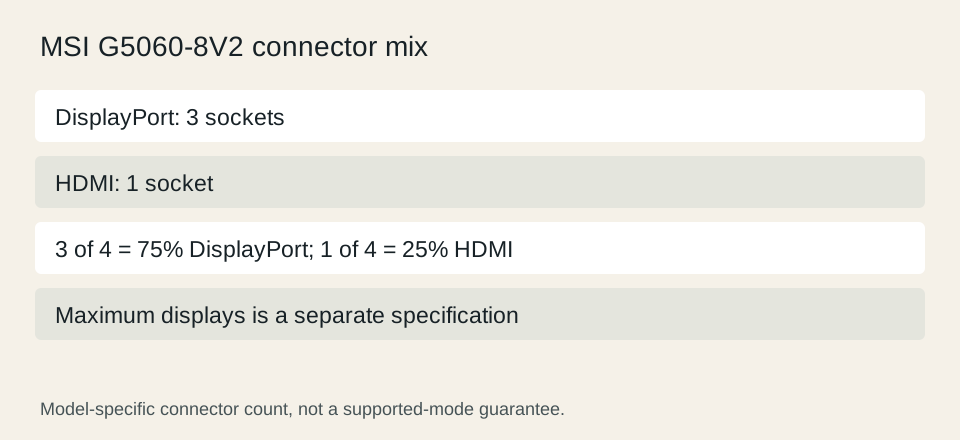
MSI lists the GeForce RTX 5060 8G VENTUS 2X with three DisplayPort outputs and one HDMI output, and a separate maximum-displays value of four. These are model-specific fields. They do not establish that every combination of display mode, adapter and monitor is supported. Use the detailed specifications for the desired mode rather than combining unrelated maximum figures.
For a simple counting exercise, three DisplayPort sockets out of four total video sockets represent 75%; one HDMI socket represents 25%. Those percentages describe connector mix, not image quality or performance. If your proposed arrangement uses two HDMI-only monitors, the presence of four total outputs does not give you two native HDMI sockets. Identify the exact missing connection before comparing alternatives.
MSI GeForce RTX 5060 8G VENTUS 2X output specifications ?
Distinguish motherboard video from the graphics-card route
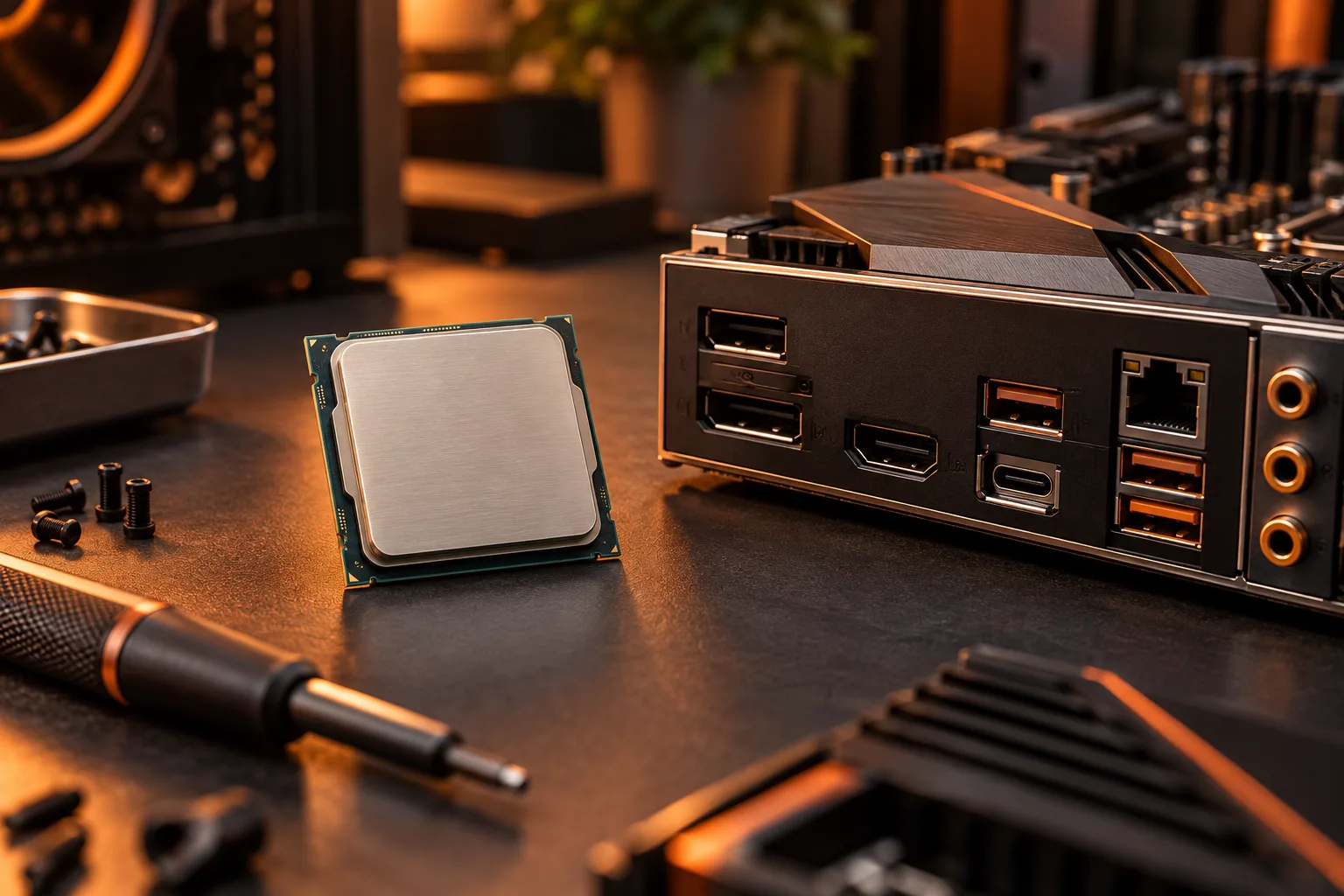
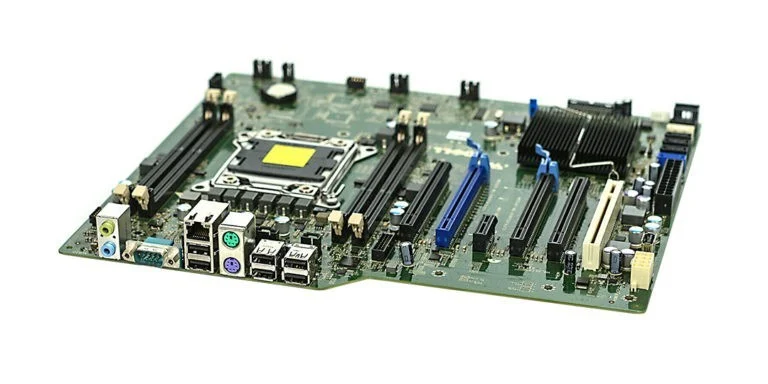
The motherboard rear panel and an installed graphics card can present different display paths. Before planning to use a motherboard socket, establish the exact processor’s graphics capability and the motherboard’s implementation. A visible connector is not sufficient evidence by itself. Preserve that check even if a retail photograph makes every socket look equally usable.
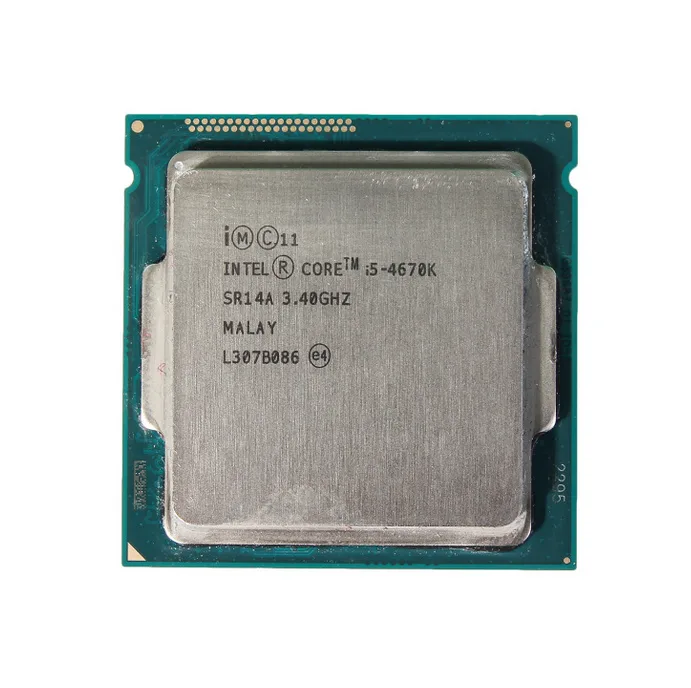
The processor photograph below makes model identification concrete: the complete name is etched on the lid, including its suffix. It is an archival i5-4670K, not one of the processor examples elsewhere on this site. Read the actual CPU specification for your build. Do not remove or handle installed hardware just to copy a label when the order record or manufacturer system information already identifies it.
Treat cables and adapters as part of the specification
Record the cable endpoints and the intended direction of any adapter. Avoid describing an adapter merely as HDMI to something; retain its full model and the input and output roles. Confirm the supported resolution and refresh combination from its documentation, along with any power or operating-system conditions. This page does not endorse an unverified adapter.
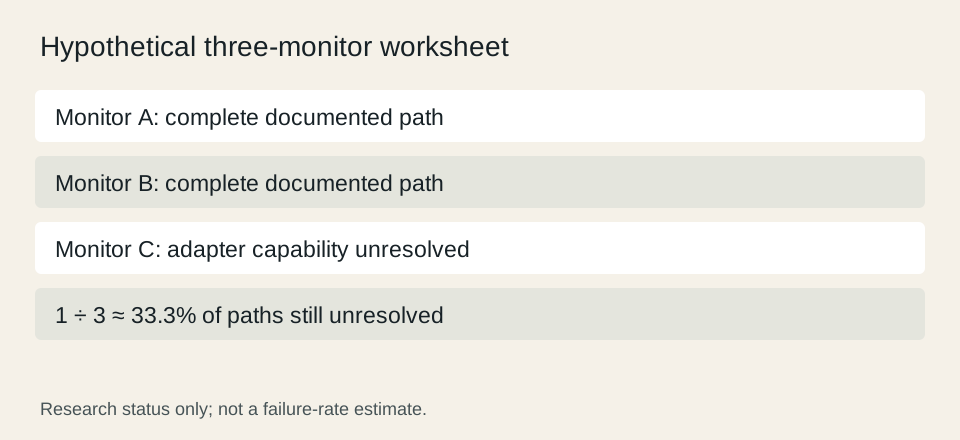
A hypothetical display worksheet may contain three monitors, with two complete connection paths and one unresolved cable or adapter. That leaves one third, about 33.3%, of the paths unresolved. This is a project-planning fraction, not a prediction of failures. Do not buy the graphics card on the assumption that the remaining connection will somehow work.
Check the complete display mode before checkout
Write one line per monitor that connects its input, the cable or adapter and the graphics output to the intended mode. Note whether any published maximum depends on compression or other conditions. A headline maximum resolution and a separate headline refresh number should not be combined into an unsupported mode. Use the manufacturer’s exact paired specification and its footnotes.
Before payment, reconcile the planned cables and adapters with what is actually included in the offer. Keep the seller’s delivery and return conditions with the purchase record. The useful result is a complete map from the selected graphics device to every intended monitor. We have not tested your display chain, so this documentation-based plan does not claim verified operation or a measured gaming result.
MSI: graphics output specification lookup ? MSI GeForce RTX 5060 8G VENTUS 2X output specifications ?