CPU cooler clearance includes the memory and case
Check socket mounting, memory height and the final fan position together before approving a tower cooler.
Updated:
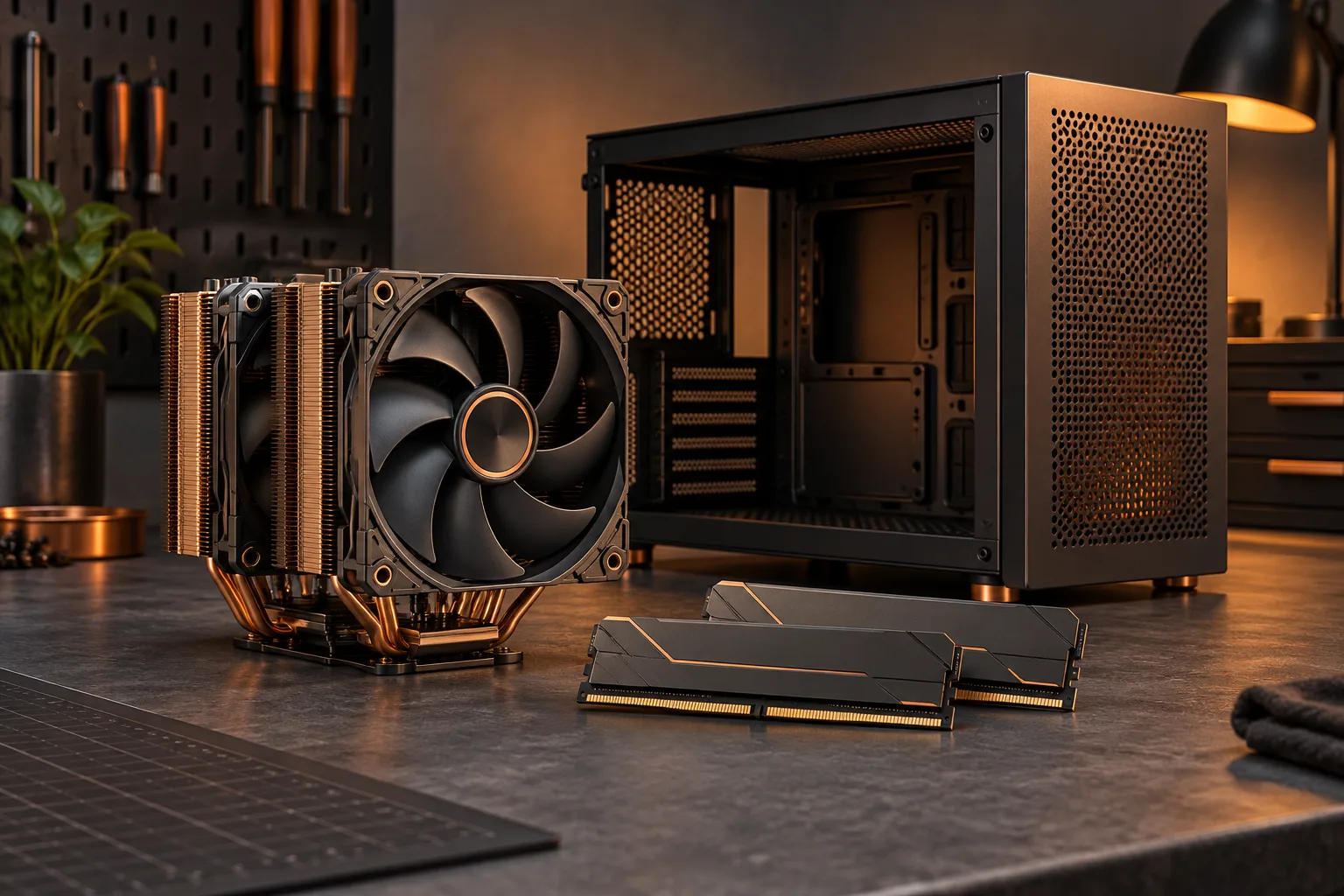
The cooler body is only one part of the installed shape
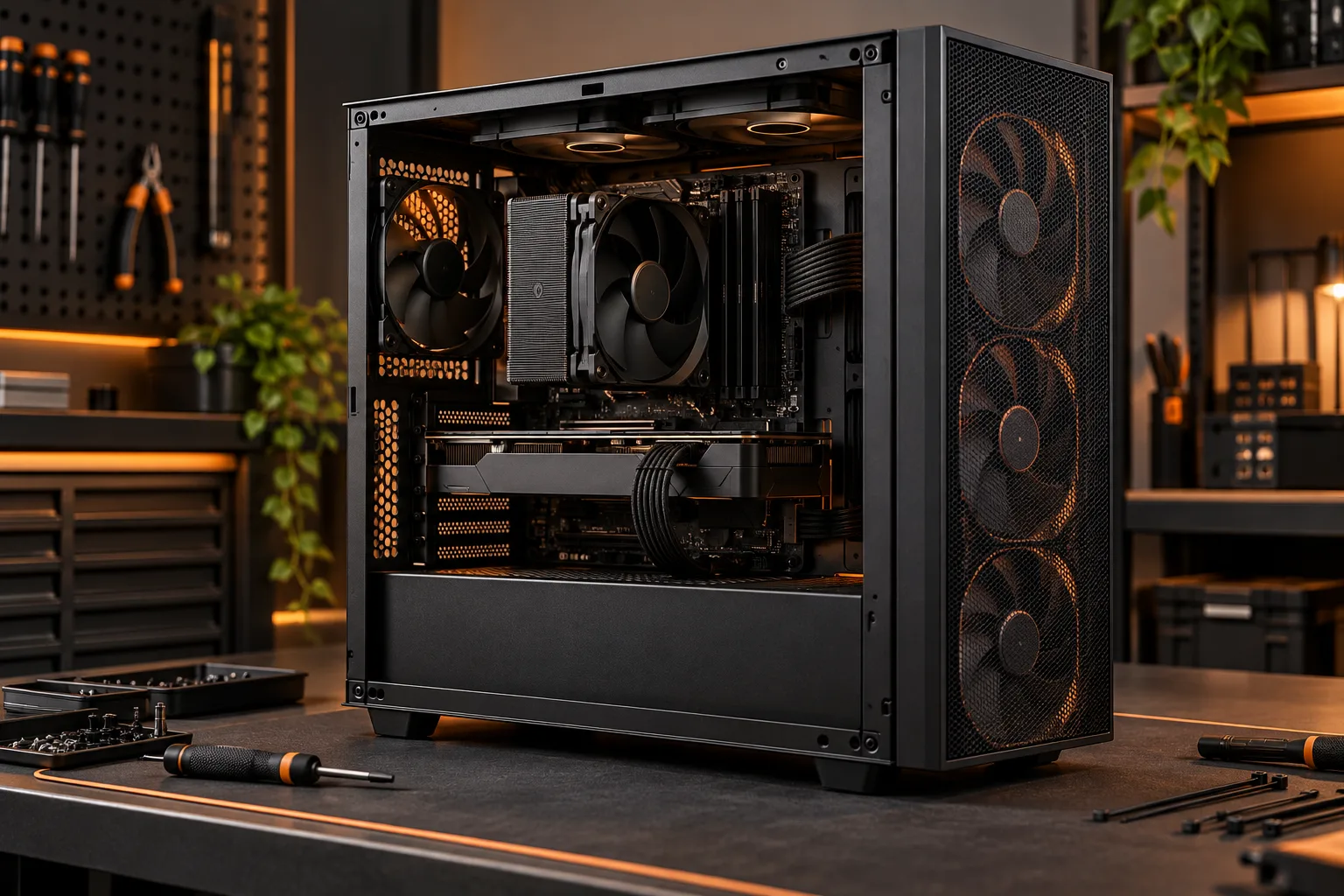
To check a tower cooler, compare the supported mounting arrangement, memory clearance and final installed height with your exact motherboard, memory kit and case. A cooler that supports the processor socket can still conflict with a nearby component or the side panel. Treat these as separate checks and retain the relevant dimensions for the actual configuration you intend to build.
The archival Tuniq Tower 120 photograph shows the tower fins and heatpipes that occupy space above a motherboard. It is not a photograph of the Noctua models used in the worked example below. Do not transfer dimensions between visually similar coolers. Identify the exact product, its mounting hardware and the position of any included fans from its documentation.
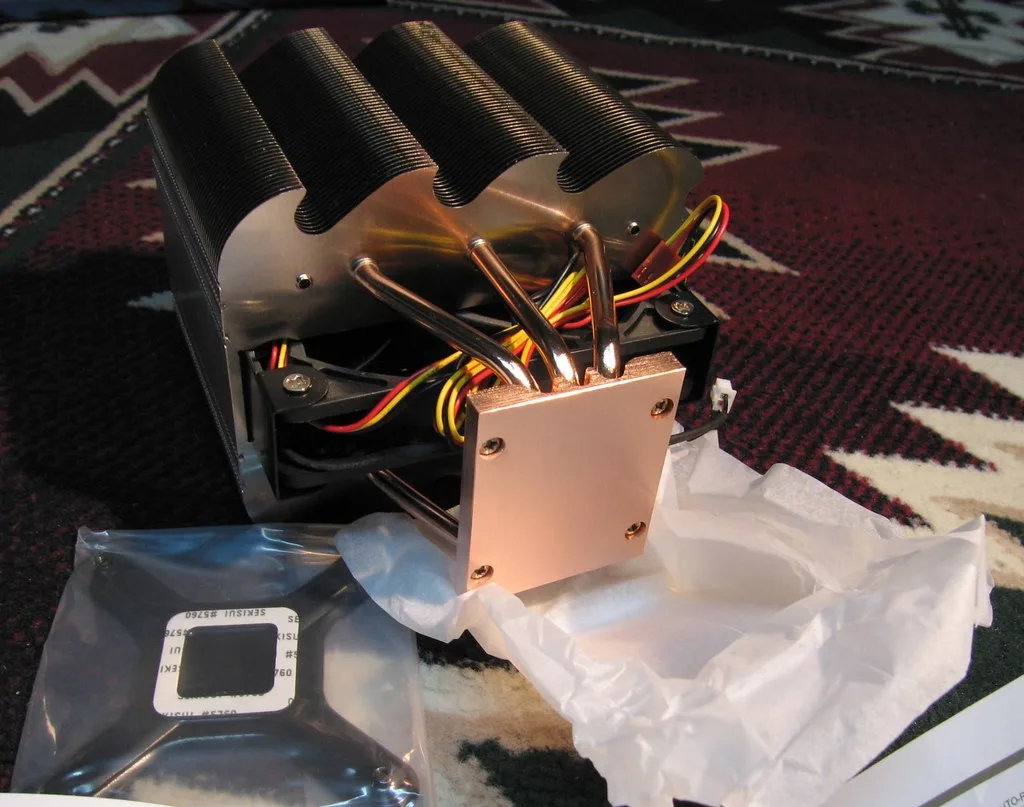
Read the memory module height, including its heatspreader
The memory photograph shows an older module with its own physical outline. It is included to make the occupied space visible, not to establish the dimensions of a current kit. Use the full height of your chosen module, including any heatspreader or decorative top, when comparing it with a cooler that extends over the memory area.
Noctua lists standard RAM clearance of 32 mm for the NH-D15 and NH-D15 G2 in the relevant front-fan arrangement. Its guidance allows raising the front fan when case space permits. This is model-specific information: it does not mean every tower cooler has the same clearance or that removing or repositioning a fan has no other consequences.
Noctua: RAM clearance for CPU coolers ?

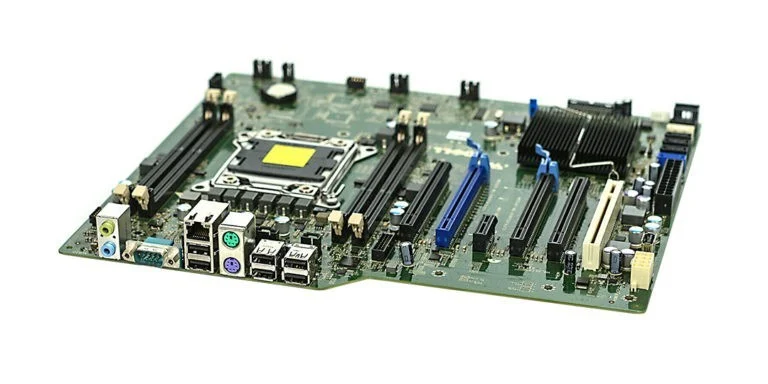
Check the motherboard arrangement as well as the socket
The motherboard photograph illustrates why the processor socket sits among other structures. For your exact board, consult the cooler compatibility information and layout, including any nearby heatsinks or covers. A socket name is necessary for choosing a supported mounting kit, but it is not a complete physical-clearance result for every board using that socket.
Keep the memory population you actually intend to use in the record. The nearest occupied slot may affect the proposed arrangement, and a later memory change can require another clearance check. This guide does not promise that an empty slot or a different fan position solves every interference problem. Use the documented installation rather than an assumed workaround.
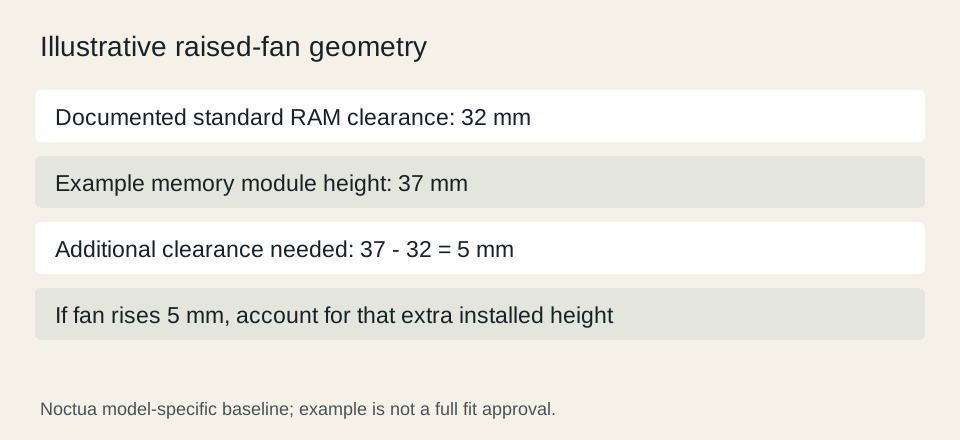
Add a raised fan to the final height calculation
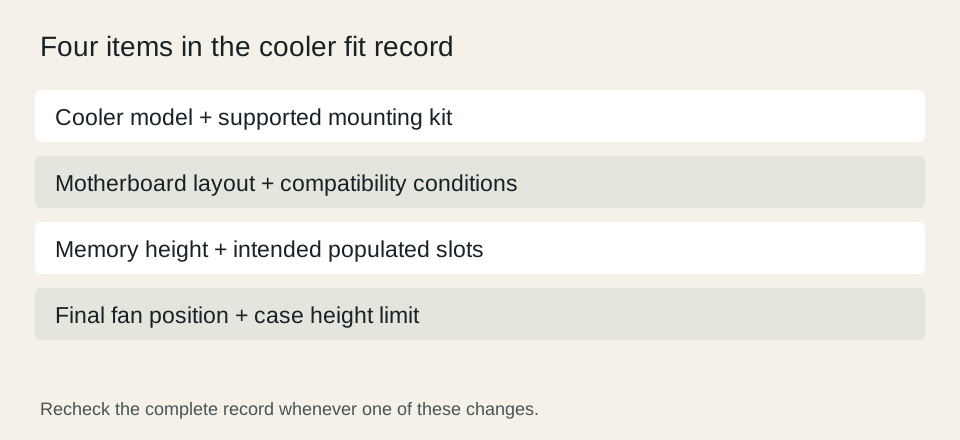
Consider a geometric example based on the 32 mm standard RAM clearance: a 37 mm module would require 5 mm more clearance. If the documented arrangement achieves that by raising the front fan by 5 mm, the highest part of that arrangement also rises by 5 mm when that fan sets the height. Check the resulting installed height against the case specification.
This subtraction describes space, not cooling performance. It does not show that a particular motherboard is compatible or that the case side panel has extra room beyond its published limit. Record the cooler height in the actual fan position you plan to use, and keep any uncertainty about the case measurement unresolved until the manufacturer information answers it.
Noctua: RAM clearance for CPU coolers ?
Approve the complete assembly, then revisit changes
Your final sheet should contain the exact cooler and mounting kit, motherboard, memory kit and case. Include the chosen fan arrangement and the resulting height. If a required measurement is absent, resolve it before treating the assembly as compatible. A retailer phrase such as fits most cases is not a replacement for the specific dimensions.
Recheck the sheet when changing memory, the case or the cooler configuration. The fact that a previous combination fit does not establish the next one. This process addresses installation geometry only; noise, sustained cooling and processor behavior require appropriate product evidence or measurements and cannot be predicted from a few clearance figures.